Lighthouse SOLAIR 3350, 5350 Gen E Operating Manual
6-16 248083387-1 Rev 10
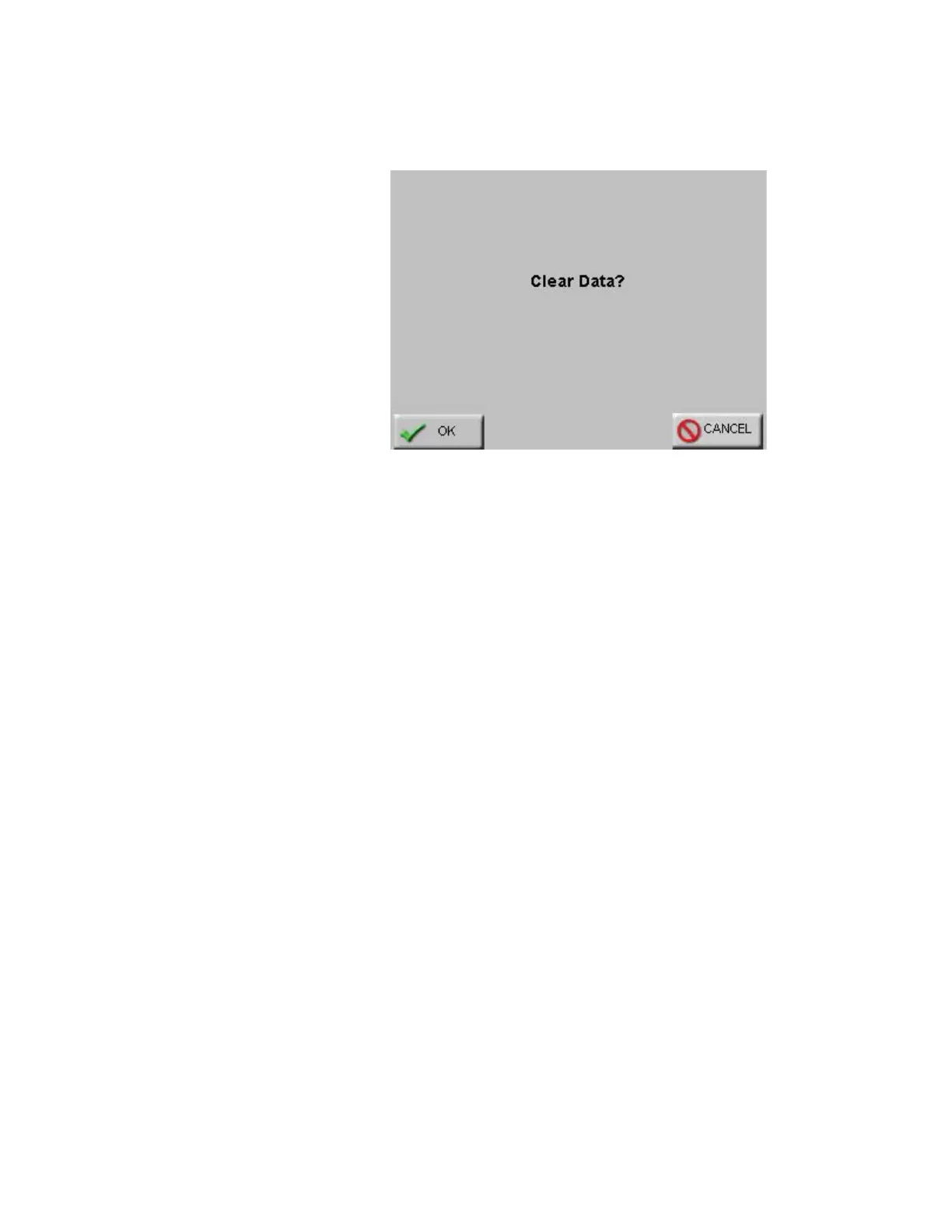
• Pressing MAIN or BACK will prompt to clear all collected data as
shown in Figure 6-19.
Figure 6-19 Clear Data Screen
• From this screen, the user can press OK to clear the data.
If the user selected the MAIN button from the Particle screen, then
selecting OK will return to the MAIN screen. If the BACK button
was selected, then selecting OK will return to the CONFIG screen.
Selecting CANCEL will cancel any changes and return to the
Particle screen.
When channels are disabled, they are removed from the MAIN screen
display, from the reports and from the printouts.
The channel size for any disabled channels remains in the Data screen
but the instrument does not record data for them.










 To Next Page