Operate Counter
248083387-1 Rev 10 6-19
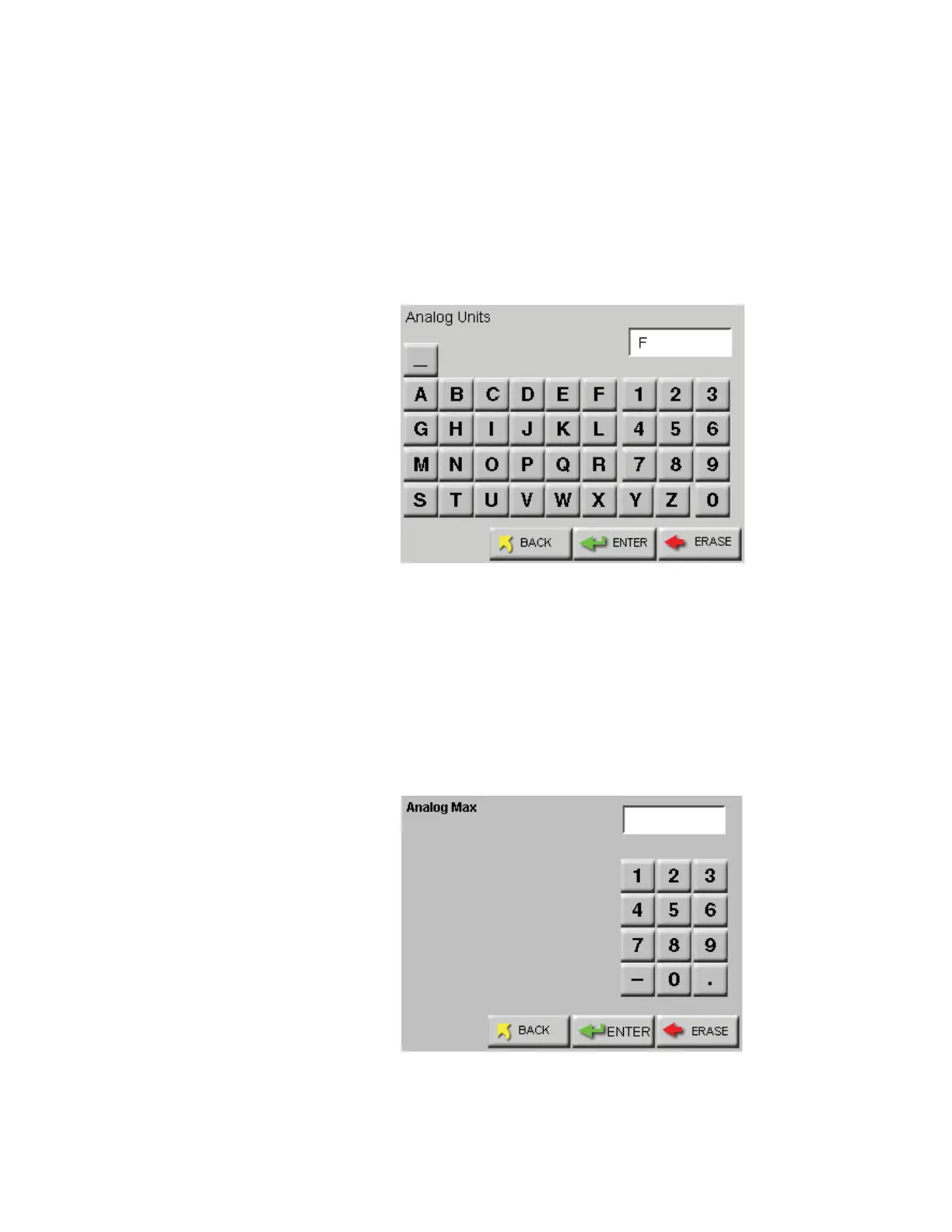
Touching the UNITS column allows entering units for the channel,
such as PCT, F, kPa and FPM (Maximum of three characters). The
example shown in Figure 6-23 illustrates temperature in Fahrenheit
using the letter “F”.
Use the ERASE button to erase one character at a time and the ENTER
to accept the value. The BACK button will return to the previous screen
without making any changes.
Figure 6-23 Analog Units Screen
Touching the MIN or MAX column button, activates the screen shown
in Figure 6-24. Press the number buttons to enter the desired value
followed by the ENTER button.
Press the ERASE button to erase the value, one character at a time or
press BACK to return to the previous screen without making any
changes.
Figure 6-24 Analog Min / Max Values Setting Screen
150.00










 To Next Page