Operate Counter
248083387-1 Rev 10 6-69
• Select BACK to return to the main REPORTs screen or select
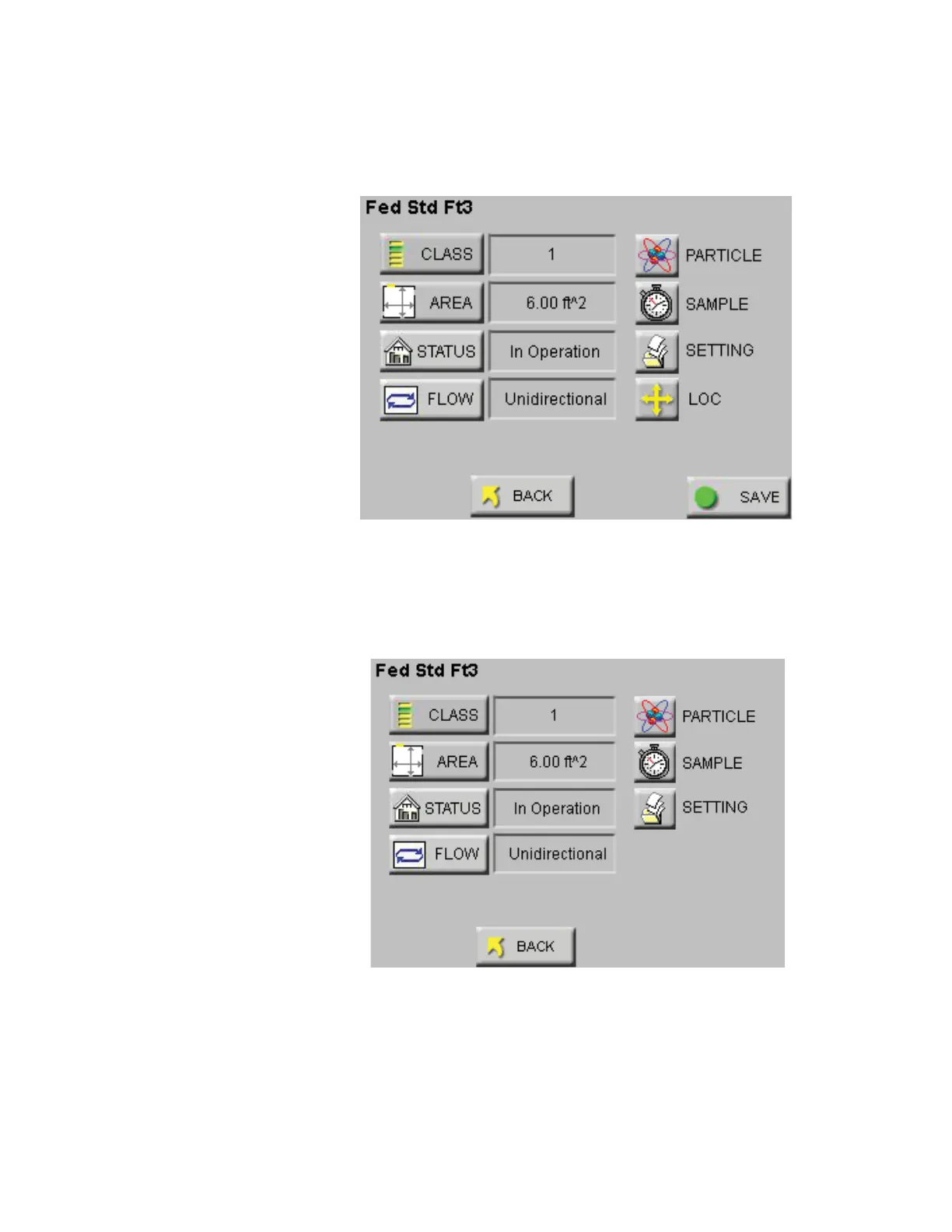
SAVE to save the configuration in the Recipe database. See Figure
6-91.
Figure 6-91 Reports Setup Screen
• When “REPORTS” are enabled, the “LOC” and “SAVE” buttons
are displayed only when there are at least the minimum number of
locations needed for the recipe area available. See Figure 6-92.
Figure 6-92 Reports Setup Screen No Locations
The next section contains an example of setting up the instrument to
run a report.










 To Next Page