Operate Counter
248083387-1 Rev 10 6-31
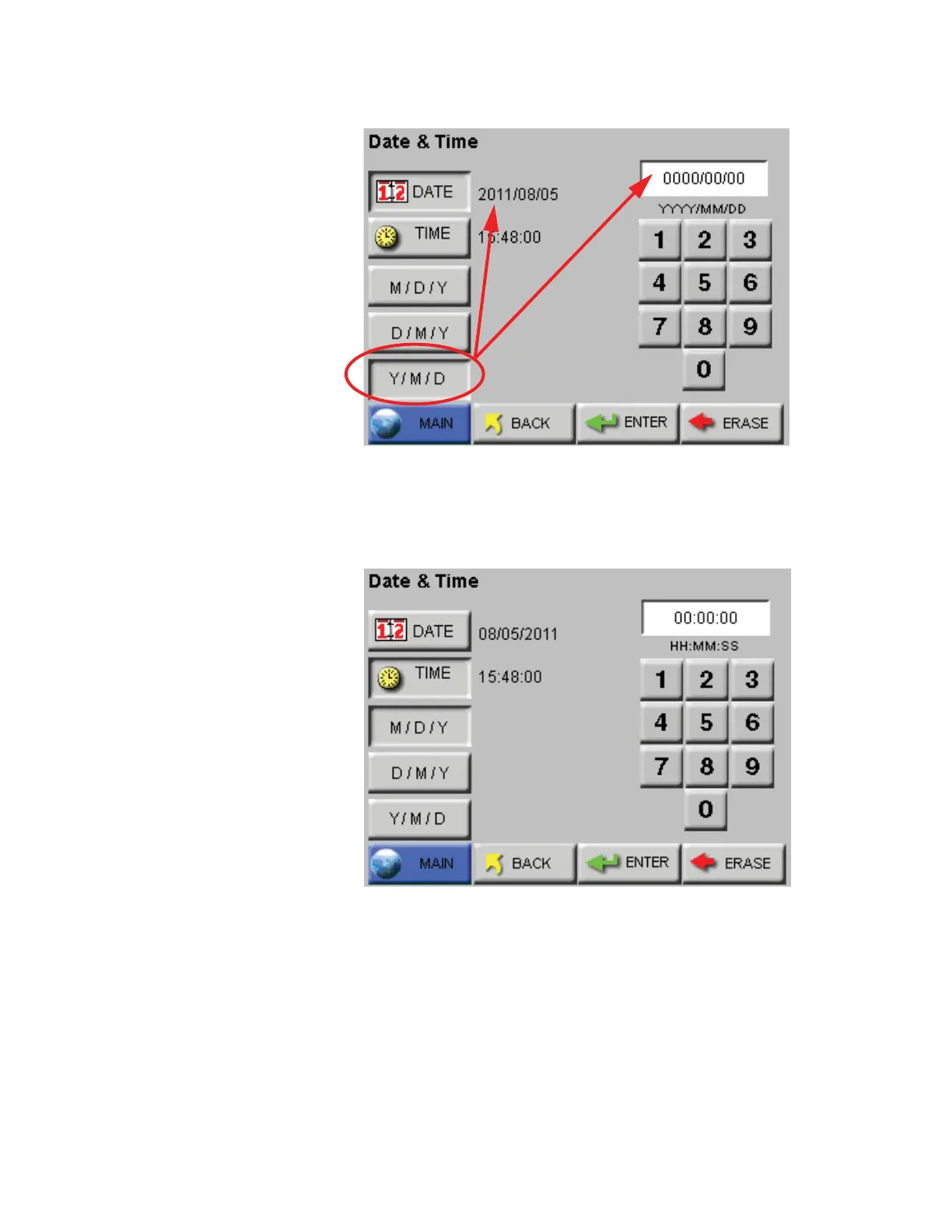
Figure 6-39 Date Option: Year First
Set the instrument’s Time by pressing the TIME button. See
Figure 6-40.
Figure 6-40 Configuring TIME
Enter the desired Time in hours, minutes and seconds then press
ENTER to save the new time.
Press BACK to return to the Configuration screen or press MAIN to
return to the MAIN screen.










 To Next Page