7.3 Error Codes
If a fault, error, or warning condition is found by the microprocessor during the start-up, special
mode, or normal operation of the laser system, then the laser system will go into “STANDBY”
mode and an error message will be shown on the LCD screen. The laser system is disabled and
cannot be used when this occurs.
If an error message is regularly shown on the LCD screen, then an authorized Service Engineer
must check the laser system and adjust accordingly.
Under no circumstances should unauthorized or untrained personnel attempt repairs.
Refer to Section 9 for warranty details and conditions.
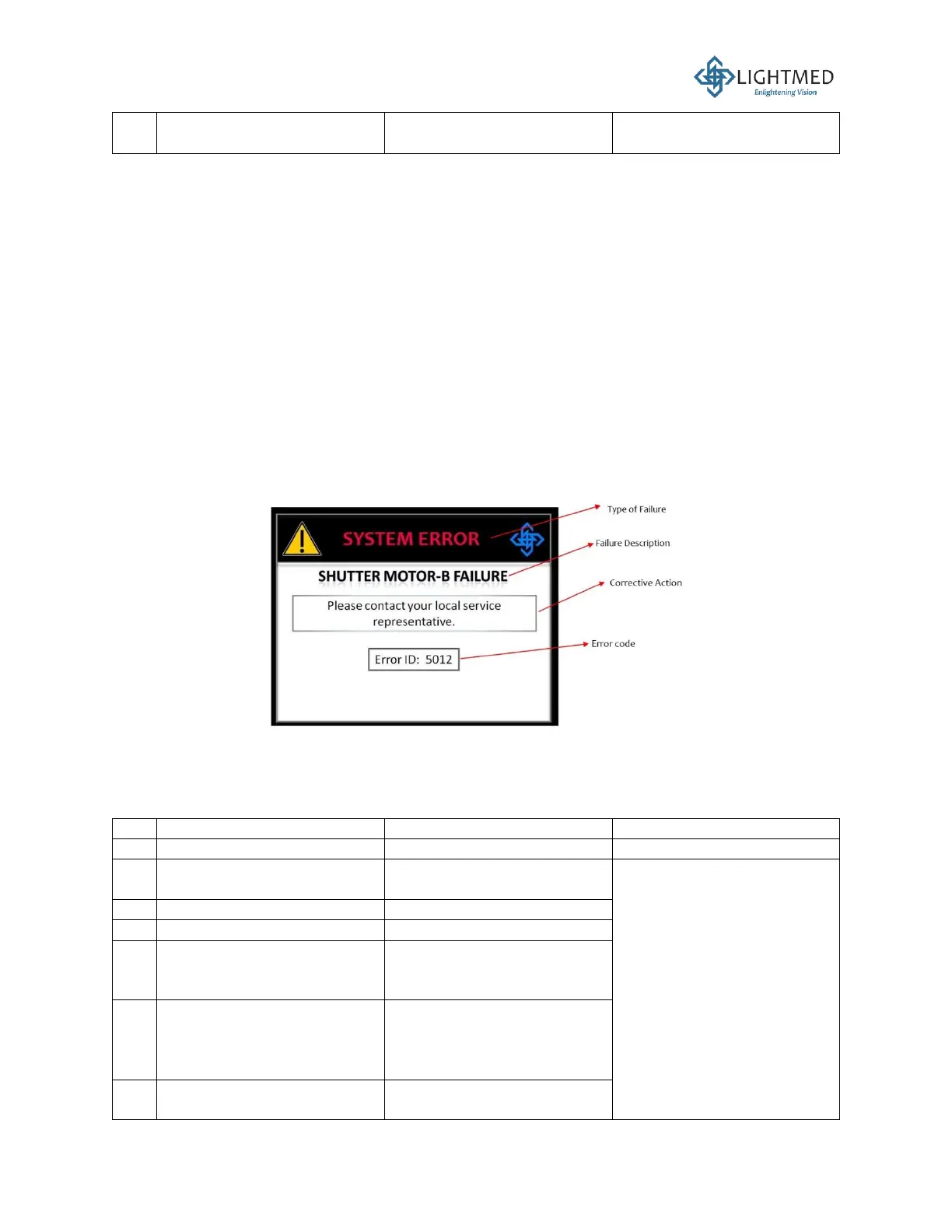
The error codes of the TruScan system are typically in the 3- or 4-digit format, as shown in Figure
49 below.
Figure 44: Error code example.
A complete list of the error codes for TruScan Pro laser system is as follows. If any of these
symptoms persists, please call the Manufacturer or local authorized Service Engineer.
Turn the system OFF, call
the Manufacturer or local
authorized Service
Engineer



 To Next Page