EasyManua.ls Logo

Lightmed TruScan Pro - Output Power Record Sheet

Lightmed TruScan Pro
109 pages
Print Icon
To Next Page IconTo Next Page
To Previous Page IconTo Previous Page
Loading...
LIGHTMED TruScan Pro Operator’s Manual Rev. No. 01 Page 91 of 109
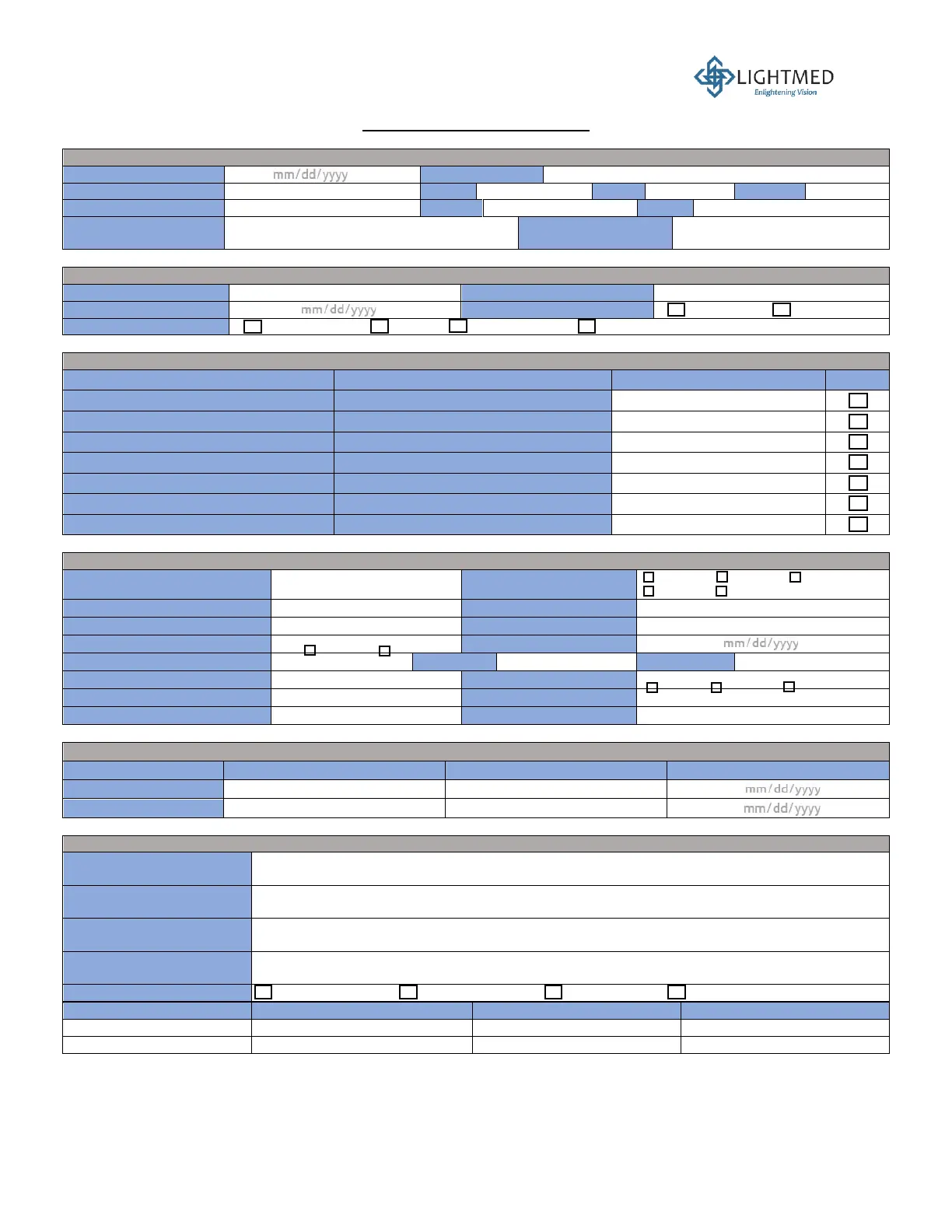
Output Power Record Sheet
1. CUSTOMER INFORMATION
Service Request Date
Customer Name
Customer Address
City
State
Country
Contact Person
Phone
Email
Customer Signature
Distributor (if known)
2. SERVICE DETAILS
Service Engineer Name
Service Company Name
Service Date
Service Location
On-site LIGHTMED
Service Type
Installation PM Fault repair Other: _____________________________
3. DEVICE USER SETTINGS
PARAMETERS
EXAMPLE
USER SETTINGS
N/A
Binoculars Diopter (Left / Right)
-1 / -2
Magnifier
5 / 8 / 14 / 25 / 38X
Elevation of Slit Lamp Tower
Center
Slip Lamp Intensity
50%
Slit Lamp Filter Color
Blue / Red / Green / White
Slit Aperture
0.3 / 6 / 10 / 13 mm / Continuous
Slit Width
100% Open
4. SYSTEM DETAILS (“N/A” if not applicable)
Laser Console Product Name
Wavelength(s)
532 nm 561 nm 577 nm
670 nm 810 nm
Laser Console S/N
SHG Temprature
___________ °C
BRF Temperature
___________ °C
Case Temperature
___________ °C
Warranty
Yes No
Warranty Expiry Date
Table Type
Table S/N
Column S/N
Console Software (Cal. Mode)
PC Software (Cal. Mode)
Shot Count (Cal. Mode)
Slit Lamp Tower
Low Split N/A
Slit Lamp S/N
LIO S/N
5. TEST EQUIPMENT
Equipment Name
Equipment Model Name
Equipment Serial Number
Calibration Due Date
Power Meter
Power Detector Head
6. SERVICE SUMMARY
Reported Issue
Conditions Observed
Actions Taken
Next Recommended Action
System Status
Working properly Faulty, not in use Part shortage Other: ___________________
Part Replaced Name
Part Number
Old Part S/N
New Part S/N

Table of Contents

Related product manuals