LIGHTMED TruScan Pro – Operator’s Manual Rev. No. 01 Page 88 of 109
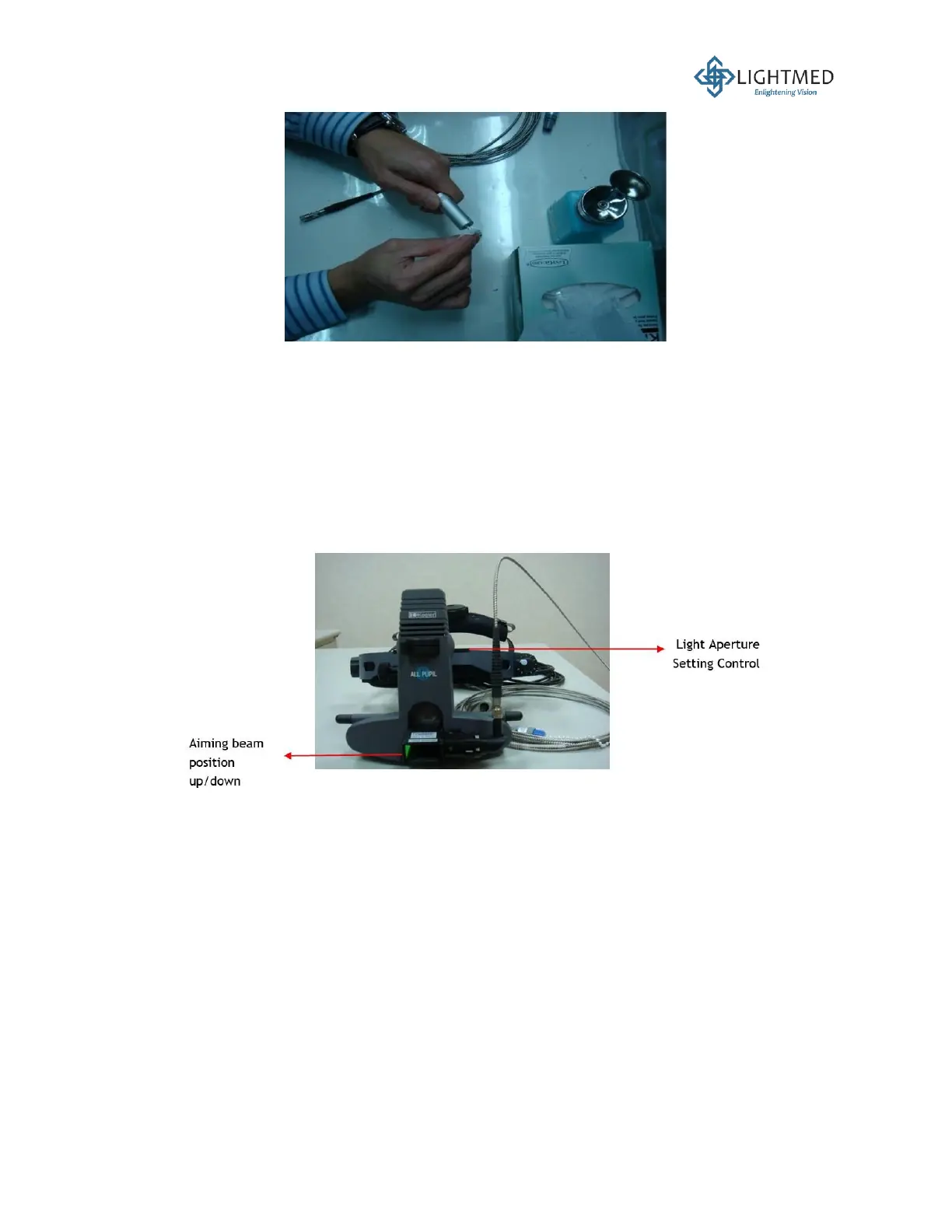
Figure 40: Fiber tip cleaning.
3. Ensure that all the LIO connections and connectors are secured in place in Port 2.
4. Place the LIO on the stable and hard surface, i.e. a tabletop.
5. Verify that the aiming beam is being delivered correctly from the LIO by aiming it to the wall.
Set a focal distance of approximately 30 cm. Press the footswitch to fire the LIO.
6. Fit the LIO onto your head and adjust the two knobs to align the interpupillary distance.
7. Verify that the spot size or zoom system is in correct configuration, from the smallest to largest
size.
8. Ensure that the different light aperture setting, and the aiming beam position are functioning
properly (Figure 41).
Figure 41: LIO control knobs.
5.6.2 Endoprobe (Optional) Alignment
1. The Endoprobe is a sterilized single-use device, so no installation is needed. However,
verification is required to ensure that the Endoprobe packaging has not been tempered with
or used previously prior to a new treatment session.
2. LIGHTMED carries two types of Endoprobes:
i. Straight (P/N: 620009)
ii. Curved (P/N: 620010)
3. Ensure that the Endoprobe coupling plug is well fitted prior to attaching it to the laser console
aperture (Figure 42).



 To Next Page