LIGHTMED TruScan Pro – Operator’s Manual Rev. No. 01 Page 30 of 109
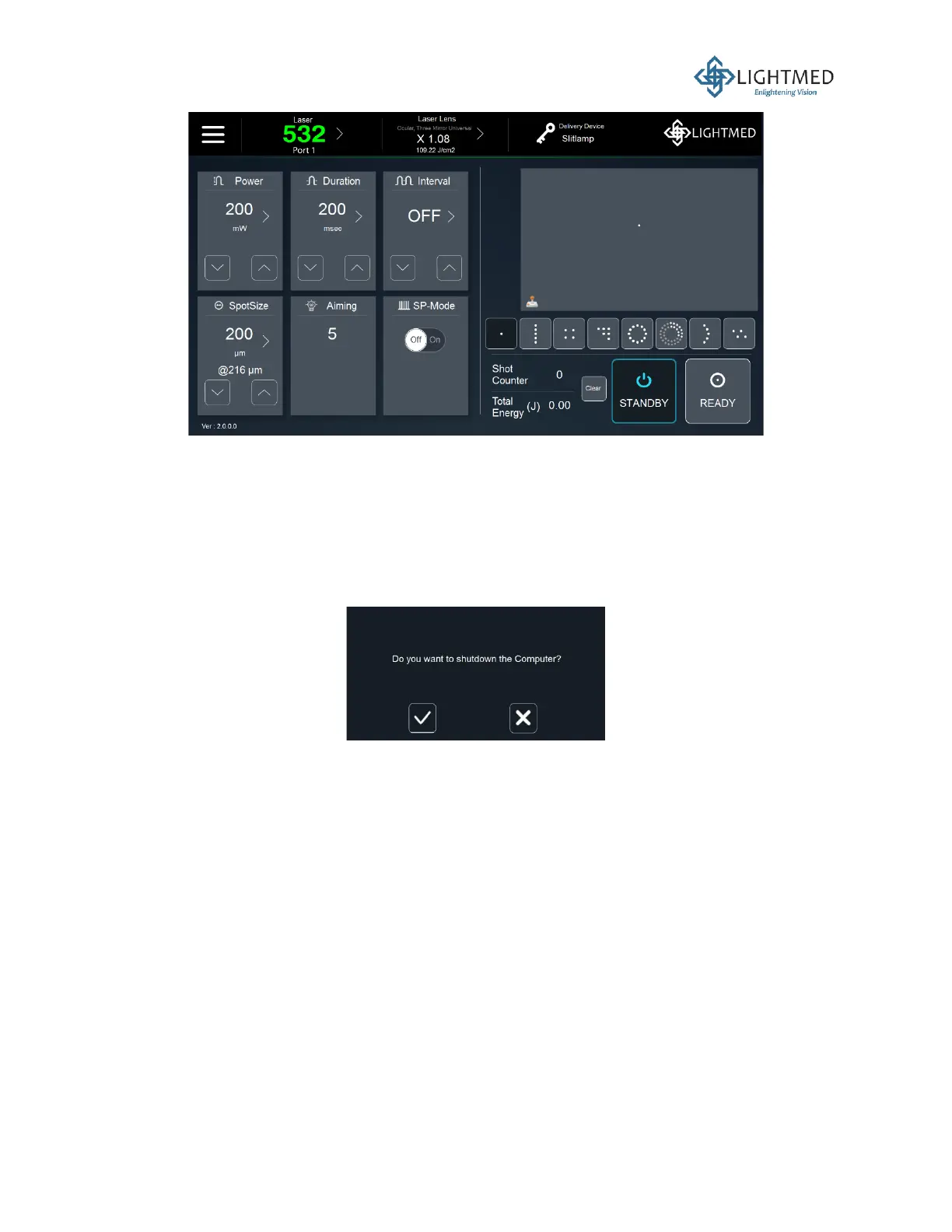
Figure 7: System software display when is in "STANDBY" mode.
9. The system will automatically return to “STANDBY” mode when:
• No controls are operated for 10 minutes, or
• Any warning or error messages occur.
10. The software must be shut down first before the console. Press the red power button on the
LCD screen to turn the software OFF. A message prompt will appear for you to confirm the
shutdown, as shown in Figure 8 below:
Figure 8: Shut down screen display.
11. In the case of an emergency, the red emergency button should be pressed, and it will
automatically cut off all power to the system. Normally, the power can be turned OFF by
pressing the power button on the console.
The user is expected to be trained and possess knowledge in the intended use and application of
the laser system in any surgical treatment sessions. On top of that, the laser system must be used
in a clean and controlled environment. When performing endophotocoagulation procedures, a
sterile surgical site should be enforced to reduce the risk of infection. European National
Requirements may apply in some EU countries and are to be observed by those related users.
Depending on the type of surgery performed, the delivery unit used, and the condition of the
patient, the user must decide on the modality of the laser user and whether an assistant is required
during the treatment session.
As the laser system is designed to deliver the laser beam to transfer heat to the tissue, care must
be taken to avoid dangerous situations that could cause fire or explosion. The laser should not be
fired in the direction of flammable gases or liquids, which may be present in the operating room.



 To Next Page