LIGHTMED TruScan Pro – Operator’s Manual Rev. No. 01 Page 80 of 109
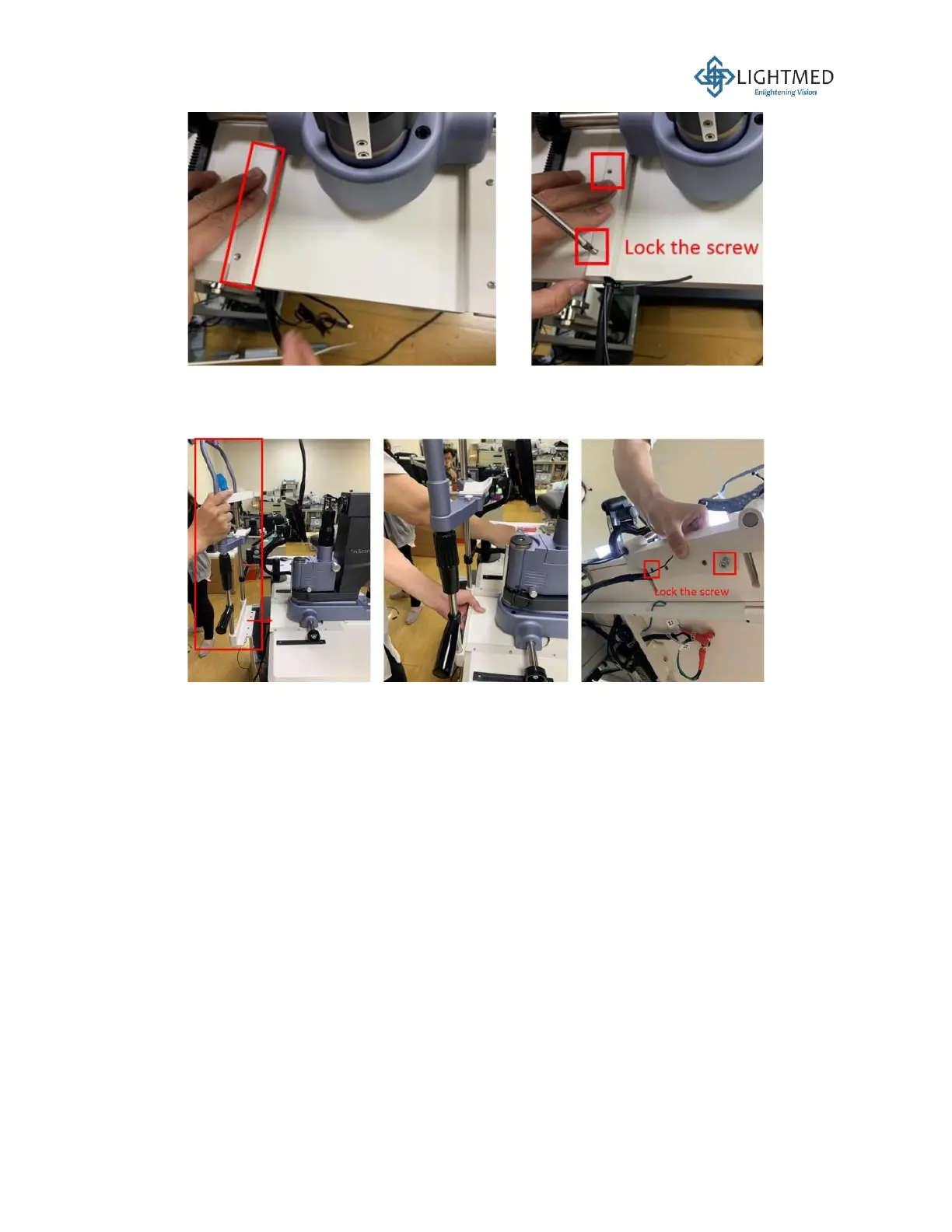
Figure 23: Screwing the metal cable cover plate back onto the tabletop.
11. Use a 5 mm hex wrench to secure the four screws underneath the tabletop to secure the
chinrest to the tabletop (Figure 24).
Figure 24: Attaching the chinrest to the tabletop.
12. Route the cables and fiber from the slit lamp and chinrest through the left hole (the hole closest
hole to the table column) underneath the tabletop for cable management (Figure 25).



 To Next Page