EasyManua.ls Logo

Lightmed TruScan Pro - Page 38

Lightmed TruScan Pro
109 pages
Print Icon
To Next Page IconTo Next Page
To Previous Page IconTo Previous Page
Loading...
LIGHTMED TruScan Pro Operator’s Manual Rev. No. 01 Page 38 of 109
If the user selected a type of contact lens from this list, the laser output
is displayed as fluence (J/cm
2
).
The magnification factor of the contact lens must be specified to
calculate fluence.



󰇡


󰇢󰇡


󰇢
󰇛
󰇜
󰇡


󰇢
The fluence is automatically recalculated when any contact lens field
changes.
11
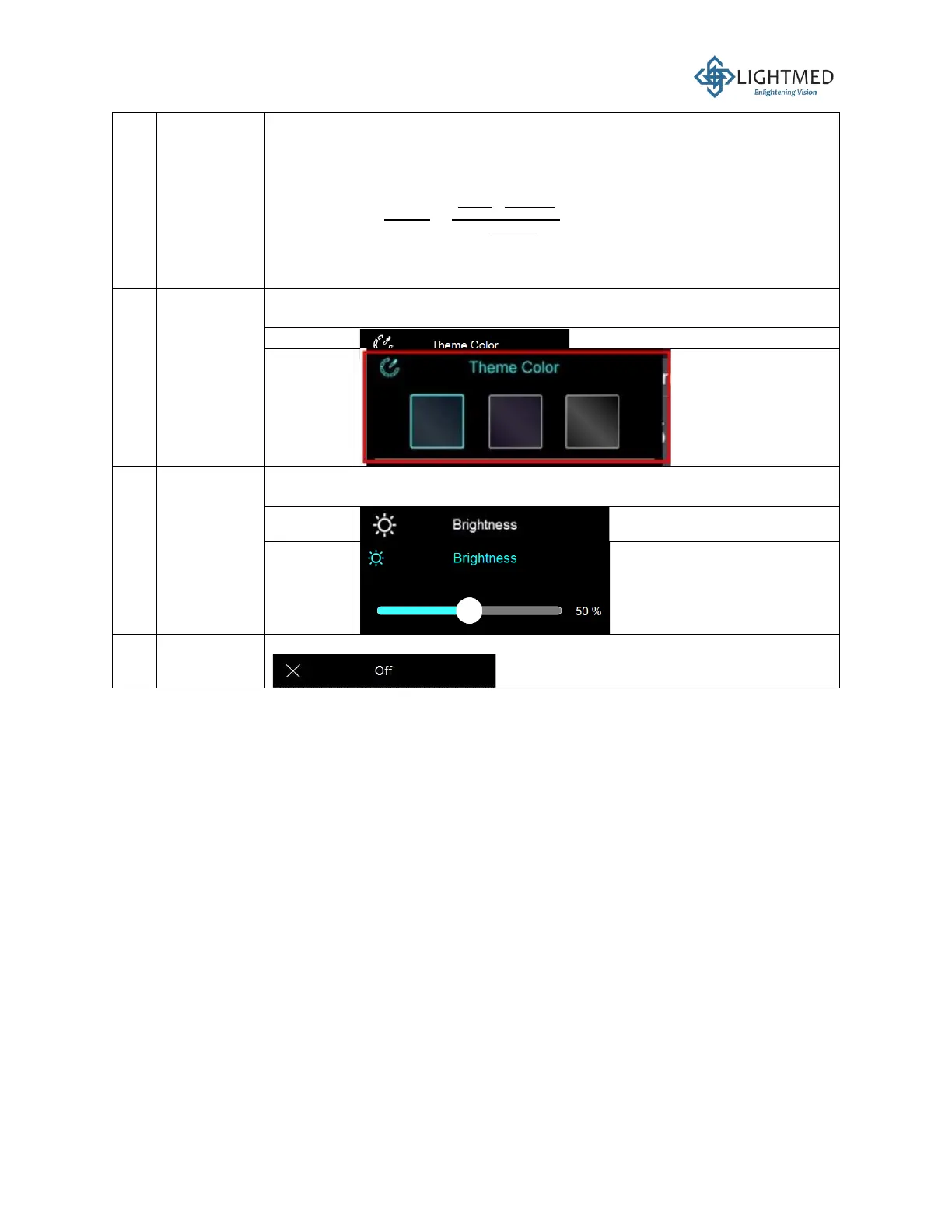
Theme
color
This function changes the user interface color. The colors available are
black, blue, and purple.
Inactive
Activated
12
Brightness
The brightness control bar has a slider that adjusts the brightness of the
screen display.
Inactive
Activated
13
Off
This button shuts down the LCD screen, but not the console.

Table of Contents

Related product manuals