106
result = 1;
RESTORE:
Restore_config_RBB (); //restore configuration
return result;
}
A3.3.2 RBB High band Calibration
Calibration steps:
1. Save current configuration
2. Select channel
3. Calibrate (by measurement using loopback path 8) the control value of the CBANK(
High Band Section) at the 37MHz/2 bandwidth. => Register the CBANK control
value for the high-band section for 37MHz rxMode.
4. Calibrate (by measurement using loopback path 8) the control value of the CBANK(
High Band Section) at the 66MHz/2 bandwidth. => Register the CBANK control
value for the high-band section for 66MHz rxMode.
5. Calibrate (by measurement using loopback path 8) the control value of the CBANK(
High Band Section) at the 108MHz/2 bandwidth. => Register the CBANK control
value for the high-band section for 108MHz rxMode.
6. Restore configuration
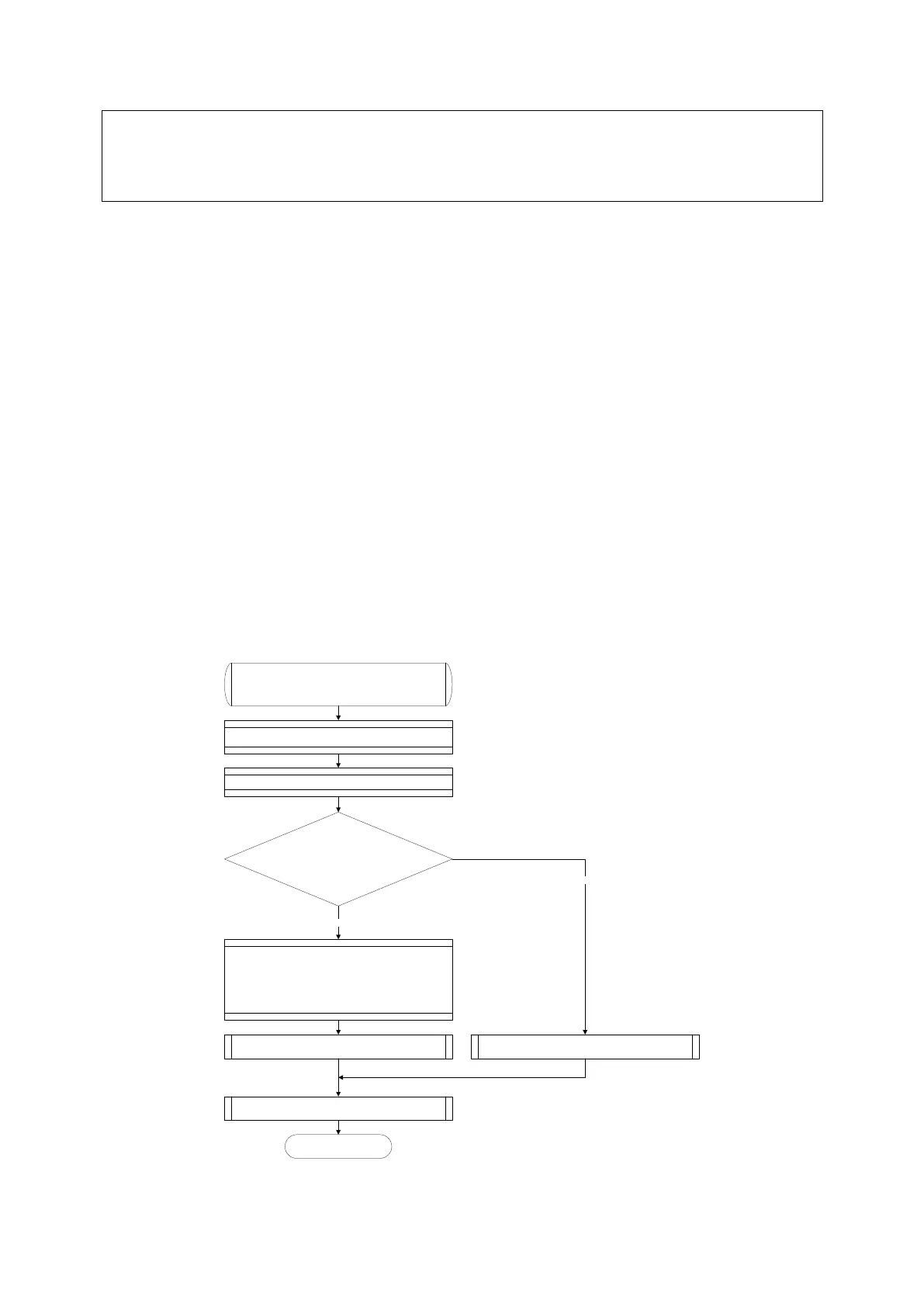
Calibration_HighBand_RBB
Input Parameters: channel
Return Parameters: status
Perform Algorithm_B_RBB Procedure and get Result
Result == TRUE
YES
Perform Algorithm_F_RBB Procedure for 37.0 MHz band
and get Result
Perform Algorithm_F_RBB Procedure for 66.0 MHz band
and get Result
Perform Algorithm_F_RBB Procedure for 108.0 MHz band
and get Result
Result := TRUE
Restore configuration
Return Result.
END
Result := FALSE
NO
Save current configuration
Select channel
Figure 34 RBB High Band calibration algorithm



 To Next Page