D9U001GKB-0101 51/150
4.13 Full HD GKB – Screen
The screen is supplied 12 V DC voltage from a power supply placed in the
chassis. The power supply is powered from the mains by the chair's power
cable.
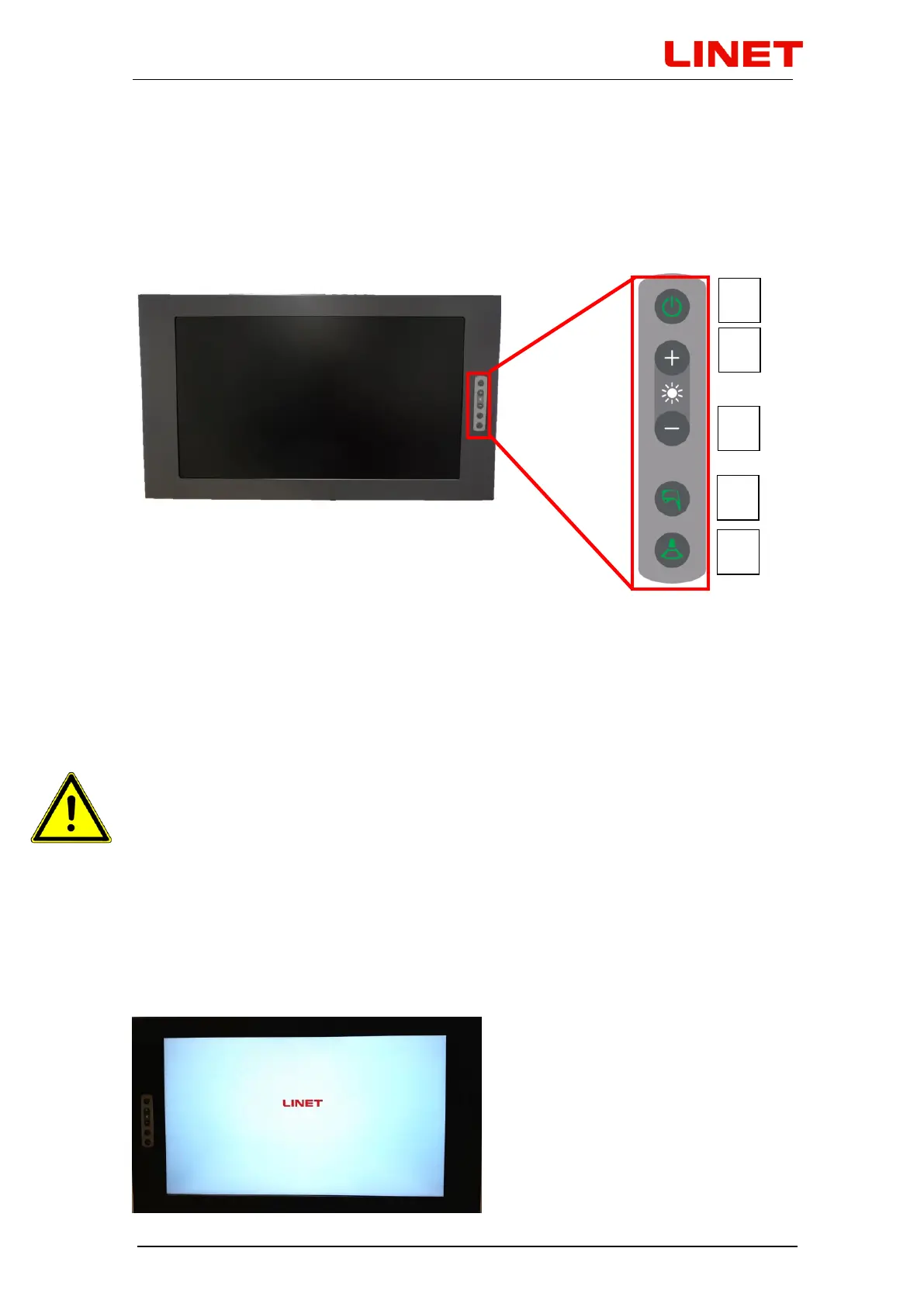
The monitor (21.5") includes a control panel on the front (the image shows the
right hand side option). Each button has the following functionality:
1) Power on/off*
2) Access/browse the menu and adjust values
3) Access/browse the menu and adjust values
4) Turn on displaying the image from the video colposcope (in case the video
colposcope is off or on stand-by, it will switch on). Confirm the selected
value by pressing ‘enter’.
5) Turn on displaying the image from the external input of the video converter
(ultrasound). For return without saving select ‘exit’.
• If only one external device (ultrasound) is connected to the GRACIE
chair, pressing of the appropriate button on the control keyboard on
the screen will display its image on the screen, regardless of whether
HDMI or VGA input is used (the converter is able to identify it).
• If two external devices are connected to the chair, one into HDMI and
the other to VGA input, pressing of the button on the control keyboard
will display image primarily from HDMI input. Second pressing will
switch over to image from VGA input.
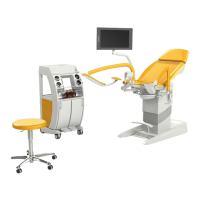
* Initialization takes place after the screen is switched on. The status is shown
in the picture.


 To Next Page