70/150 D9U001GKB-0101
7) The default password is 12345678. To change the password refer to
Section 5.8
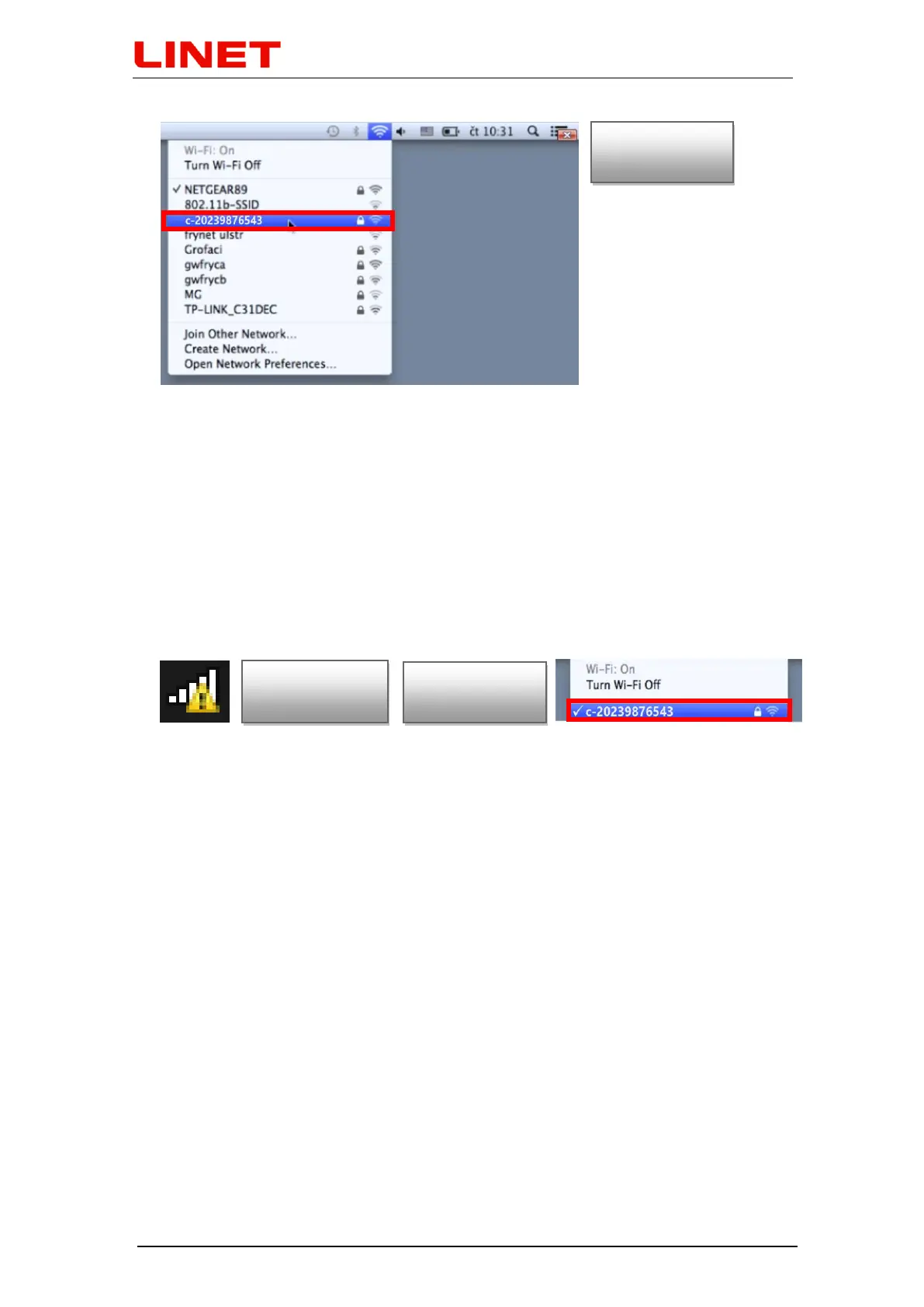
8) After entering the password, the doctor's PC/MAC is connected to the
GRACIE chair. This process depends on the operation system of your
PC/MAC. Connection may take from one to two minutes.
9) Successful connection is indicated by the WLAN network icon on the main
panel. The icon can be marked with a yellow triangle indicating that the
PC/MAC is not connected to the Internet. This is correct as you have
connected to the GRACIE chair and not to the Internet.
10) Now the GRACIE chair is wirelessly connected to the doctor's PC/MAC. To
set up a storage folder, refer to Section "5.6 Connecting a network folder…"


 To Next Page