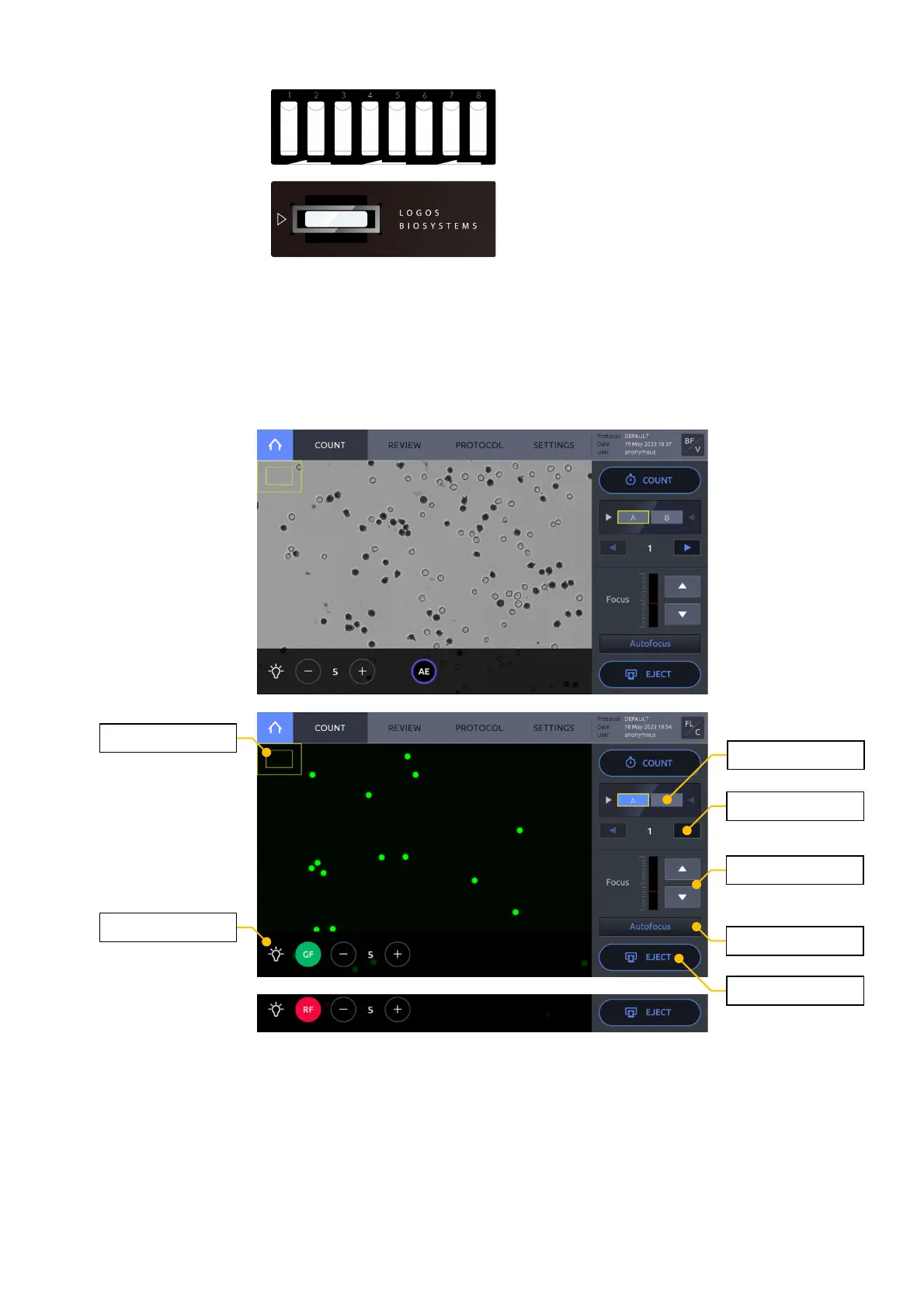
Press INSERT. The slide holder will automatically move into position.
To r emov e the slide, p ress EJECT. The slide holder will automatically extend out of the
instrument and the slide may be removed.
By default, upon slide insertion, the viewing light will automatically turn on and the LUNA-
FX7™ will perform an initial autofocus. Whether or not autofocus is performed upon slide
insertion may be changed within SETTINGS (Section 8).
Light
By pressing the lamp icon in the bottom left corner of the screen, a light control panel will
appear. The intensity can be adjusted as needed. Press AE to use the auto-exposure function.
When in the fluorescence counting screen, the filters also may be switched between the BF,
Green, and Red channels. Photobleaching will occur with procolonged exposure, so work
appropriately.



 To Next Page