Storage IP address
IP address of the CountWire™ Data Storage.
The same address that you input on the CountWire™ Client.
Ask network administrator for details.
Storage port
Port number of the CountWire™ Data Storage. The Storages port number is 22.
Press the Apply button after entering the required information. If it is successfully connected,
you can see the status “Connected”.
For more details for the CountWire™, please refer to the CountWire™ User Manual.
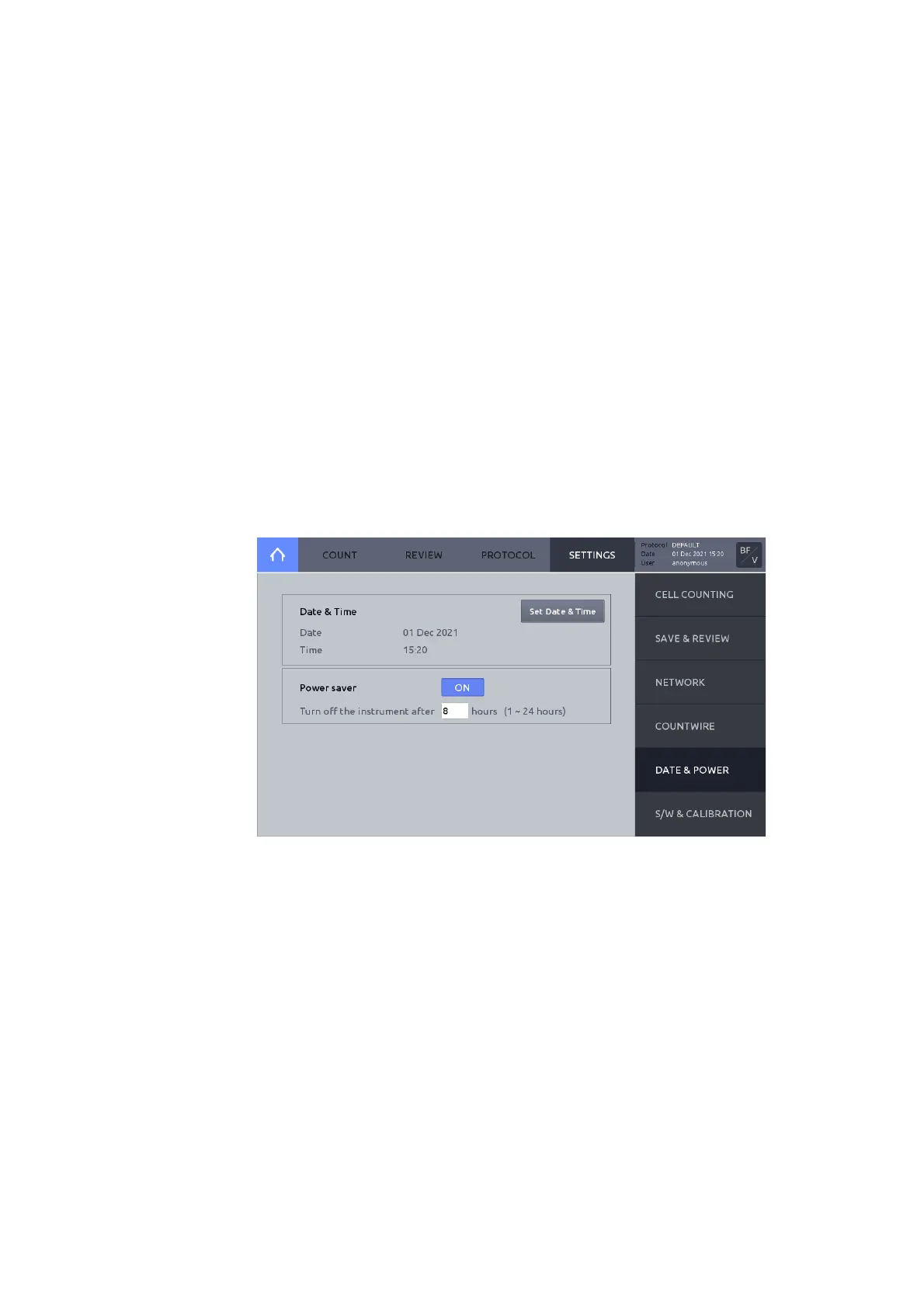
Date & Time
The LUNA-FX7™ uses a 24-hour clock that is preset to Korean Standard Time. Adjust the
settings to the local date and time.
Press DATE & POWER.
Press Set Date & Time. Input the desired values. Press APPLY to save changes.
Power saver
LUNA-FX7™ provides a Power saver to save energy and protect environment. Activate
Power saver to automatically shut down the LUNA-FX7™.



 To Next Page