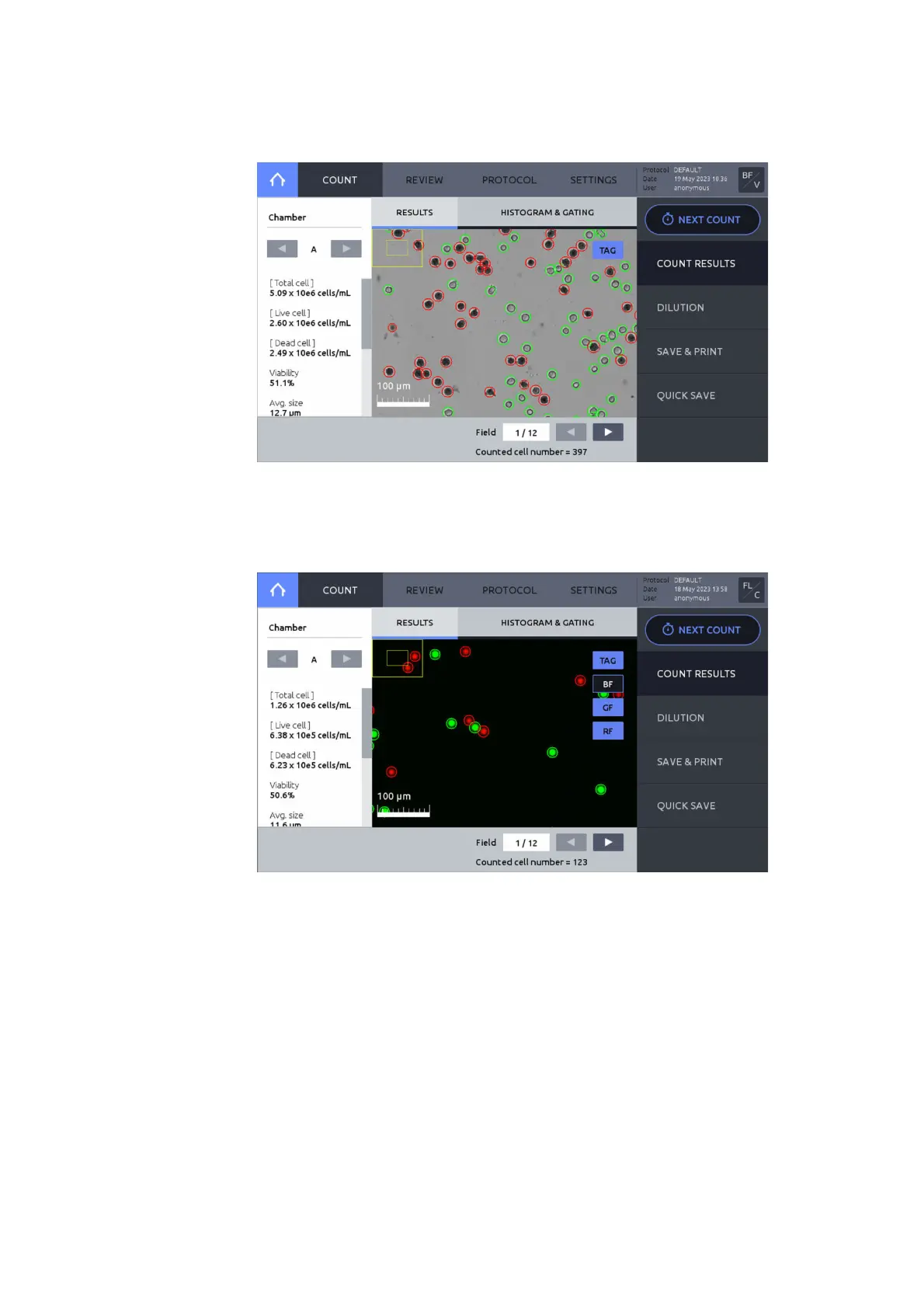
After counting is complete, the data and images will appear in the RESULTS window.
The counting results will be shown to the left of the screen.
Press the left or right arrows under Chamber to view the results and images for each counted
chamber.
Press TAG to identify live (green circles) or dead (red circles) cells.
After fluorescence cell counting, BF, GF, and RF images can be viewed separately or in
overlay.



 To Next Page