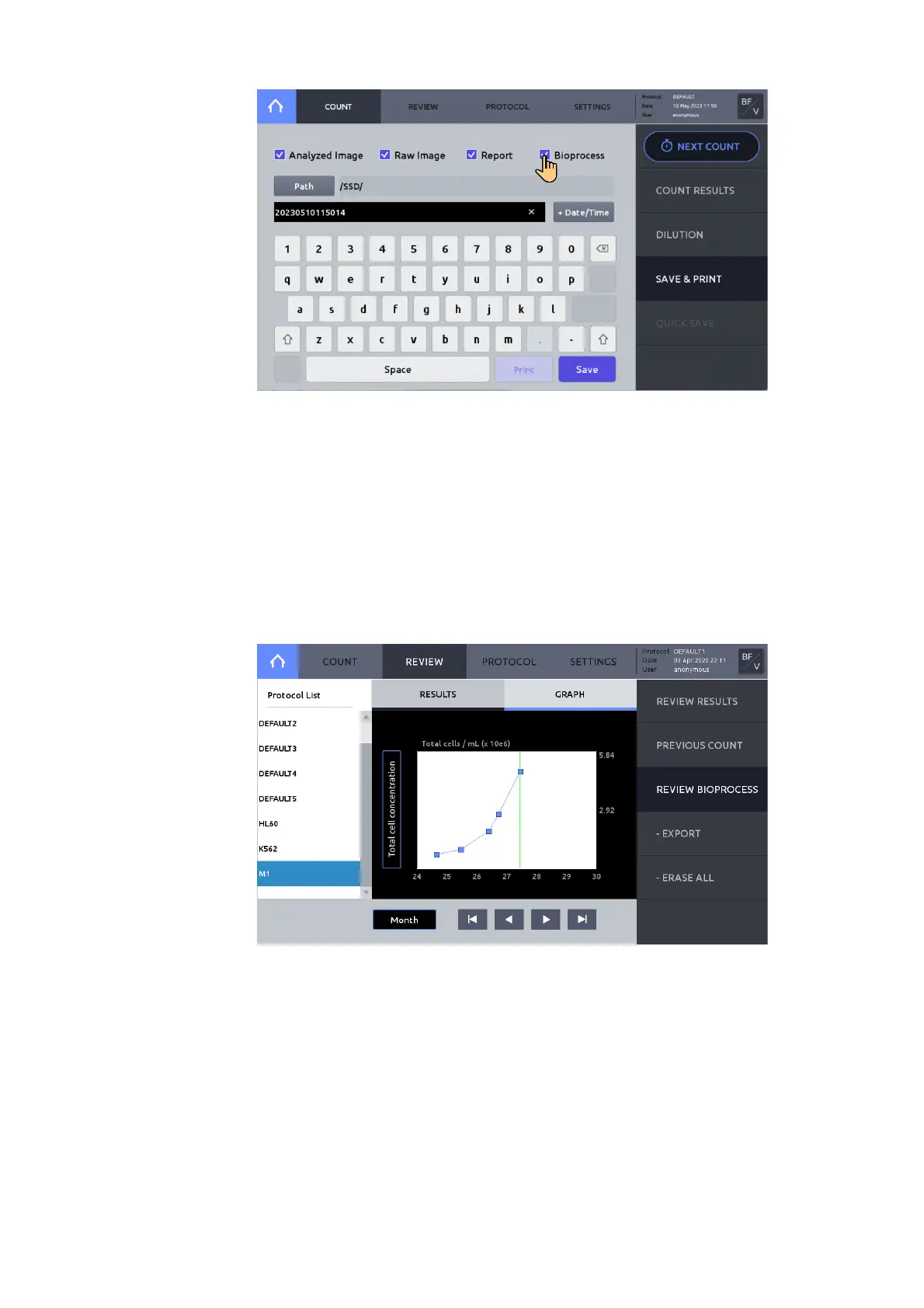
1. Select REVIEW.
2. Press REVIEW BIOPROCES.
3. From the protocol list on the left, select the protocol used to create your bioprocess data.
4. Insert a USB drive and press EXPORT to save selected bioprocess data as a CSV file and
graph image file to the USB drive.
5. Press ERASE ALL to delete the selected bioprocessing data. The data, but not the protocol
will be deleted.
Press GRAPH to view charted results.
Press the Y-axis title box to alternate between ‘Total cell concentration’, ‘Live cell
concentration’, and Viability’.
Press ‘Day’, ‘Month’ or ‘Year’ to alter X-axis scale.



 To Next Page