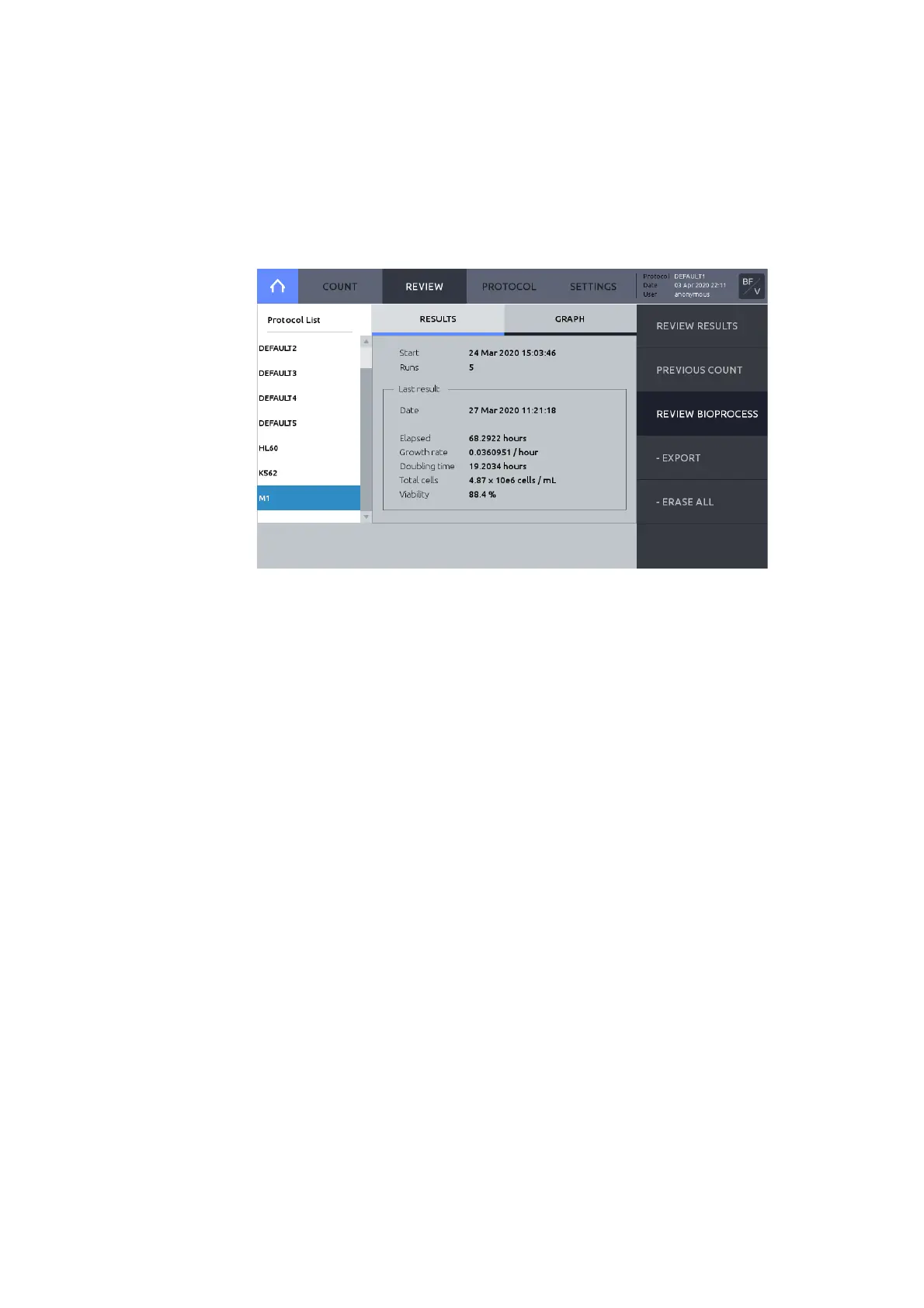
The LUNA-FX7™ bioprocess feature enables automated tracking of multiple bioprocessing
activities. The bioprocess feature tracks individual batches according to protocol and will
calculate and chart growth rates, doubling times, and viabilities based on count data.
1. To create a new bi op rocess, press PROTOCOL and create a new protocol.
2. Edit and save the new protocol as needed.
1. To record bi oprocess data, go to SETTINGS within a counting mode. Set Counting chamber
area is set to ‘Current’. If the Counting chamber area is not set to ‘Current’, bioprocessing
data will not be saved.
2. Press PROTOCOL and load the appropriate protocol. When you record bioprocess data of
the same cell, make sure that the same protocol you have used is loaded before you count.
3. Press the COUNT.
4. Press SAVE & PRINT.
5. Select either ‘Analyzed Image’ or ‘Raw Image’ or ‘Report’ AND select ‘Bioprocess’.



 To Next Page