EasyManua.ls Logo

logos biosystems LUNA FX7 - Settings; LUNA-FX7 Settings; Screen Settings

logos biosystems LUNA FX7
59 pages
Print Icon
To Next Page IconTo Next Page
To Previous Page IconTo Previous Page
Loading...
39
8. Settings
LUNA-FX7Settings
Screen Settings
Navigate to either Brightfield or Fluorescence counting window and press SETTINGS. Within
SETTINGS, software updates, date and time changes, and background calibrations may be
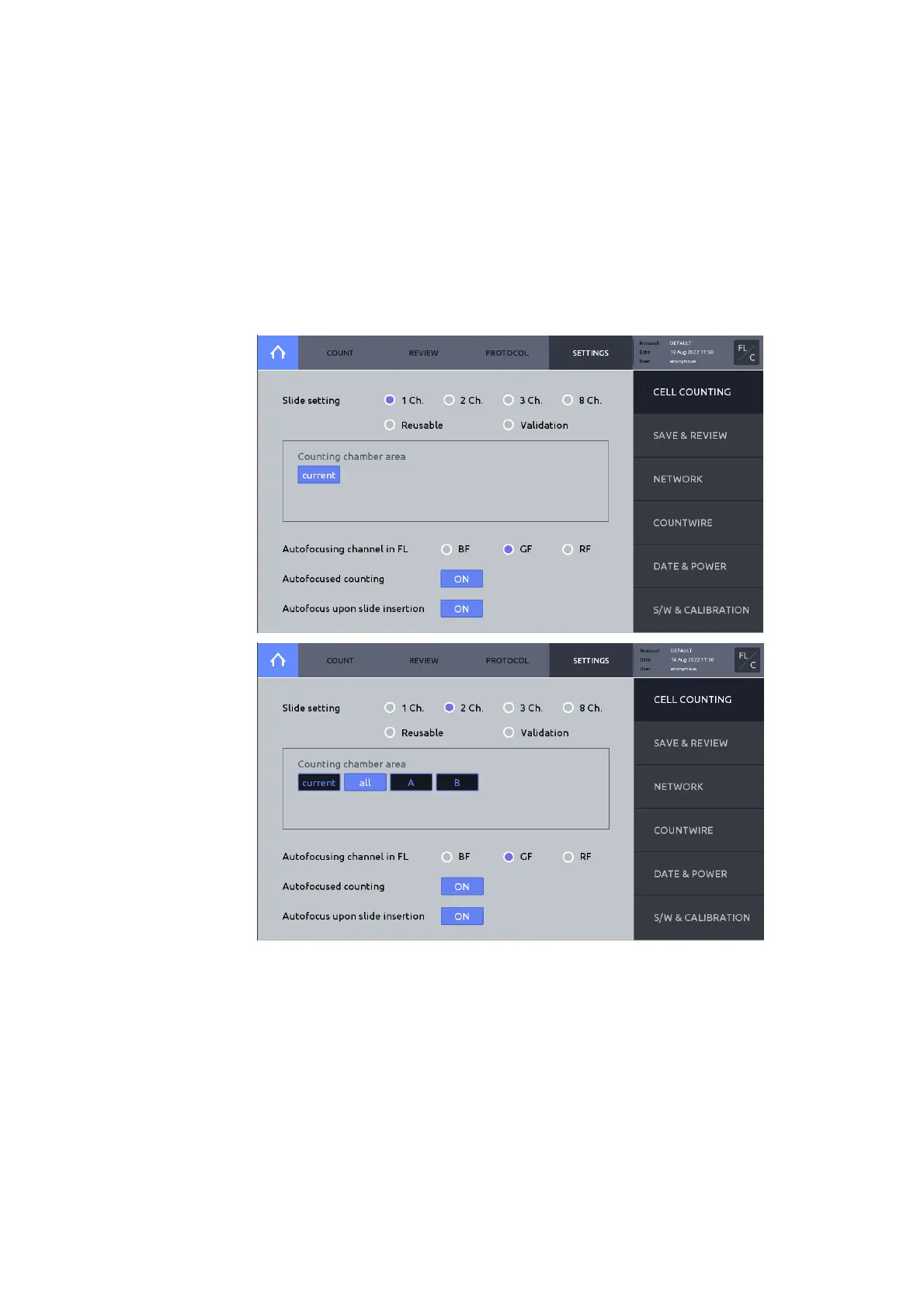
performed. Additionally, options for ‘Cell Counting’, ‘Save & Review’, ‘Network’, CountWire
(only with CountWire package) and options may be adjusted.

Cell Counting
Choose appropriate slide format and the chamber(s) to be counted.

Table of Contents

Related product manuals