21
from stock solution. Enter “1” (default value) if the counted sample was not diluted from stock
solution.
Enter the values for the desired concentration and final volume. Press CALCULATE and
dilution instruction will appear in the grey message box.
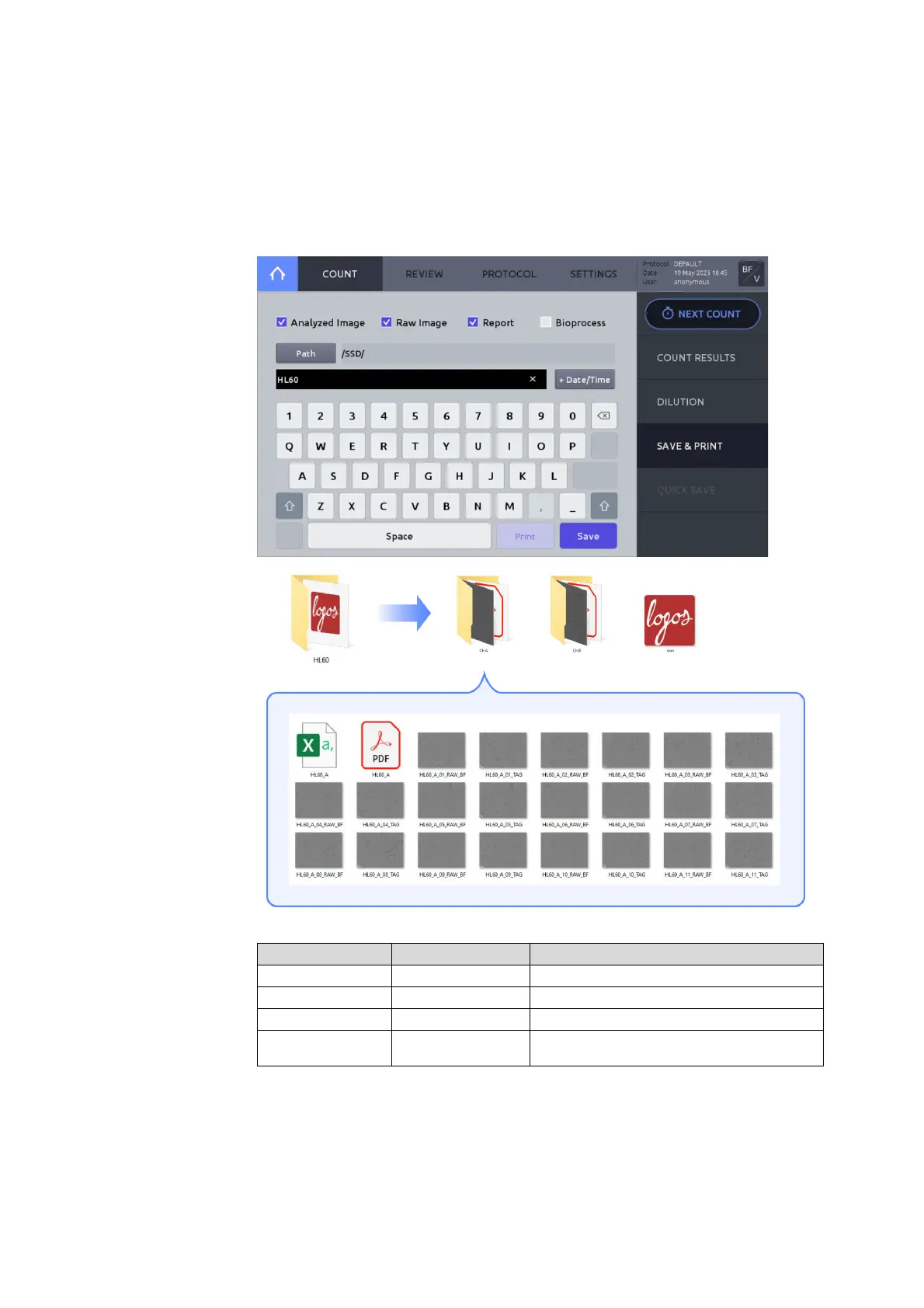
Press SAVE & PRINT to open the save window.
Select the desired saving options:
Tagg ed im a ges of c ell s
Report with data, images, and histograms
Growth curve displayed onboard
Growth rate, doubling time
Press Path to select where files are to be stored.
Using the onscreen keyboard, provide the name and append the date and time by pressing
the +Date/Time button.
Press Save. A folder name will be created with the name provided. The folder will contain
subfolders matching each of the counted chambers, e.g. ‘Ch A’, or ‘Ch 1’.



 To Next Page