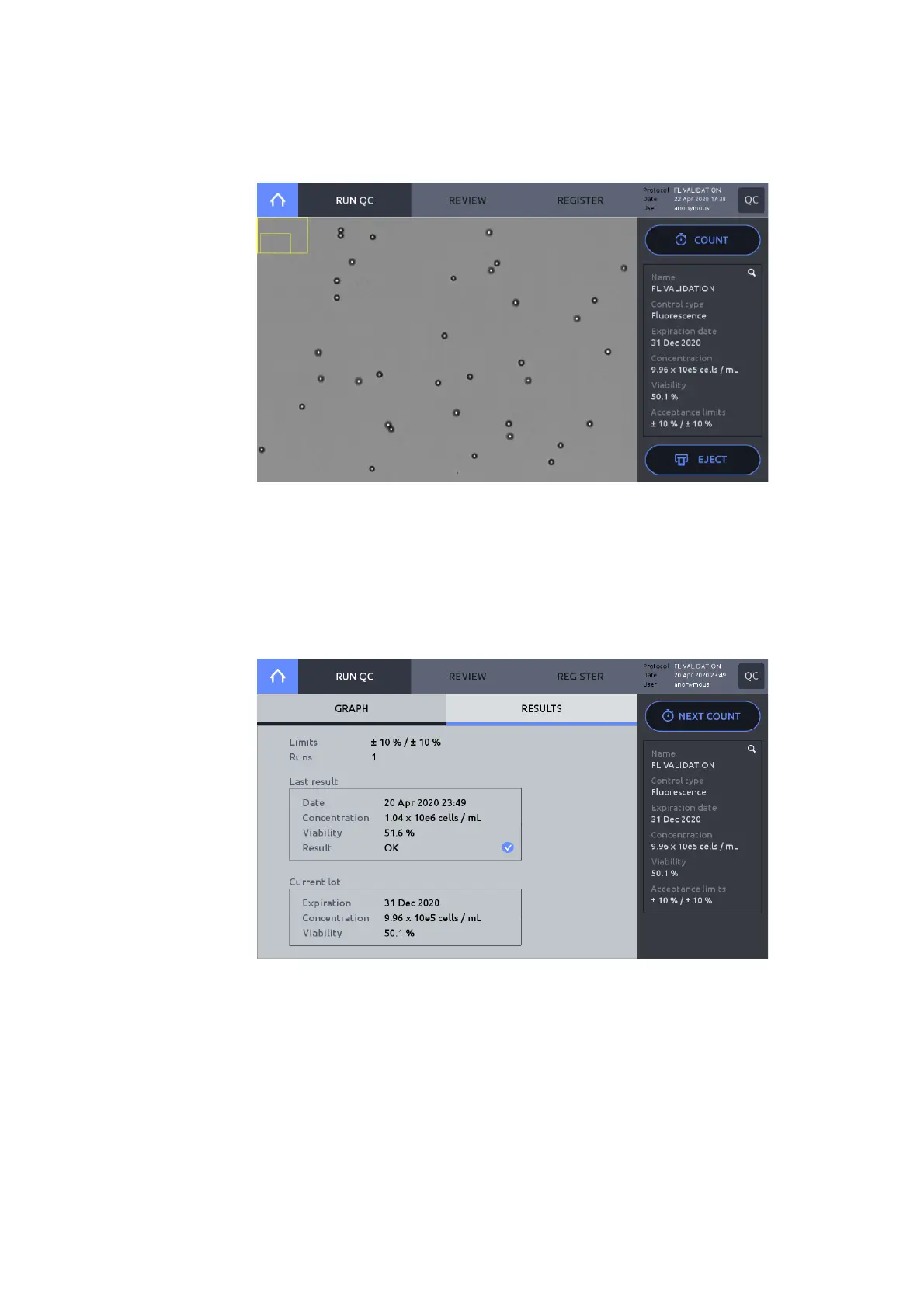
Navigate to Quality Control mode and press REGISTER. Select a validation slide from the
list of Registered controls. Press LOAD.
Press RUN QC in the main Quality Control screen, insert the validation slide, and press the
COUNT button.
After counting, the QC graph will appear. Confirm that the measured value is within the
acceptance limits established during slide registration.
Press RESULTS to see the counting data.
If the results are not within the acceptance range, redo RUN QC steps.
If not met again, contact your local distributor or Logos Biosystems.
To re-run QC, press NEXT COUNT, then press the COUNT button.



 To Next Page