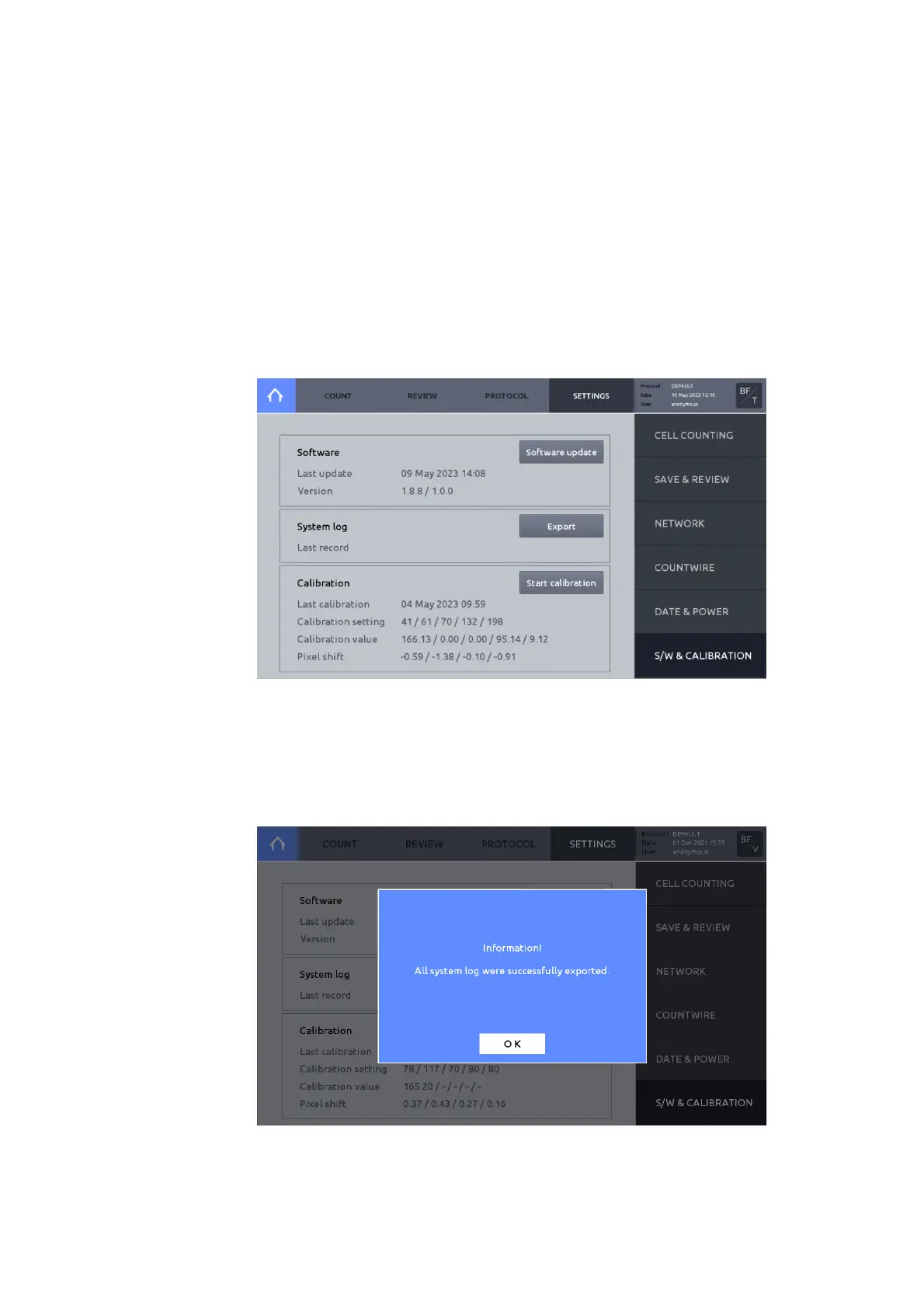
Software
Logos Biosystems continually provides software updates to ensure optimal performance. The
current software version is displayed in SETTINGS: S/W & CALIBRATION.
1. The most recent version may be downloaded from the Logos Biosystems website
(www.logosbio.com) into the root directory of a compatible USB drive.
2. Press Software in the SETTINGS screen.
3. Insert the USB drive with the downloaded file and authentication key into a USB port.
4. Press Software update.
5. Press Start. If a software update has been found, press OK.
6. Press Restart, then the instrument will automatically shut down and then restart.
7. Prior to the next count, perform calibration.
records the system log for quick diagnosis and service of the instrument.
Recorded system log file can be exported to a USB drive. Submit the exported system log file



 To Next Page