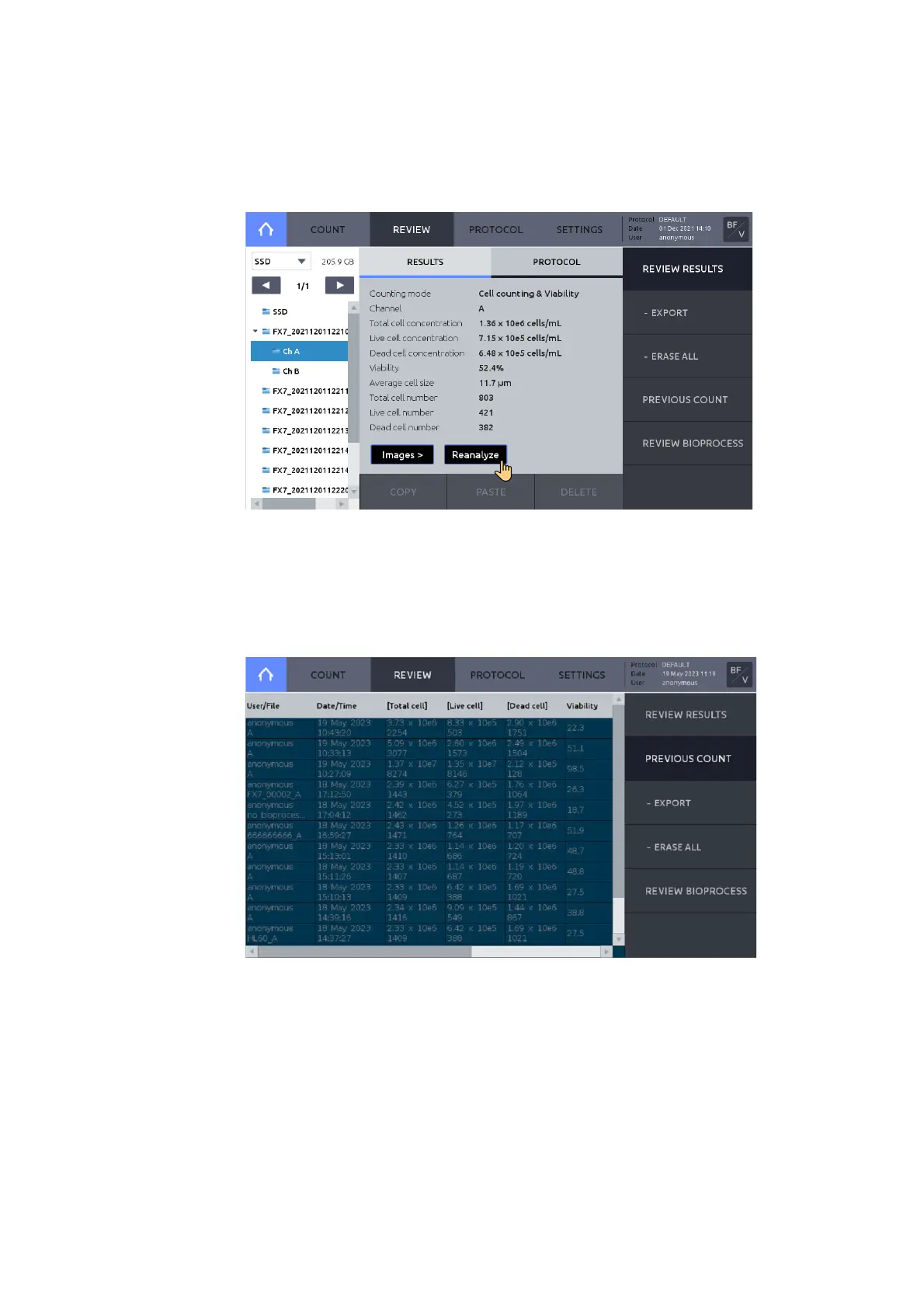
Press PREVIOUS COUNT to see a list of previous counts.
A summarized version of each count that includes User/File, Date/Time, Total cell c on centration,
Live cell concentration, Dead cell concentration, Viability, Average size, and Protocol is
automatically saved to the internal drive.
Live cell concentration, Dead cell concentration and Viability are not available In the Brightfield
– Total cell counting mode.
Insert a USB drive and press EXPORT to save the data as a CSV file to the USB drive.
Press ERASE ALL to delete all stored counts. This will not delete reports or images of the
corresponding count, if they were saved to the internal drive.



 To Next Page