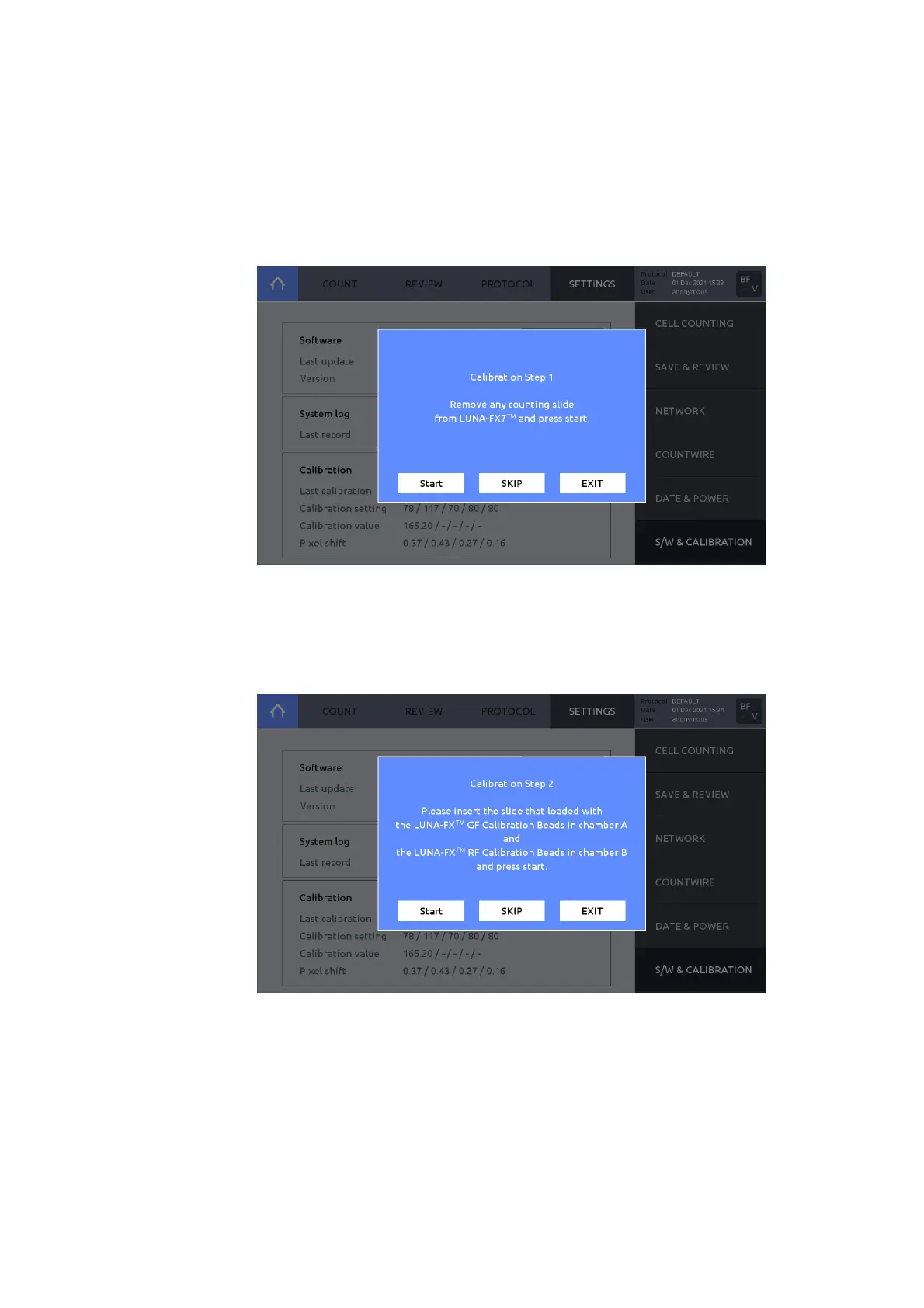
Calibration
The LUNA-FX7™ is calibrated prior to shipping. Calibration only needs to be performed 1)
after any software/firmware updates, and 2) after switching Trypan blue or Erythrosin B or
Methylene blue brands or formulations.
To perform cal ibration:
1. Press S/W & CALIBRATION.
2. Press Start calibration. The Calibration Step 1 window will appear.
3. Remove any counting slide from slide port.
4. Press START.
5. Press START or press SKIP if only fluorescence calibration is needed.
6. The Calibration Step 2 window will appear upon completion.
7. Load 10 μL of the LUNA-FX™ GF Calibration Beads into chamber A and 10 μL of the LUNA-
FX™ RF Calibration Beads into chamber B of a new PhotonSlide™. Vortex the calibration
beads solution thoroughly before loading into the PhotonSlide™.
8. Wait for 30 seconds for the beads to settle down.
9. Insert the slide face up and chamber A first into the slide port.
10. Press START; or, press SKIP, if fluorescence calibration is not needed.
11. Upon completion, the calibration value(s) and calibration date will be updated.



 To Next Page