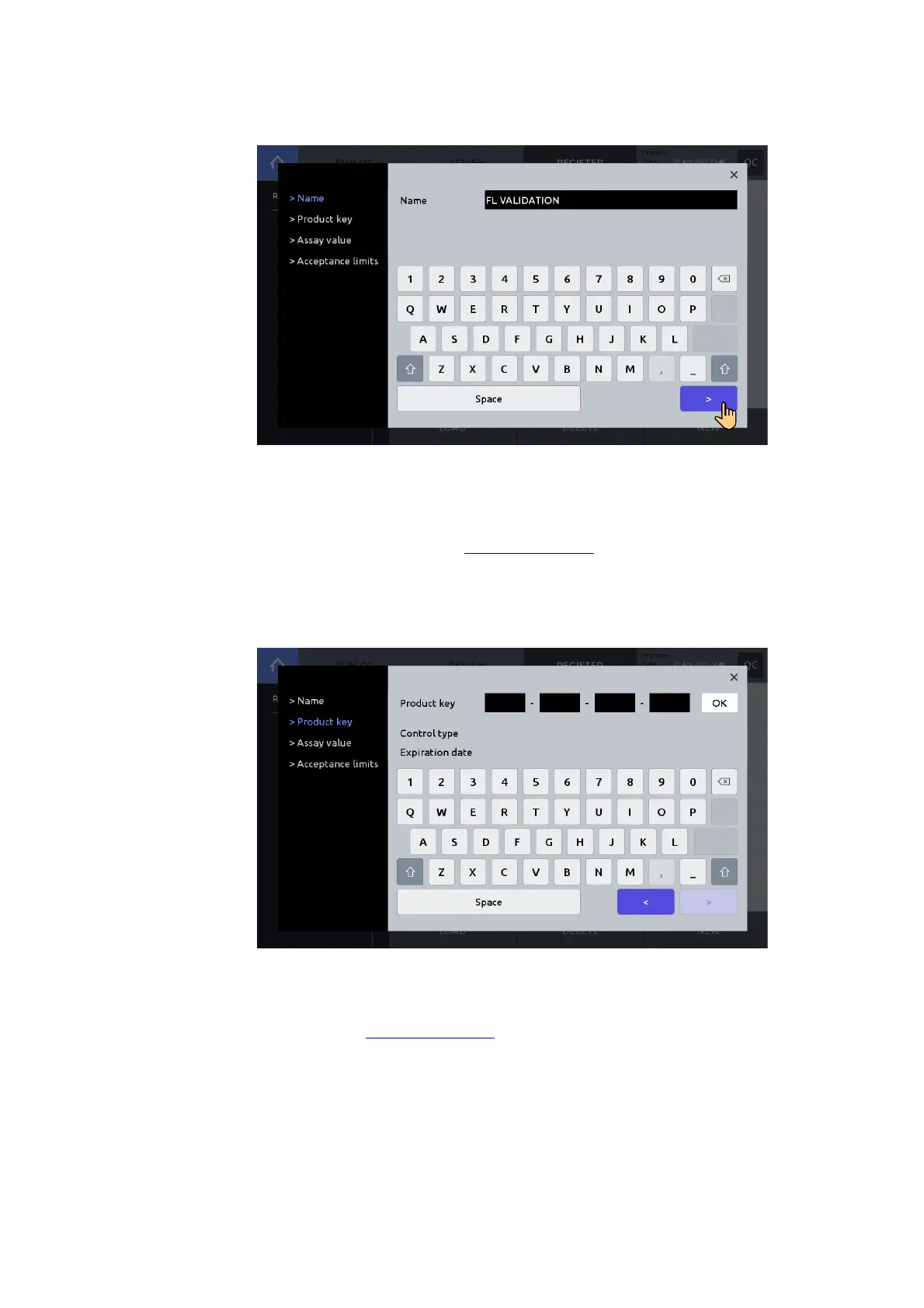
Enter a Name, then press the right arrow button [>] to move to ‘Product key’.
Enter the 20 digit Product key. Press the ‘space’ icon to advance. Press OK.
Confirm control type: Fluorescence or Brightfield and Expiration date.
! Important ! The product key is included with the product information of the
validation slide. Contact sales@logosbio.com if the product key is lost or missing.
! Important ! The Validation slide-FL have a limited lifetime and the reliability of a
validation slide can no longer be guaranteed. Therefore, to ensure the accuracy
and reliability of the QC data, it is recommended that replacement validation slides
are purchased prior their stated expiration.
Press the right arrow button [>] to move to ‘Assay value’.
Confirm that the Assay value is correct. If the Assay value differs from what was provided with
the validation slide, check to ensure the product key was entered correctly. If entered,
correctly, contact sales@logosbio.com



 To Next Page