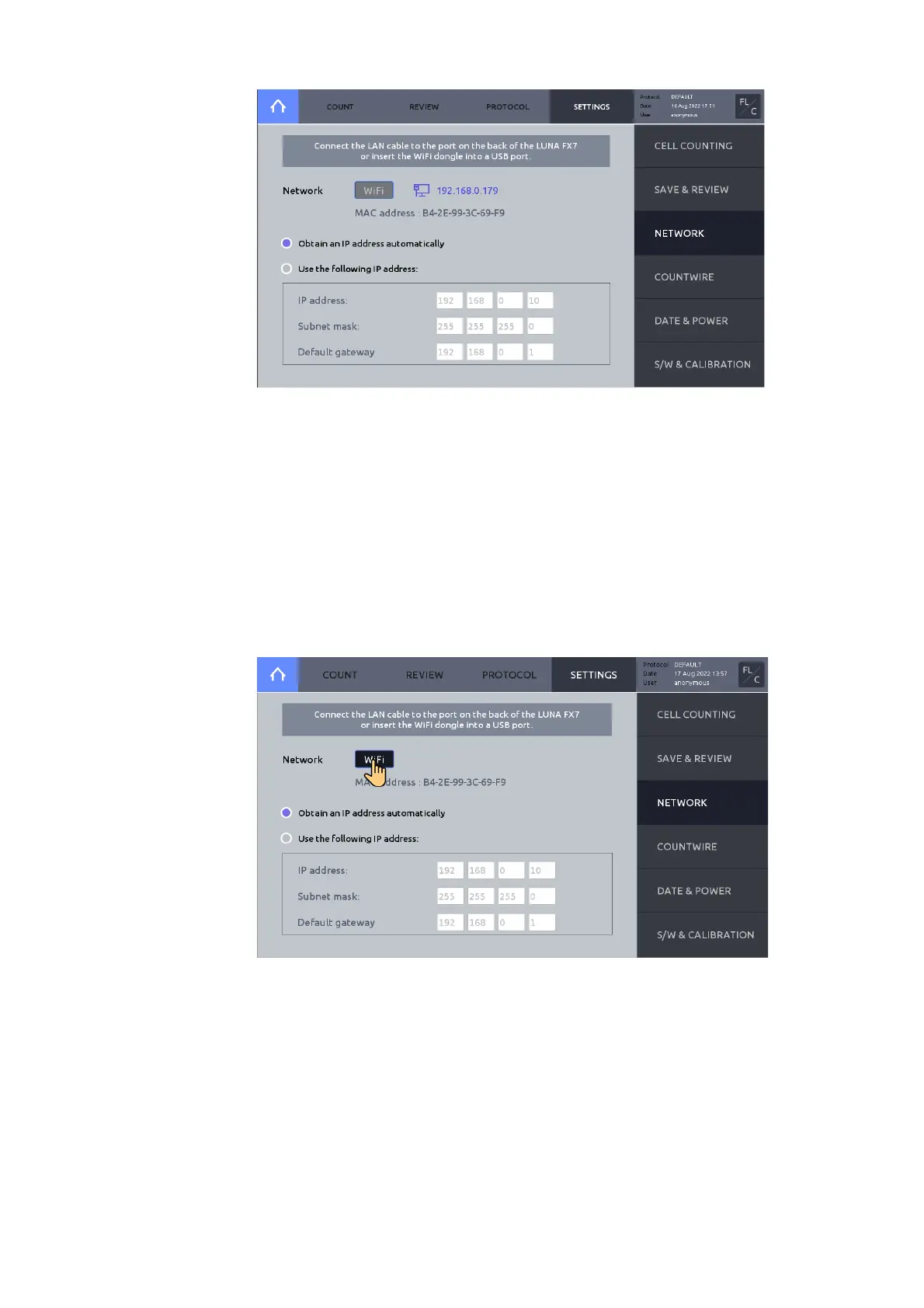
Ethernet connection
Connect an Ethernet cable to the instrument.
When connected, an IP address will appear on the screen in blue color.
WiFi connection
Insert the supplied WiFi dongle to a LUNA-FX7™ USB port.
Press WiFi.
Select appropriate WiFi, then press OK. Enter password, if necessary.
When the instrument is connected, an IP address will appear on the screen in blue color.



 To Next Page