Piccolo 13 from 82
www.lt-light.com
5. START UP
If you observe any irregularity when unpacking Piccolo, maybe caused due to transportation,
(blows, humidity...) then do not attempt to switch on the console before the problem is solved.
Place de console on a plane surface, good for you to work.
Connect the DMX cable to DMX-Output and to a Splitter or to first DMX user in the installation.
If your console model has VGA output, connect an external monitor to VGA (SubD-15) connector,
using standard video cables.
Connect the external power supply to DC-IN connector, and connect the plug of the other end to the
mains supply. You can connect the console to a UPS to avoid mains problems.
For safety the plug of the power supply should be visible and be easy accessible.
Switch on the console (switch in position I)
Set GM fader and SM fader to 100% (in its upper row), and check that on the associated keys
(blackout) the LED‘s are Off.
The Console is now ready to work
Please continue reading this manual.
If above directions are not followed, no guarantee for the safety of the equipment is given.
6. IN THIS MANUAL… (Conventions)
A function key appears as [KEY]. A general number is represented with the symbol “#”, and a
numeric key appears as [#].
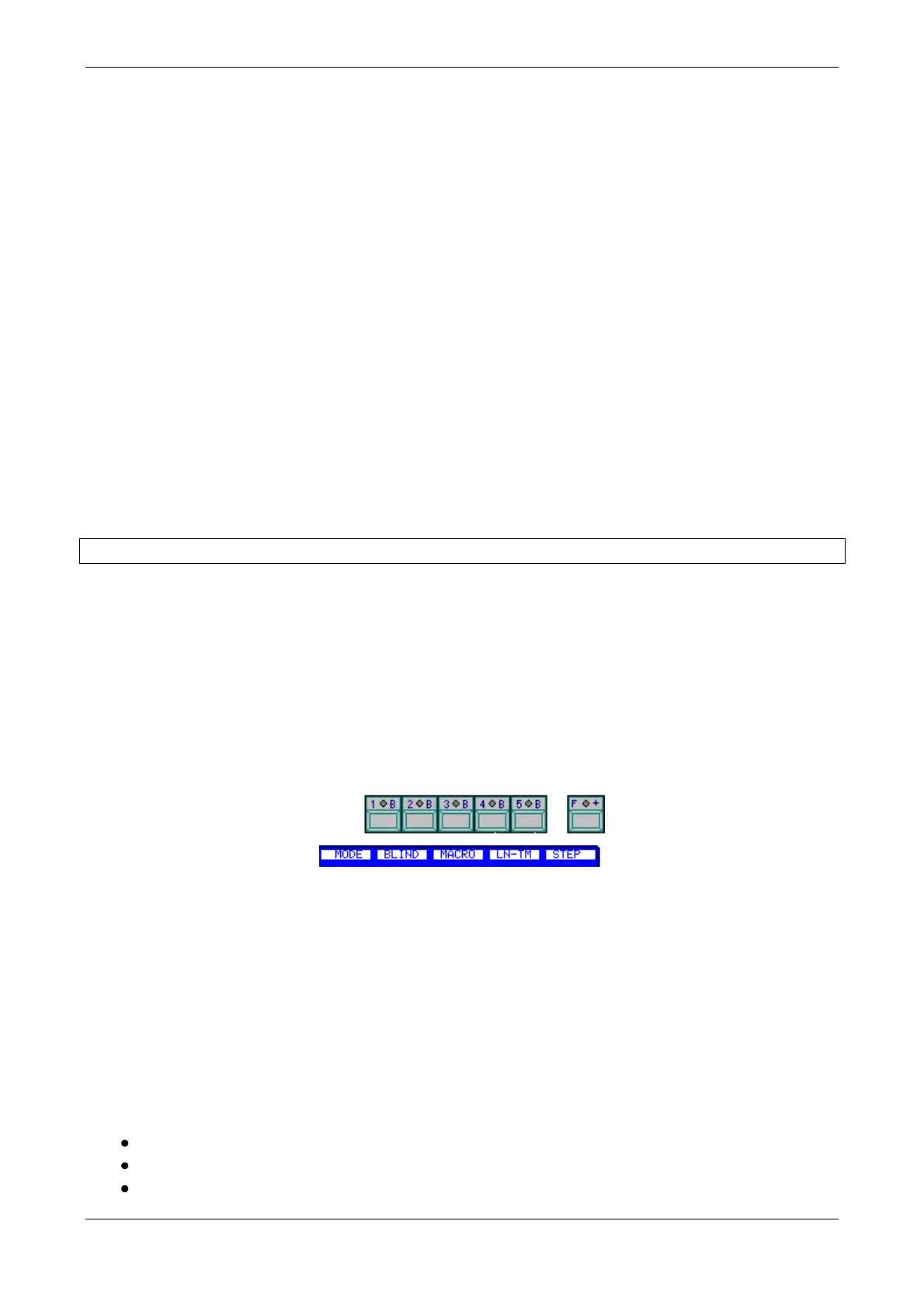
Soft keys appear as [1_B] to [5_B] and [B_1] a [B_0], with the current function associated
[1_B]SoftKey
Functions for the keys [1_B] a [5_B] are organised on several pages. If a function in this manual is
not on the first page, press [F+] to search for it. If any function opens a sub page, the [F+] LED will
be lit, to return to the previous page press [F+] or to do a valid selection.
The use of the encoder is indicated as follows:
Encoder (Indicating that the encoder is to be turned)
[Encoder] (Indicating that the encoder is to be pressed)
Faders appear as Fader
For information about any other function, press [HELP]
7. RESET
The first time that the console is started, and whenever it is necessary, a reset should be done:
Switch off the console (Off)
Press and hold down []
Switch on the console (On). After a few seconds, release []



 To Next Page