Piccolo 34 from 82
www.lt-light.com
22. FIXTURES (PICCOLO)
The first step to control fixtures (moving lights, scrollers, etc.) is to program the Piccolo fixtures
patch (inside menu 04, see FIXTURE PATCH, pg-56).
Piccolo can control up to 32 fixtures parameters, with a maximum of 16 parameters by fixture, from
16 fixtures of 2 parameters, up to 2 fixtures of 16 parameters.
When the patch is programmed, the fixtures will be accessible from the keyboard. To select any
fixture, use [FIXTURE] and the same commands as explained for channels (see pg-18).
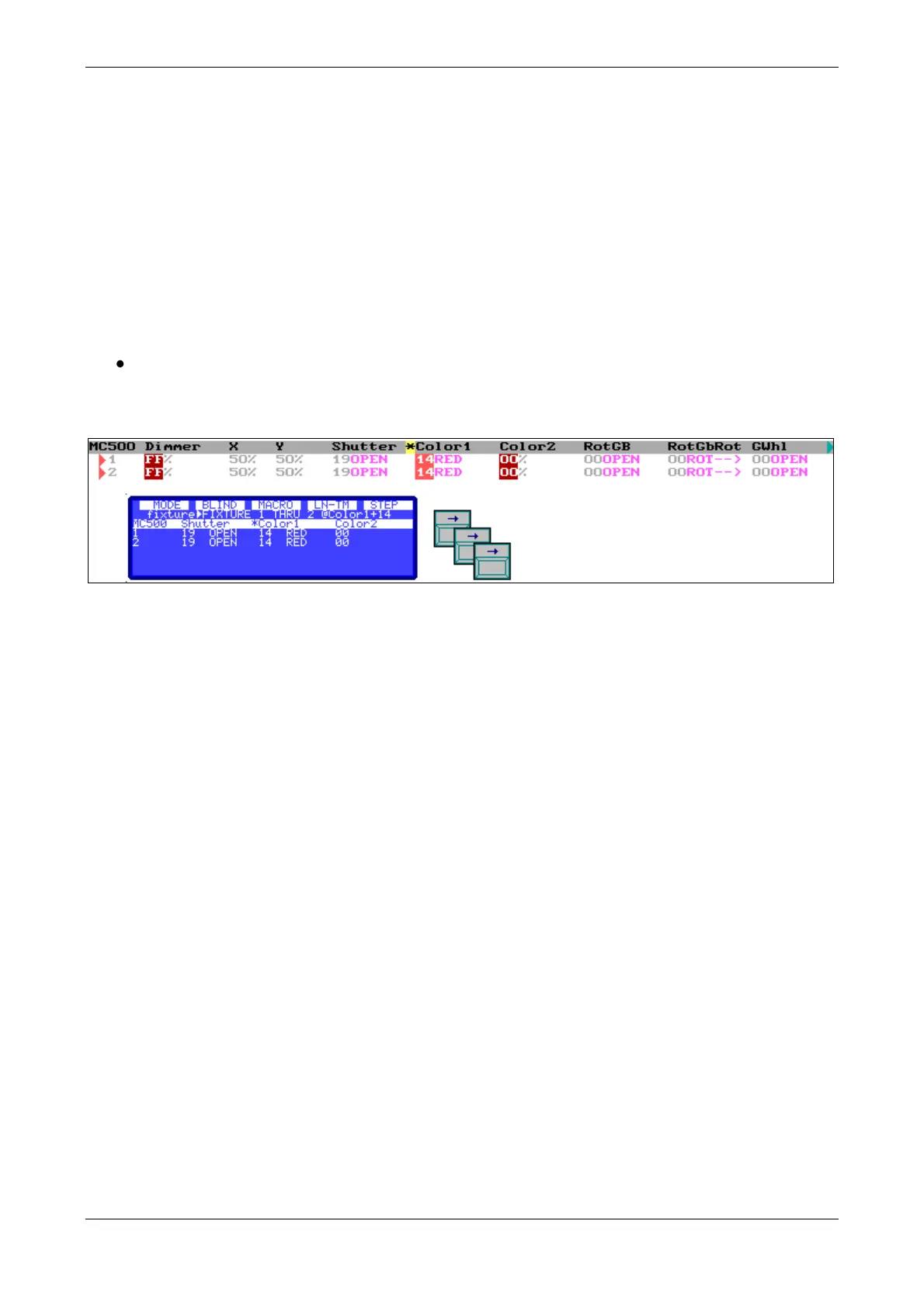
Special for fixtures is that after the selection of the fixture to edit its parameters:
Press [] to select the next parameter, or press [] to select the previous parameter. The
selected parameter is showed in the display and marked with an asterisk (*). Then, use
Encoder
Also, it’s posible to edit the selected parameters (with the *) usign the functions: [2.B] &
[3.B], For discrete parameters, these functions select the previous or next step, for continuous
parameters these functions decrease or increase at % the current value.
22.1. COMMANDS FOR FIXTURES
[5_B]PARAM
This soft key allows selecting any parameter of the selected fixtures from the numeric keyboard. In
this function there are also the special control commands (Lamp ON, Lamp Off and Reset). Press
[FIXTURE] [#] ([THRU] [#]) [5_B]PARAM [#] [@] [#] to edit a value.
[FIXTURE] [#] ([THRU] [#]) [5_B]PARAM [#][#] to execute a special command.
[FIXTURE] [#] ([THRU] [#]) [PARAM] [#] [@][OPTIONS] [#] editing a value 0-255.
Remember! The command: [@] [OPTIONS] allows you to edit values in scale 0-255
[3_B]HOME
This soft key sets the home values for the selected fixtures. Home values are neutral values. Home
values can be checked inside the fixture patch, in the Hm column.
This key can be used as a normal change, for all the fixtures parameters or only for the selected
parameter, respectively:
[FIXTURE] [#] ([THRU] [#]) [3_B]HOME
[FIXTURE] [#][5_B]PARAM [#] [3_B]HOME
[4_B]EDIT+ (See below)



 To Next Page