Piccolo 64 from 82
www.lt-light.com
Sensibility levels are adjusted for each filter. If audio input is activated (SoundOn), and
the desired filter has an associated key (or fader), you can see a Test level, and this level helps to
you to do the adjustment.
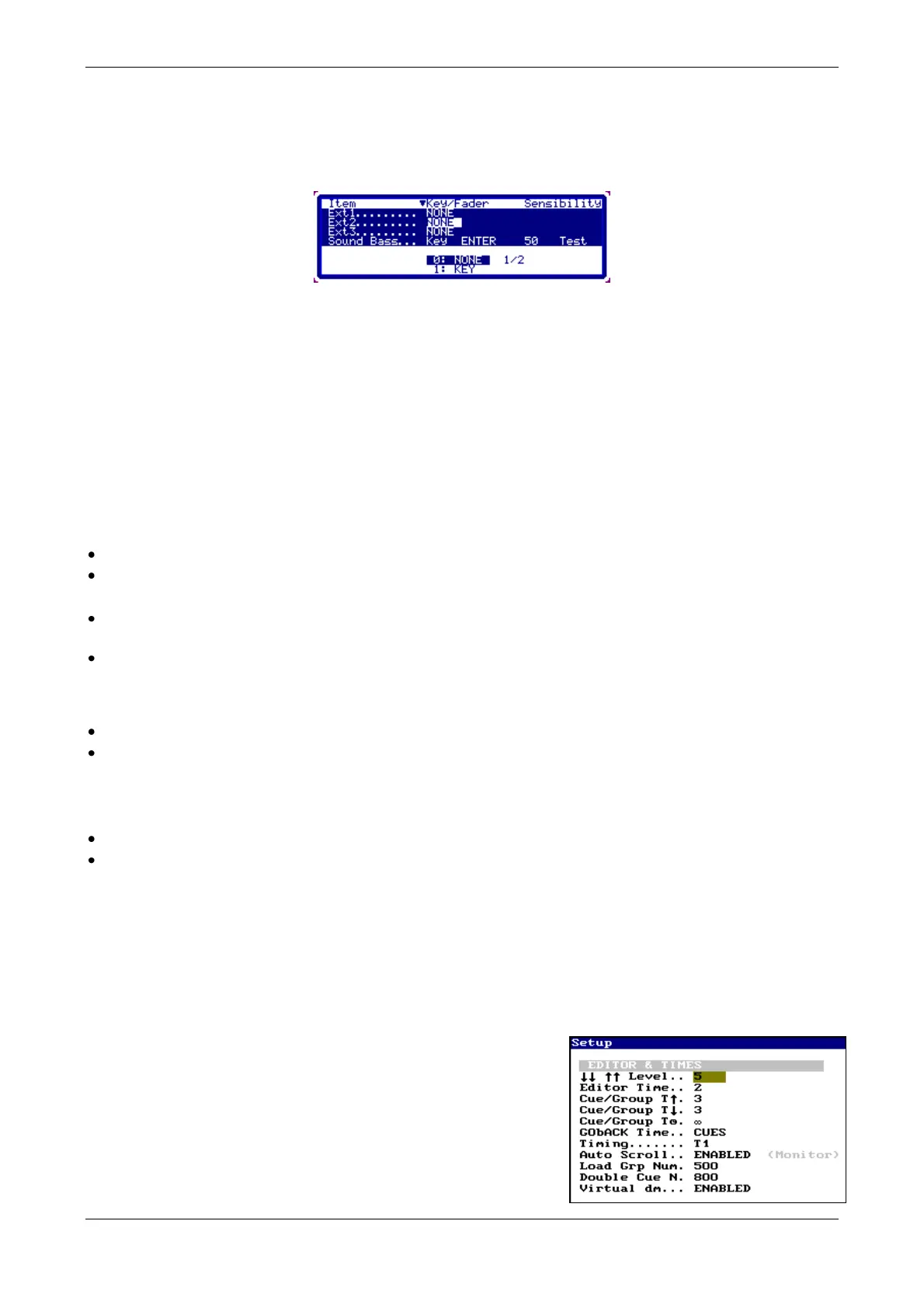
This menu has 2 parts, Setup line and Configuration, you toggle between these parts pressing
[OPTIONS]
SETUP LINE
ExtOff Allows to you activated or deactivated the external triggers.
SoundOff Allows to you activated or deactivated the audio input.
These options also are inside the menu 70: Multimedia Panel
CONFIGURATION
Ext1 … Ext3:
Access to the cell: Key
Select the option: 1: KEY. Systems waits that you press a key (Waiting key). Press the
desired key.
Also, you can select the option 0: NONE, to delete the associated key.
Sound Bass, Sound Medium & Sound Treble:
Access to the cell: Key/Fader
Select the option: 1: KEY/FADER. Systems waits that you press a key or you move a fader
(Waiting key or Fader). Press the desired key or move the desired fader.
Access to the cell: Sensibility, and edit the adjustment level for this filter. Do this
adjustment with th audio input in active.
Also, you can select the option 0: NONE, to delete the associated key (or fader).
37.4. SETUP
37.4.1. Editor & Times (30)
In this menu you can set:
Value for the increment of the keys: [] & [].
Default times for: cues, groups and the Go-Back function as
default & the default timing. Piccolo has 3 different timing:
T1 (basic, all parameters fade at time)
T2 (LTP parameters jump to value without time; only
channels and fixture dimmers fade at time, and also size and
rate for shapes)



 To Next Page