Piccolo 66 from 82
www.lt-light.com
Then, options Shape Base, Init Qlst X & Init Qlst M. This options have been previously explained.
37.4.3. System (32)
System basic parameters as the message language, the “beep” configuration (acoustic signal), the
working light level, the monitor appearance or the date & time…
37.4.4. Dmx Setup (33)
Some DMX receivers has reception problems with some values of the DMX frames, From this
menu it’s possible to adjust the speed for the DMX, Break Time & MAB, trying in this mode, to
solve the problem:
This parameter controls the packet number sent per
second, the refresh rate.
(There is other value CHANGE that is used only
for test mode)
Break
Time
USITT norm
Console
This parameter controls the Break Time.
(USITT only specifies a minimum value)
MAB Time
USITT norm
Console
This parameter controls the Mark After Break
(MAB) Time.
(USITT only specifies a minimum value)
*Values in grey filed are the values of our DMX outputs after Reset.
LT has increased the compatibility of its consoles about DMX receptors
37.4.5. Power-Up Macro (34)
This menu admits a macro number (stored). This macro will be executed, automatically, each time
that the console is switched on (See MACROS, pg-52).
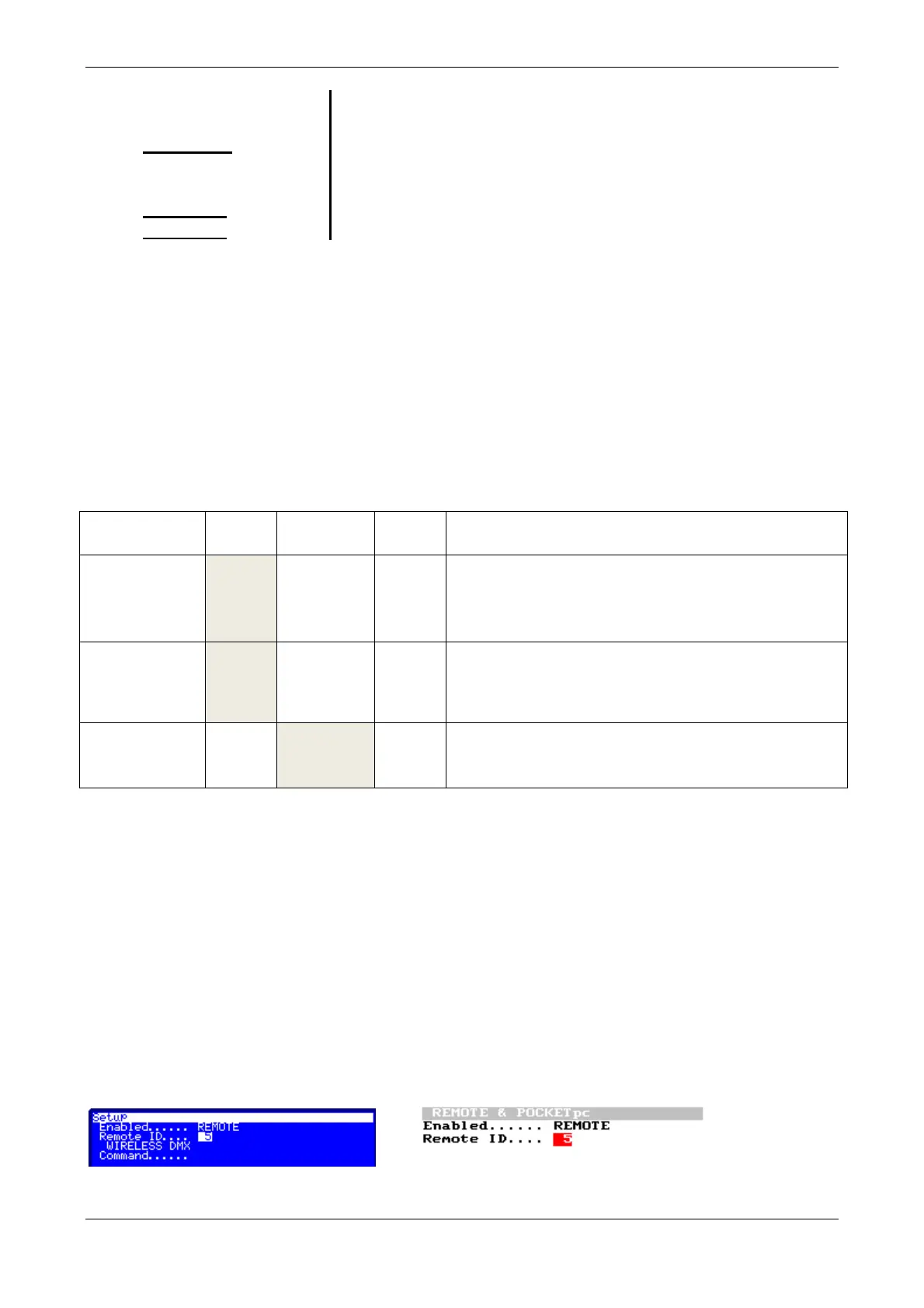
37.4.6. Remote & PocketPC (35)
Only the Remote option is activated. Piccolo consoles support the Remote Control. The Remote
Control can be radio or cable. To activate the Remote Control, access to REMOTE &
POCKETpc menu and configure its options as next:
Then, connect the Remote unit (Remote or Receiver) to the LT-LINK port of Piccolo and check that



 To Next Page