Piccolo 81 from 82
www.lt-light.com
41.2. OPTION WINDOWS
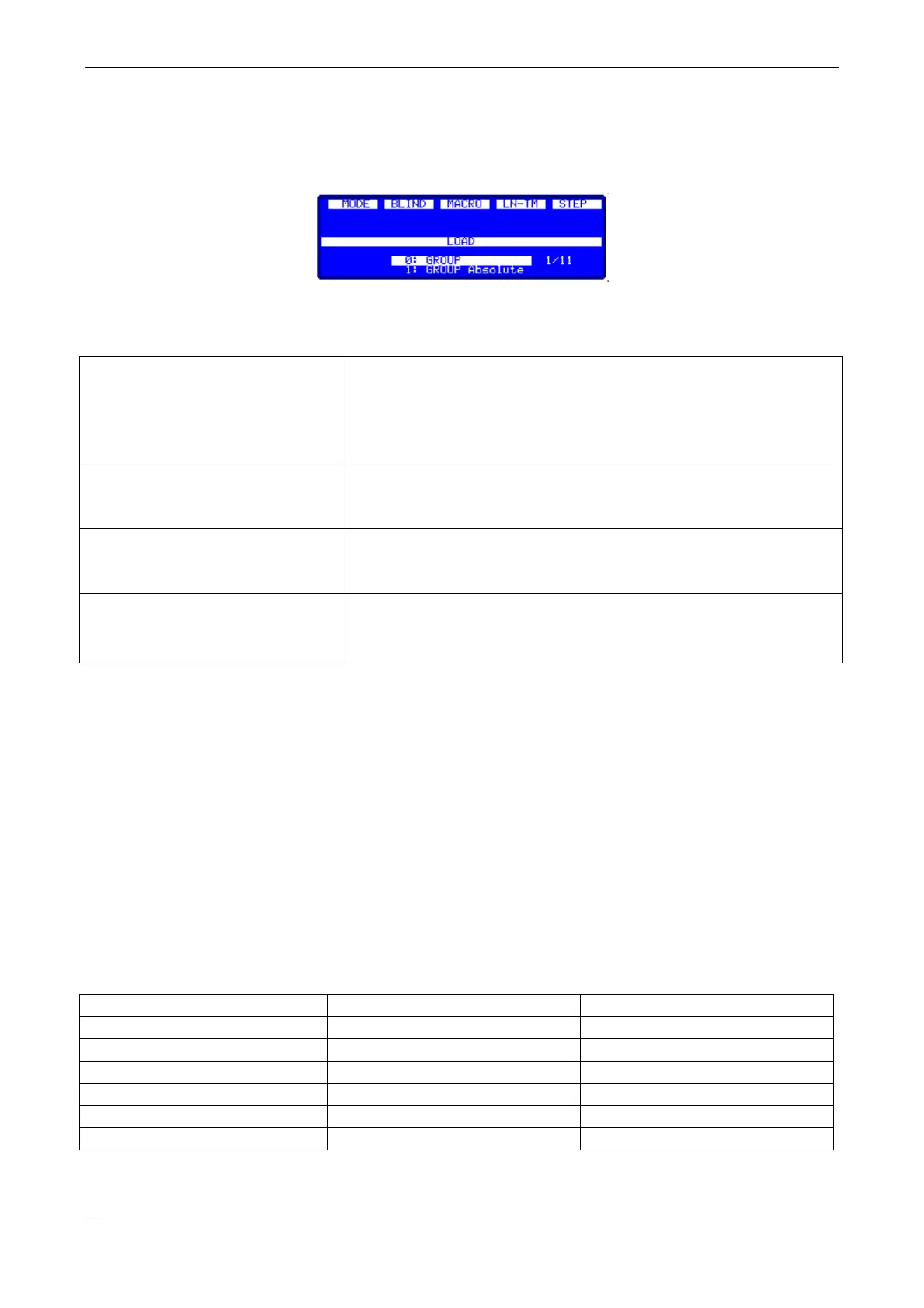
The Piccolo has some options lists or windows which are normally interactive and a guide to the
user selectable commands. The options windows are opened with [5-B]PARAM, [LOAD], [2-
B]SHAPE, etc.
To select the desired option, it is possible to use any of the following methods:
Select the desired options entering the index number:
[#][ENTER]
Sometimes to press [ENTER] is not necessary. In that case the
window closes automatically when a first digit is entered
In the OLE software it is possible to select the desired option
with a mouse click
Move the Encoder, to select the desired option and press
[Encoder] or [ENTER]
Selection by original function
key ([LOAD]& [2-B]SHAPE)
Only for the [LOAD] window and the [2-B]SHAPE window, it
is possible to press the original key again to select the next
option
To close any of these windows it’s necessary to do a desired selection, or to press [C].
Notes:
The options in grey characters are not available for selection (in the display these options appears
preceded by the symbol “?”)
For [LOAD] or [F-2]SHAPE windows, the option in yellow characters (monitor) is the selected
option (press [ENTER] or continue with the commands if the option is selected), and the green
cursor is the pre-selection that is controlled used the encoder.
For the [5-B] PARAM window, the yellow options (only on monitor) are special commands for
Ignition and Control and the green cursor is the pre-selection that is controlled with the encoder.
In the display, for these windows, only it’s possible to see the pre-selection.
41.3. CHANNELS & FIXTURES IN SCENE…
Editing (faders or keypad)
Red & light red for the active
level over inverted background



 To Next Page