Piccolo 18 from 82
www.lt-light.com
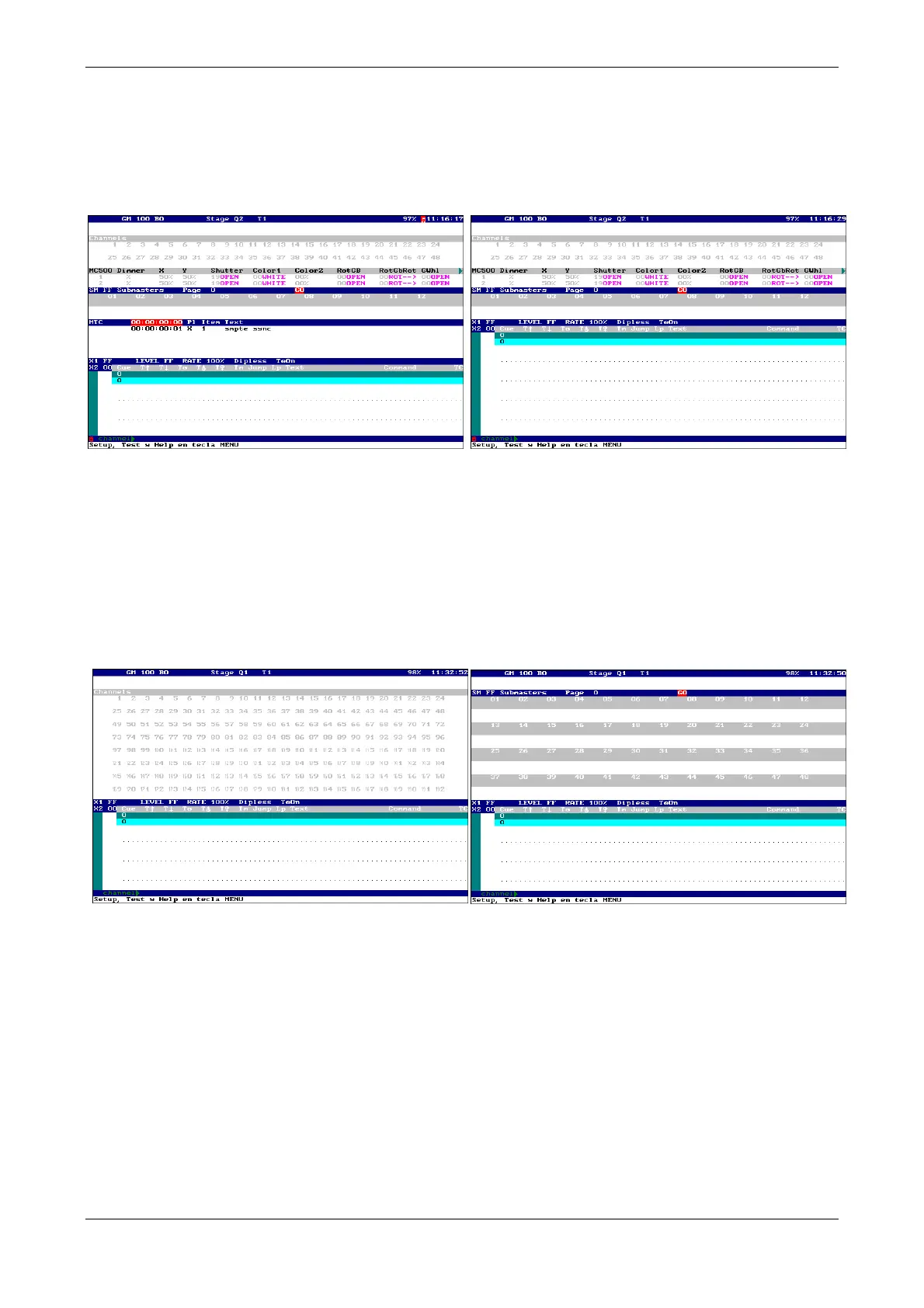
For the Piccolo of 48, 96 and 144 channels, and both models of Piccolo Scan, we have:
All the channels, fixtures (if are patched), all submasters, the list of events (if it’s at ON), and
finally the information of crossfader. In case of having many fixtures, is possible that we must
page pressing them [↓] and [↑]
For the Piccolo of 196 channels:
Due to the great number of channels and submasters, it will be necessary to also page always,
pressing [↓] and [↑].
First are the all channels, if is case of, the events list, and later the information of crossfader. In the
zone of channels we can visualize submasters pressing [↓], and if it you have fixtures, also to the
information of fixtures.
13. EDITING CHANNELS
Piccolo has 48, 96, 144, or 192, control channels (depending on the Piccolo model). These channels
are accessible from the faders and from the numeric keyboard.
Grand master & its blackout key are the general control of the scene output of all the channels
levels. To obtain full channel levels in scenes it will be necessary to:
Move GM to the upper end
Deactivate [BLK.OUT] (LED is off).
If necessary, edit the channels patch now, do this always before the beginning of any scenes edition.
(See DIMMER, pg-56)



 To Next Page