Piccolo 29 from 82
www.lt-light.com
18. CUES IN CROSSFADER (THEATRE/MANUAL & SINGLE)
The Crossfader X1/X2 executes cues in numerical order using cross-fades to change from cue to
next cue, scene to next scene in sequential order. The first step stored is the start cues of the desired
cue range. The cues can be assigned to the Crossfader, using one of the following
procedures:
Assign an open cue list, from the cue #: [CUE] [#] [ASSIGN]
(From cue # to the last stored cue)
Assign all stores cues: [CUE] [ASSIGN]
Assign a closed cues list (from/to): [CUE] [#] [THRU][#][ASSIGN]
Any of these assignments, can be done starting the first crossfade automatically.
For this press [ASSIGN] [ASSIGN] (two times) and not only once!
The cues list is always ordered numerically from the lowest used # up, and to the
last assigned to the Crossfader. To break this order, the user can program a Jump
to a desired cue number or the user can assign the next cue manually, pressing
[CUE] [#] [ASSIGN].
For changing times (or jumps, texts, commands..) open the cue table by pressing [CUE] [CUE].
To configure the Crossfader mode (dipless & auto-times), press [ASSIGN]
To execute the cues in the Crossfader:
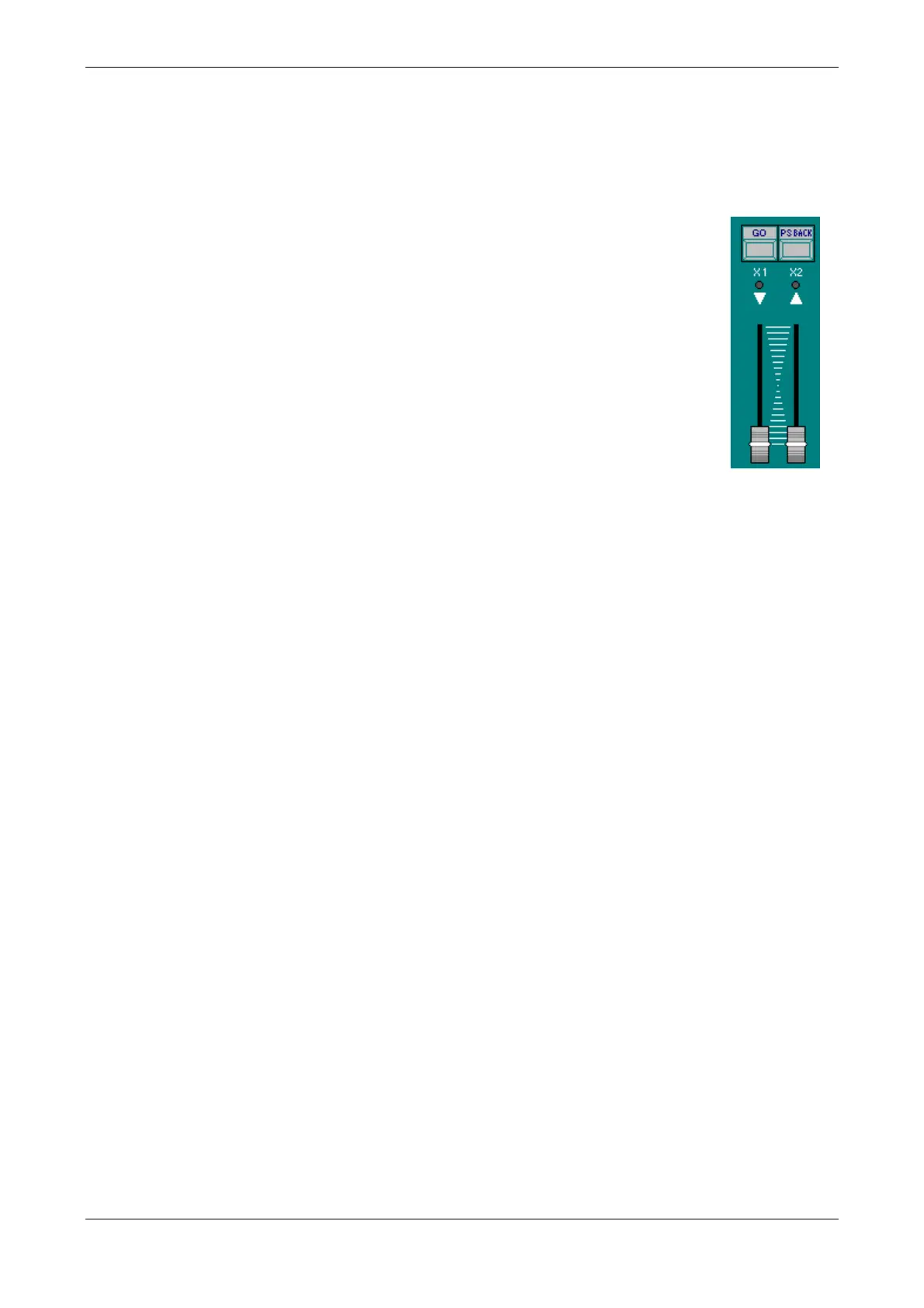
Manual: Using the faders X1/X2.
Automatic (based on the programmed times for cues): Using the functions [GO] & [PS.BACK].
Manual cross-fade:
These faders have inverted scales. Each new cross-fade starts when the 2 faders
are at the same end, and ends with these faders in the other end. X1controls
the cue in scene (fading it from FF to 00), and X2controls the next cue
(fading it from 00 to FF). These faders can be moved at the same time
(homogeneous cross-fade) or not. When the current cross-fade is executed, the
next cross-fade is ready to start (a new cue, the next in the list, is assigned in X2)
In this mode, the programmed times are no computed
Automatic cross-fade:
Starts the next cross-fade automatically, using the programmed times of the cue in
X2 (next cue).
It is possible to do multi-go commands. With a cross-fade in progress, if [GO] is
pressed, the current cross-fade is resumed and the next cross-fade is started.
Automatic cross-fade:
When a cross-fade is in progress, pressing [PS.BACK] the cross-fade is paused.
If the cross-fade is inactive, [PS.BACK] starts to previous cue in invert direction
If cross-fade is paused, [GO] restarts it to the next cue and [PS.BACK] restarts it
to the previous cue, in invert direction



 To Next Page