Piccolo 78 from 82
www.lt-light.com
40. CONSOLE UPDATING
Software for updating the console is published on Internet, www.lt-light.com, but it can also be
obtained from your LT-Light distributor.
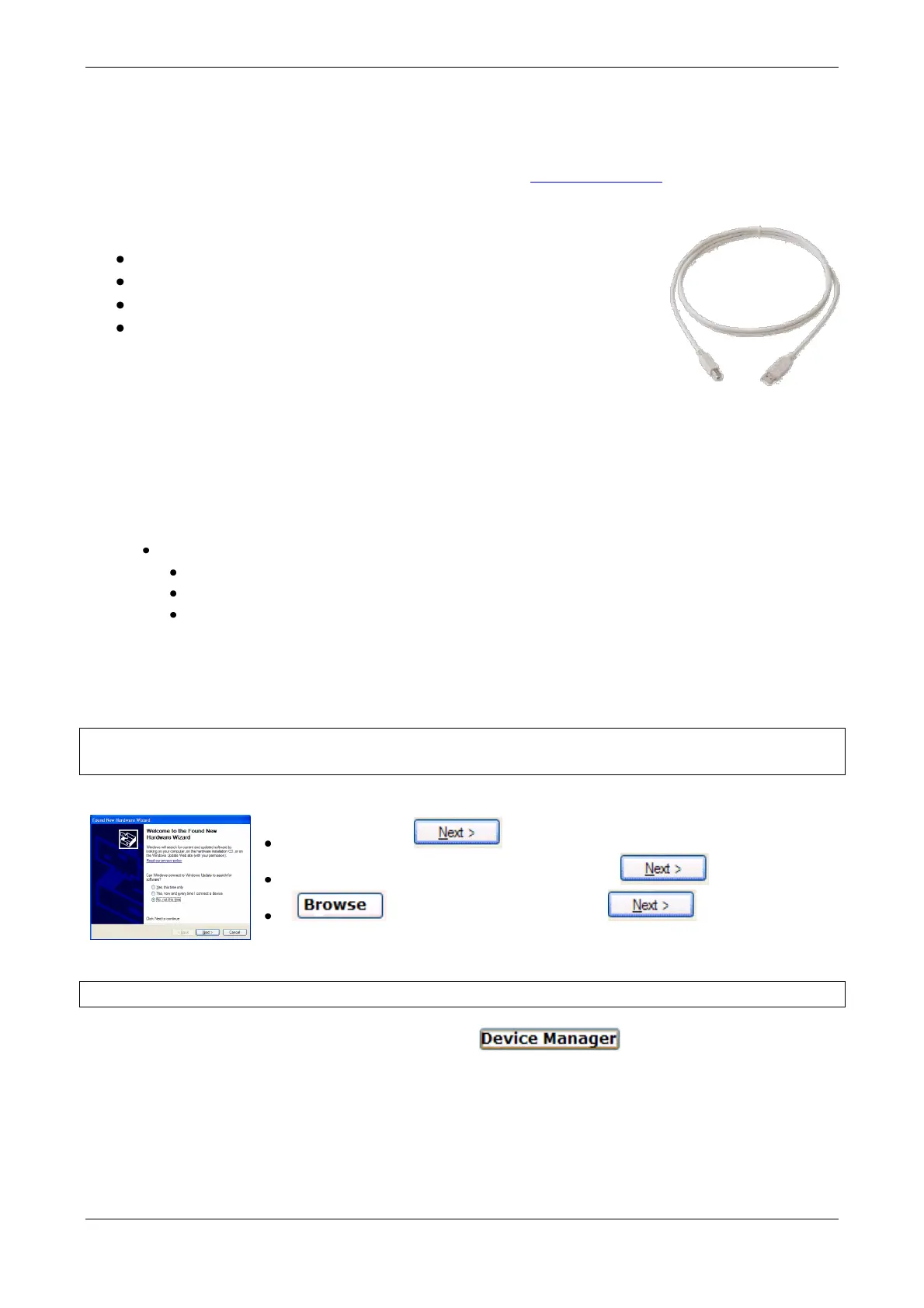
Console is updated using its USB connection to a PC. For this it will be necessary:
PC with WIN-XP or WIN7.
An USB cable type AB (male)
Last software for updating (from 2.06)
LT USB Driver for Piccolo or Piccolo Scan in UsbDriver folder.
Updating process:
New Driver will be installed in the computer, Win Xp or Win7, and the computer is ready to install
new versions to Piccolo, Piccolo Scan and their peripherals.
Please, follow the driver update process carefully. Please, read with care instructions that are
attached in the software packed (_ReadmeLtUsbDriver.pdf). Next, a resume is included:
1) Unzip the installer into computer. Inside zip file (Piccolo206.zip, PiccoloScan206.zip), there are:
UsbDriver folder. Inside UsbDriver folder, there are:
Installer_x86.exe
ltusb.inf
And 2 folders: Licence & x86
2) Execute Instaler_x86.exe
3) Connect console (Piccolo, PiccolScan) to update by USB to computer.
*4) Follow the process A or B, as corresponding:
A ) Installing in Win XP – For computer that haven’t a LT-USB Driver (First time)
Installing in Win7
a.5) Computer detects it (as “new hardware”), and starts the assistance:
“No, no this time”
“Install from a list or specific location (Advanced)”
. Select UsbDriver folder location .
Driver is installed, and computer is ready to update LT devices by USB
B) Installing en Win XP – For computer that have old LT-USB Driver (Update Driver)
b.5) Click “Start/Control Panel/System/Hardware”:



 To Next Page