Piccolo 33 from 82
www.lt-light.com
[#] [S#] Start the loaded effect in S#, this effect is executed # times, and then, the effect is
stopped automatically. The number of times is a number from 1 up to 99.
[5.B]STEP(hold down) [S#] Starts the next step in manual mode. Step to step mode.
To modify onlt the options or attributes of a concrete effect, press:
[EFFECT] [#] [OPTIONS] and edit text, attributes, etc
To exit of these options lines, press [OPTIONS], [EXIT] or the loading command [LOAD] [S#].
To modify the contents of an effect, open the table of this effect pressing:
[EFFECT][#][MDFY]
To modify the general options of several effects only (attributes, times…) it is possible to open the
effect list with: [EFFECT] [MDFY]
If a additional control of level/rate for a chase or of rate/level for a effect is needed, program this
additional control pressing [MD.FY] [FL.MT], and programming to a Submaster the option
10:RATE or 11:LEVEL. This special control must have the Submaster range programmed (or
only one Submaster) that will be controlled; the Crossfader X can be included too.
21. CONTROL SUBMASTERS FOR LEVEL AND RATE
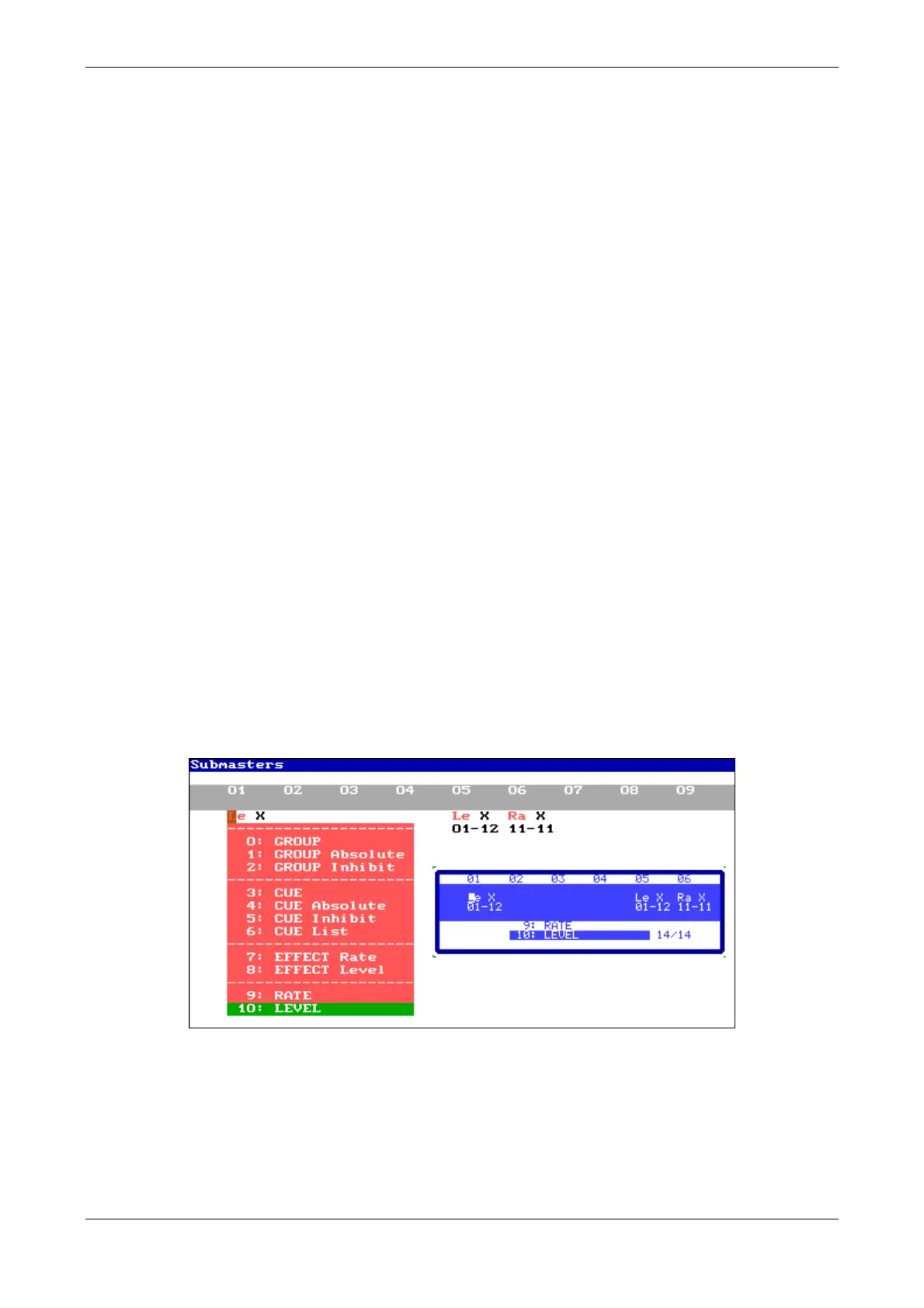
It’s possible to create a general control for rate (9: RATE) and/or for level (19: LEVEL)
using any Submaster of the console. For this, open the screen:
[MD.FY][FL.MT]
Select the desired option and configure the playbacks that will be controlled for this control, the
crossfader (X) and the Submaster range (01-12)



 To Next Page