LUMIPro 2017
5
Quick Start Tutorial—Part V
It’s fun time! Now that your shot is framed, it’s almost time to capture the soul of your model. But wait; they say the eyes are the windows to the soul, and right now they’re gazing o into
the distance, and itting around like a mead-drunk bumblebee. We’ll x that with just a couple clicks.
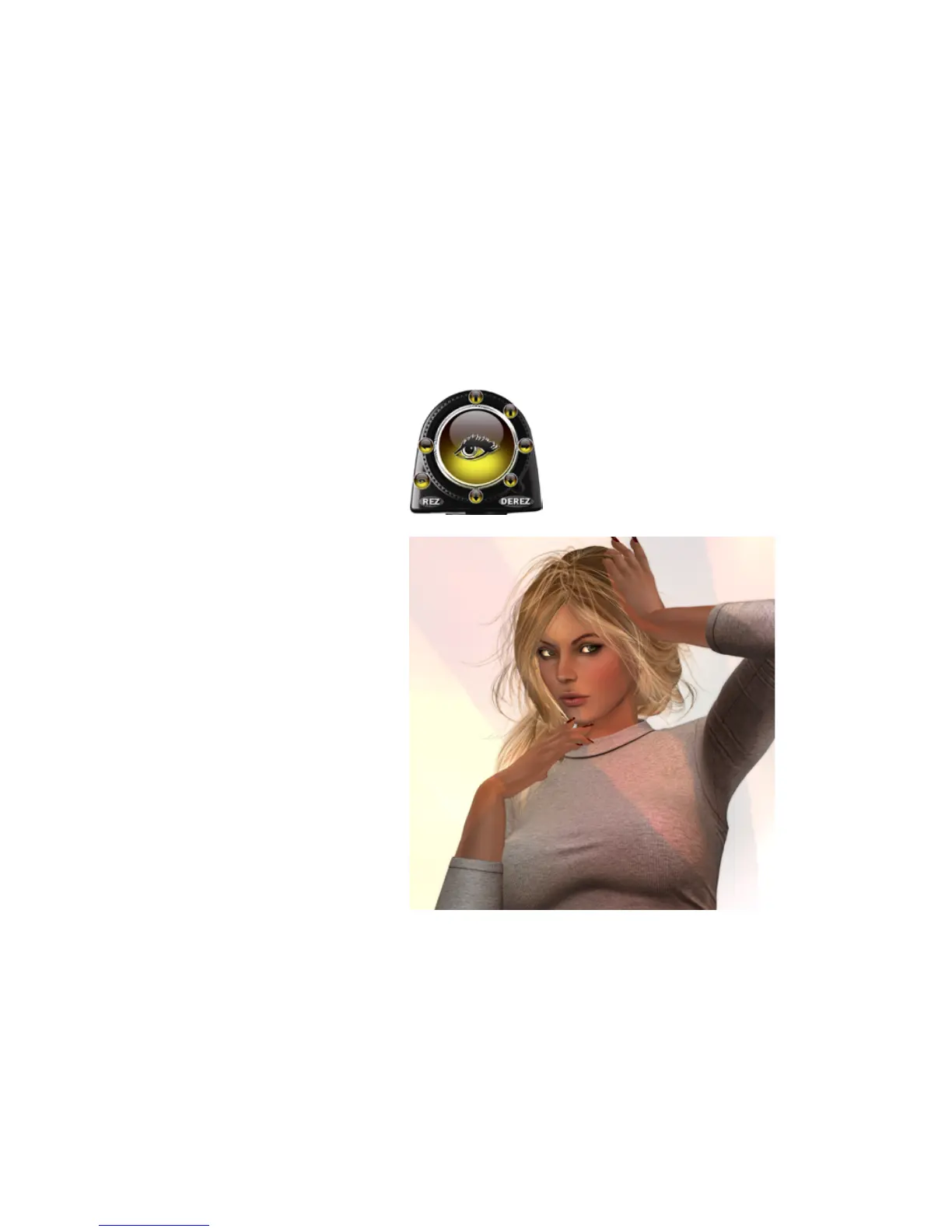
Step 20. Use the Flipper on the Toolbox to change to the Eye Gazer mode.
It’s the eyeball icon, and when your Toolbox looks like this, you’re ready.
Step 21. Click in and around the Joystick, and you’ll see your model’s eyes
moving accordingly. ere are 121 separate eye positions loaded into the
High Resolution Eye Gazer, so there is plenty of exibility. Click around
until your model is looking right at you. If you can’t nd the perfect gaze,
feel free to adjust your camera, or switch back to Sit Ball mode and adjust
your position. When you’ve captured the right look, take a picture.
Now you could stop here if you wanted to: you now know how to add a
model, give them their wearables, light them up, pose them, move them,
adjust their eyes, shoot them—and even learned a couple handy tips on
focal length and how to manage showing and hiding your lights. But
there’s a couple more things to show you, and then we’ll be done.


 To Next Page