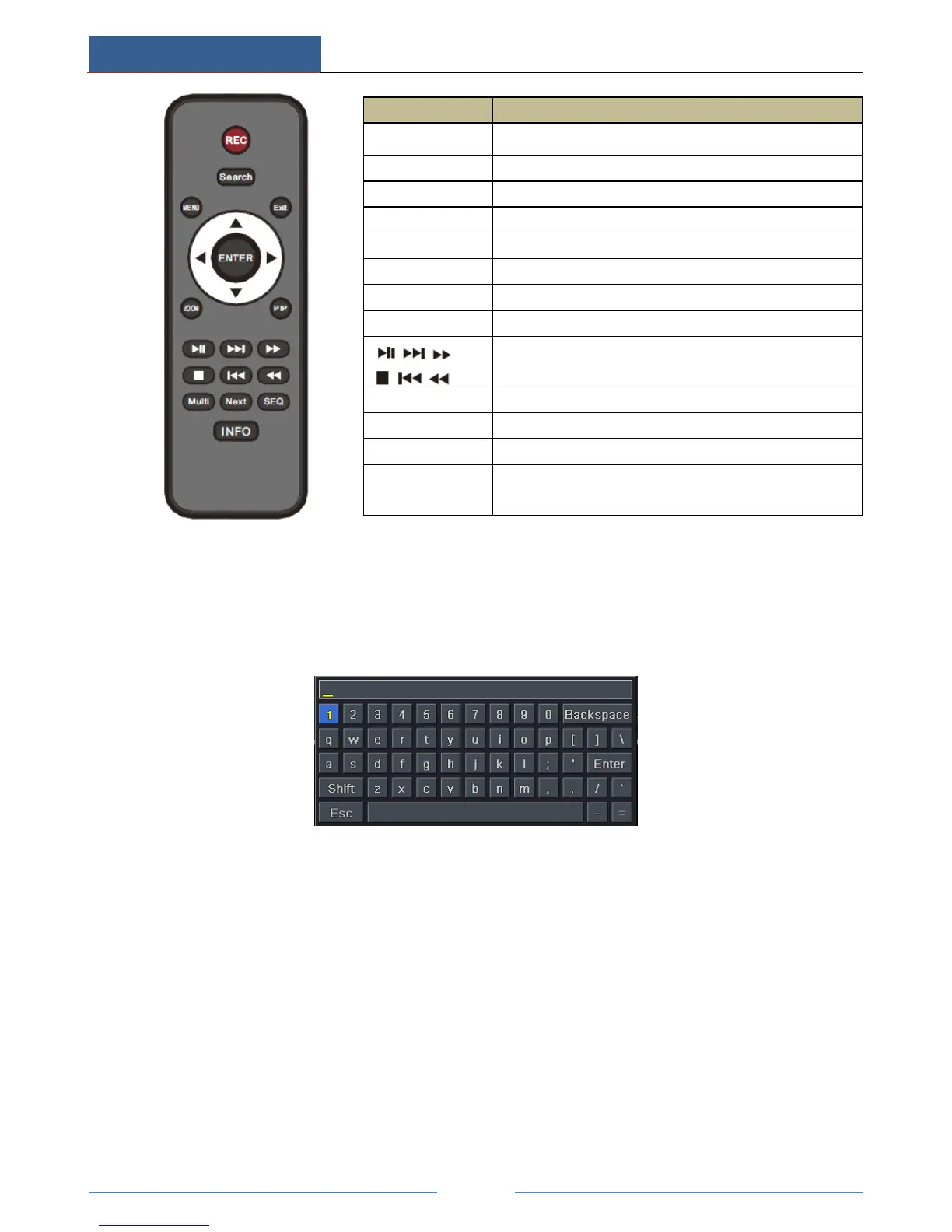
Entering password by remote controller
If you want to enter “123456” by IR remote controller, you shall follow the following steps.
① Move the cursor to password box and then press “Enter” button on the remote controller
to pop up a little soft keyboard.
② Move the cursor to “1” on the little soft keyboard and then press “Enter” button on the
remote controller. Next, input “2”, “3”, “4”, “5”, “6” separately like that.
③ Move the cursor to “Enter” button on the little soft keyboard and then press “Enter”
button on the remote controller.
Controlling Multiple Devices by remote controller
The default device ID of the AHD Hybrid DVR is 0. It’s not necessary to reset the device ID
when a remote is to be used to control a single device. However when controlling multiple
devices with multiple remote controllers, you would need to configure the device ID, please
refer to below steps:
① Activate remote controller to control the device: Turn the IR sensor of the remote
controller towards the IR receiver on the front panel, press the number key 8 twice on the



 To Next Page