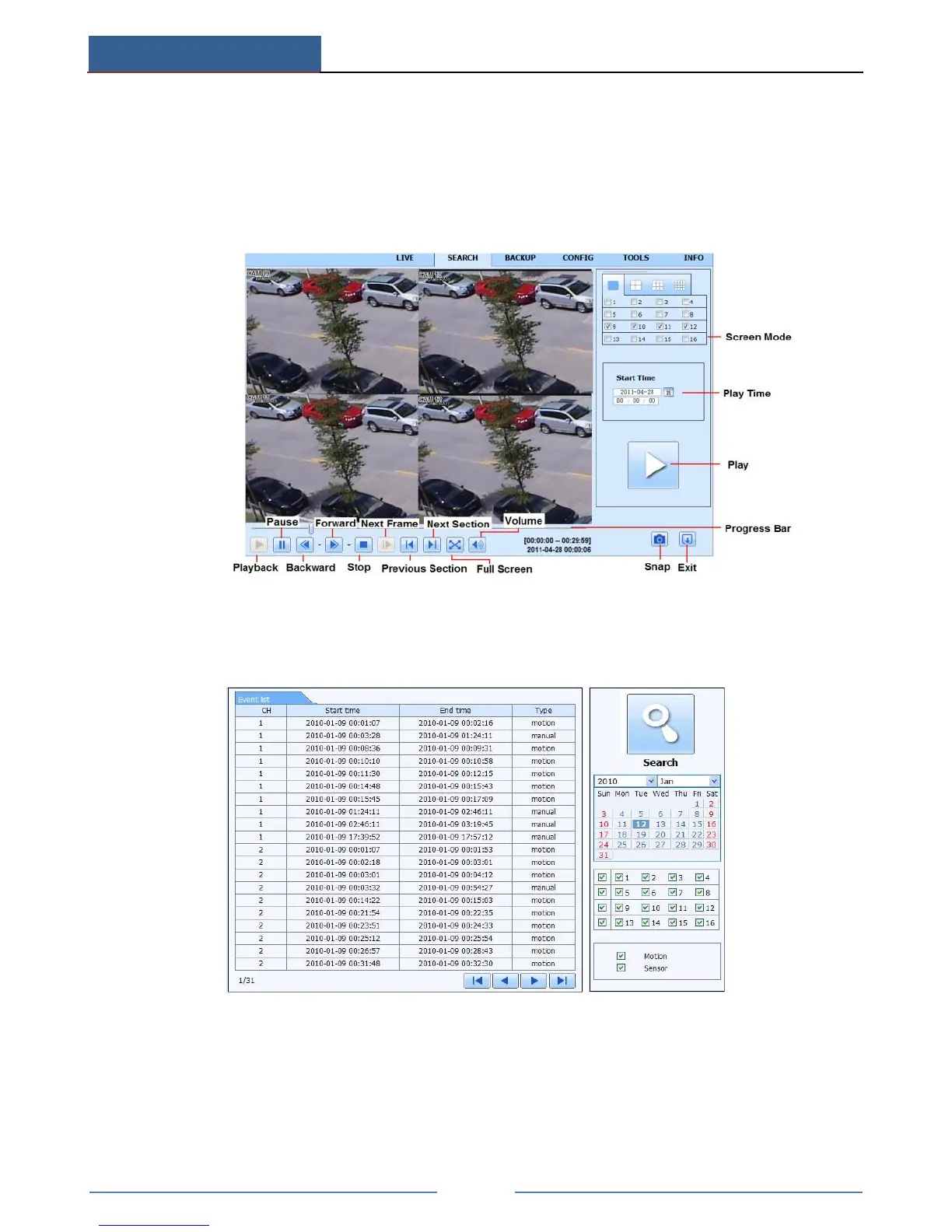
The highlight date in the area ② indicates recorded data. Select the date in area ② and record
channels in area ③. Click “Search” button. The record data will be displayed in the data
information list box. Set the data playing time and display mode in the area ① as required.
Click “Play” button to playback. Click the relevant buttons in the interface for operation, like
FF, pause, change channel mode, etc.
By Event Search:
Go to SearchEvent Search interface.
Click the highlighted date and select record channels.
Checkmark the event types: motion and sensor.
Click “Search” button.
Double-click certain item to play.
File Management:



 To Next Page