4To create an Animation Object
1. From the Parts menu, click Animation. Or click the Animation icon in the Part2 toolbar.
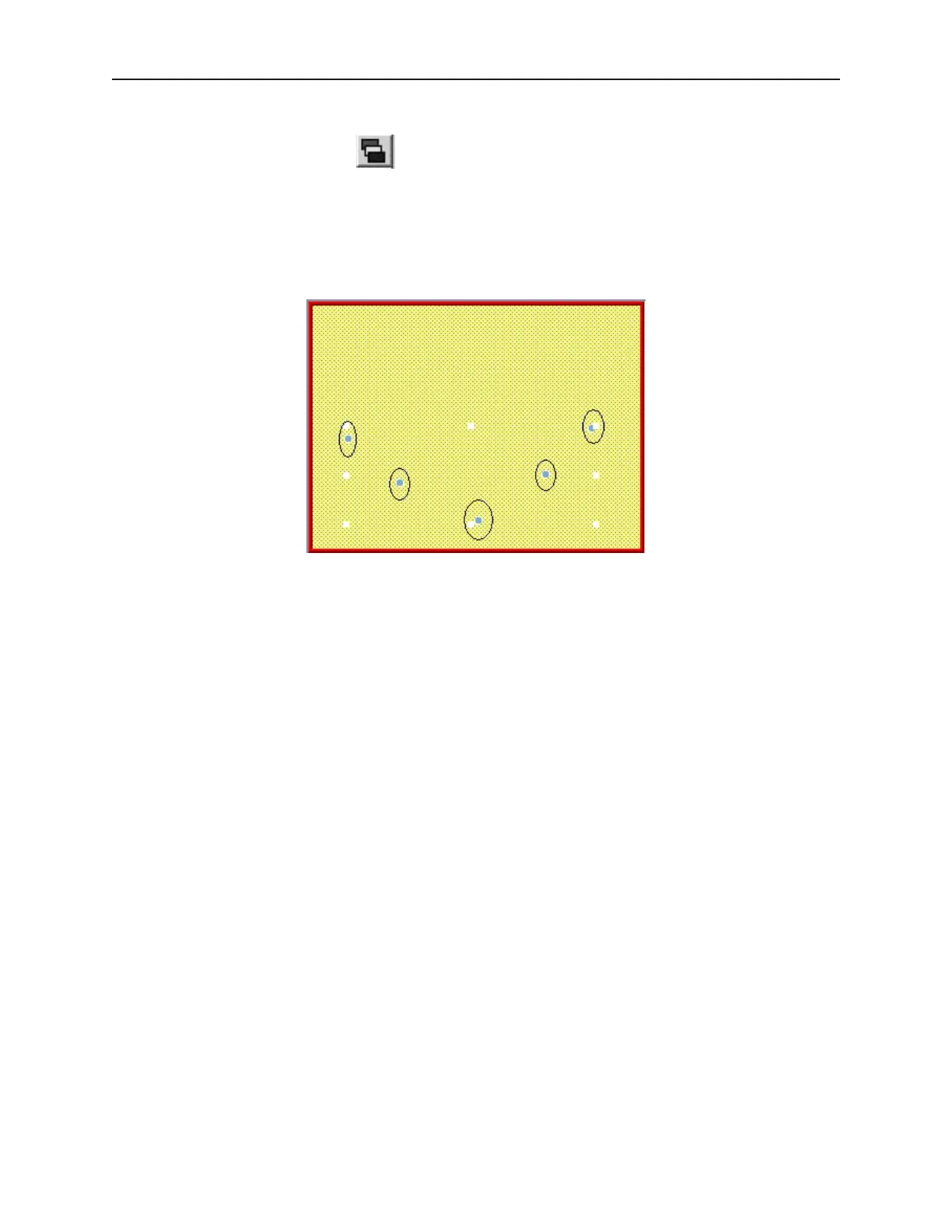
The mouse cursor changes from a pointer to a crosshair when placed over the work area of
EasyBuilder. Use the cursor to set the path that the Animation object is to take. At each
location along the path, click the mouse to place another position marker. A maximum of
255 position markers may be placed onto the window screen.
2. When you have finished placing the position markers, right click the mouse to display the part
at the first position.
1010-1001a, Rev 02
198 Sil ver Se ries In stal la tion & Op er a tion Man ual



 To Next Page