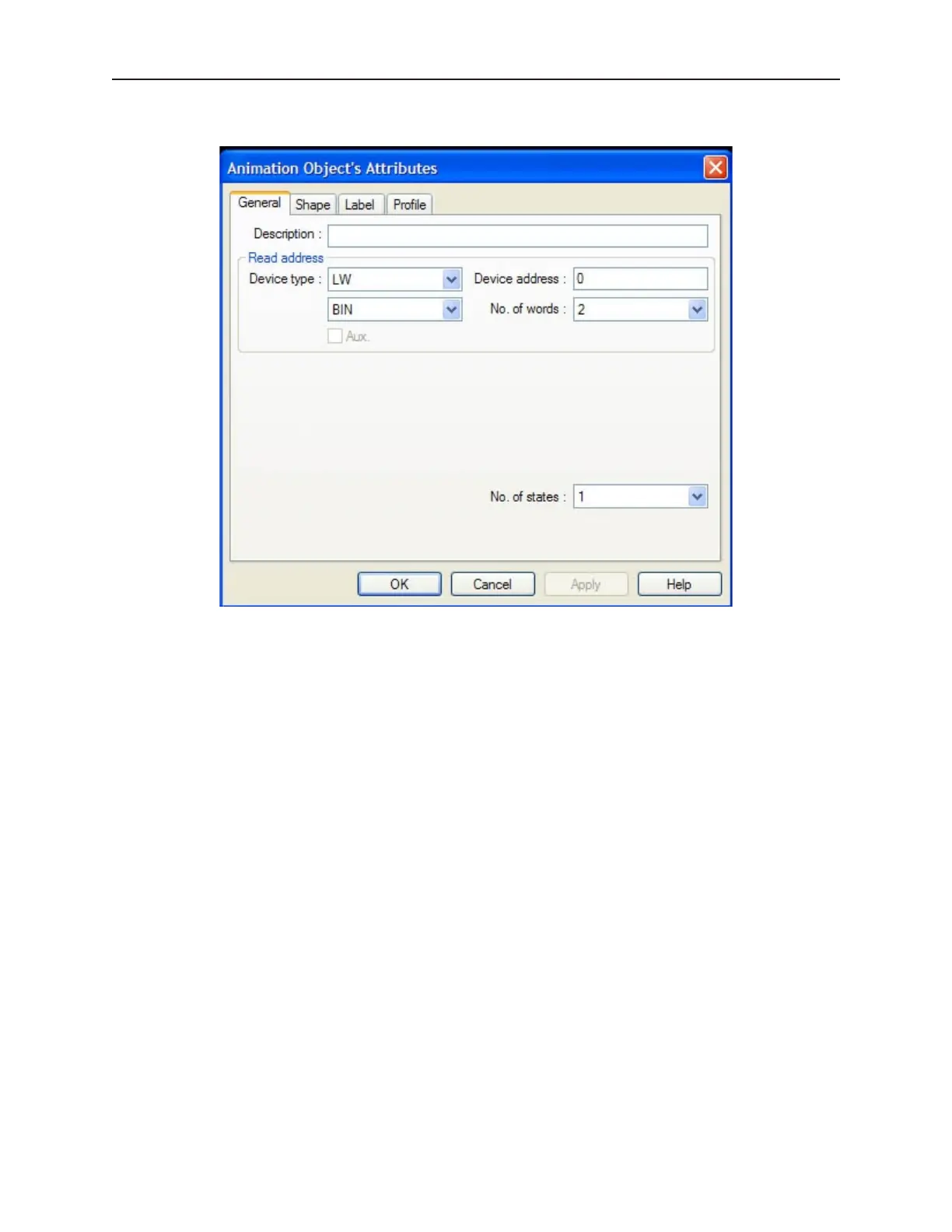
3. Double click the part. The Animation Object’s Attribute dialog box appears.
4. Use the Description: box to enter a title for the Animation part. A description is not
necessary but does help you identify the purpose of the part.
5. In the Read address frame, select the starting PLC coil or OIT internal memory address that
the part reads from. You can select BIN (binary) or BCD format. The No. of words: is set to
2 and cannot be changed.
6. In the No. of states: box, select the total number of states to be displayed.
7. Refer to the Bit Lamp Object section for information on using the Shape tab.
8. Refer to the Bit Lamp Object section for information on using the Label tab.
1010-1001a, Rev 02
Rep re senting Data with Graph ics Ob jects 199



 To Next Page