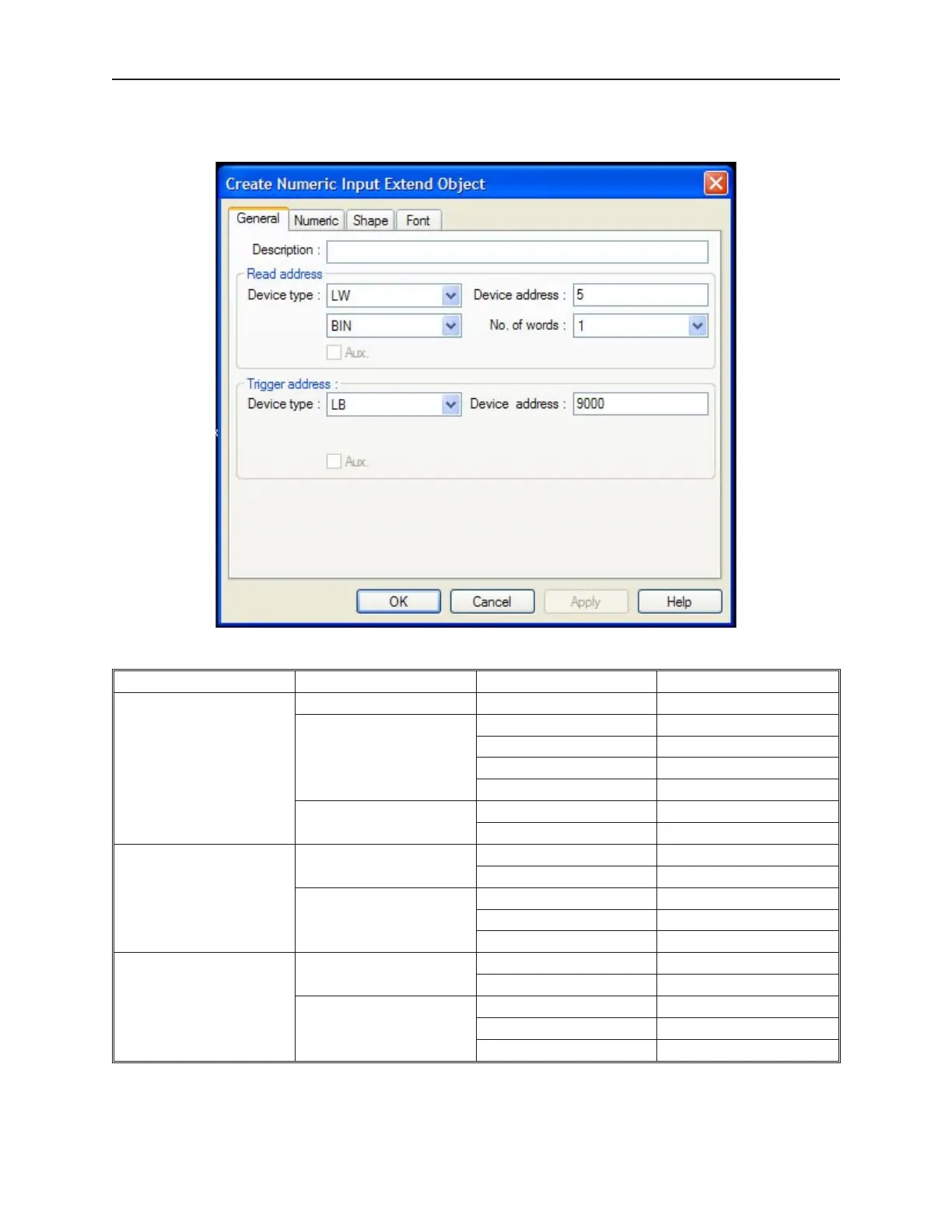
6. From the Part menu, select Numeric Input Extend. The Create Numeric Extend Object
dialog box appears.
7. Create a Numeric Input Object with the following parameters:
Tab Frame Parameter Value
General
Description Numeric Input Register
Read Address
Device type: LW
Device address: 0
BCD or BIN: BIN
No. of words: 1
Trigger address
Device type: LB
Device address: 9000
Numeric
Display
Format Decimal
Type Raw data display
Numeric
No. above Dec: 5
Input low: -32768
Input high: 32767
Shape
Shape
Use Shape checked
Shape library button1, item 0
Attribute
Color: black
Align: Right Adjust
Font: 16
1010-1001a, Rev 02
Using and Cre ating Key pads 205



 To Next Page