Profile
Width 46
Height 27
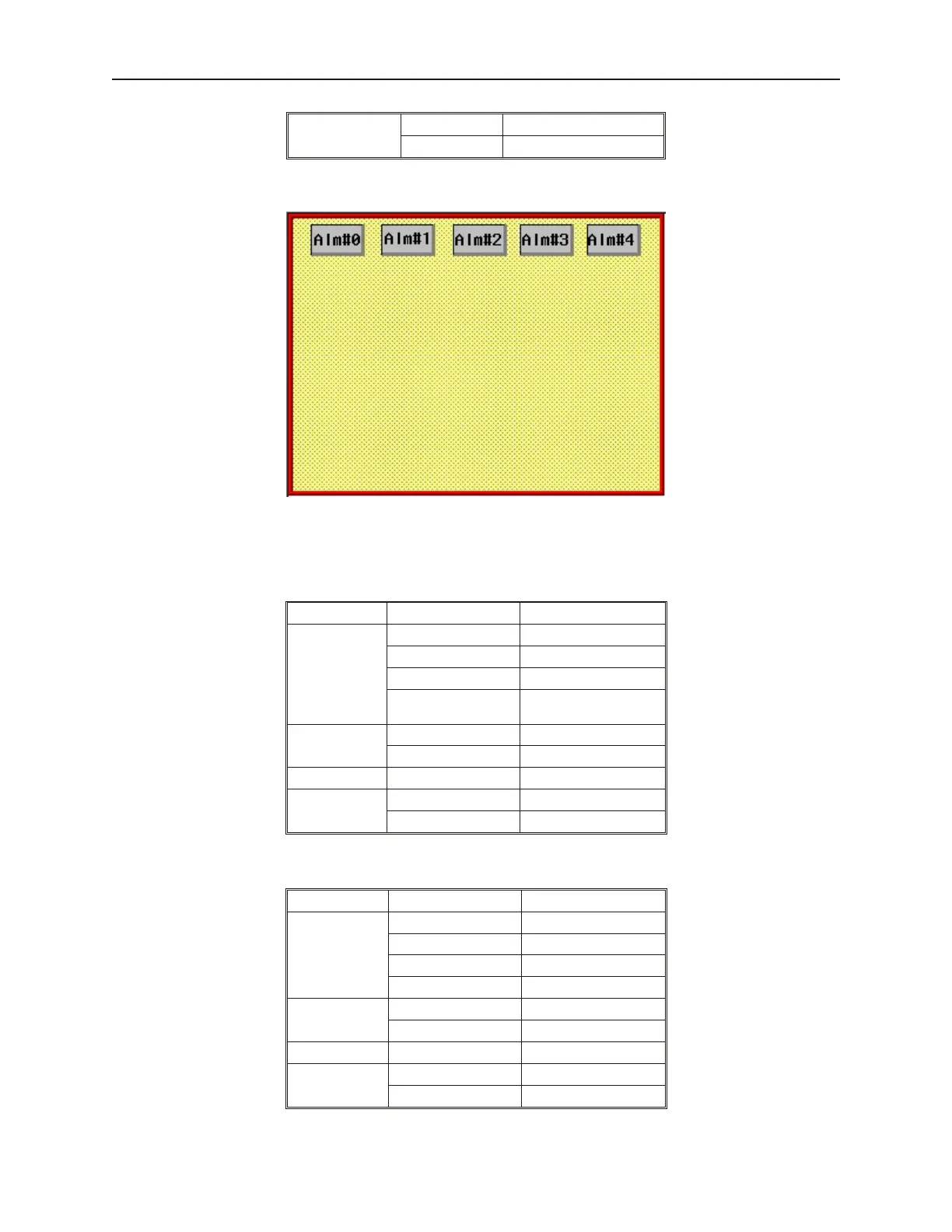
3. Place the five objects on the top of the window:
4. These buttons will be used to simulate alarm conditions.
4Create a text box and two Set Word objects to scroll event window
1. Create a Text Object that says “Alarm History”.
2. Create a Set Word Object with the following attributes:
Tab Attribute Setting
General
Write Address LW0, BIN
Attribute Style Sub value (JOG-)
Attribute Dec Value 1
Attribute Bottom
Limit
0
Shape
Library button4
Item 28
Label Use Label not checked
Profile
Width 41
Height 20
3. Create another Set Word Object with the following attributes:
Tab Attribute Setting
General
Write Address LW0, BIN
Attribute Style Add value (JOG+)
Attribute Inc Value 1
Attribute Upper Limit 10
Shape
Library button4
Item 32
Label Use Label not checked
Profile
Width 41
Height 20
1010-1001a, Rev 02
Cap turing Alarms and Events 235



 To Next Page