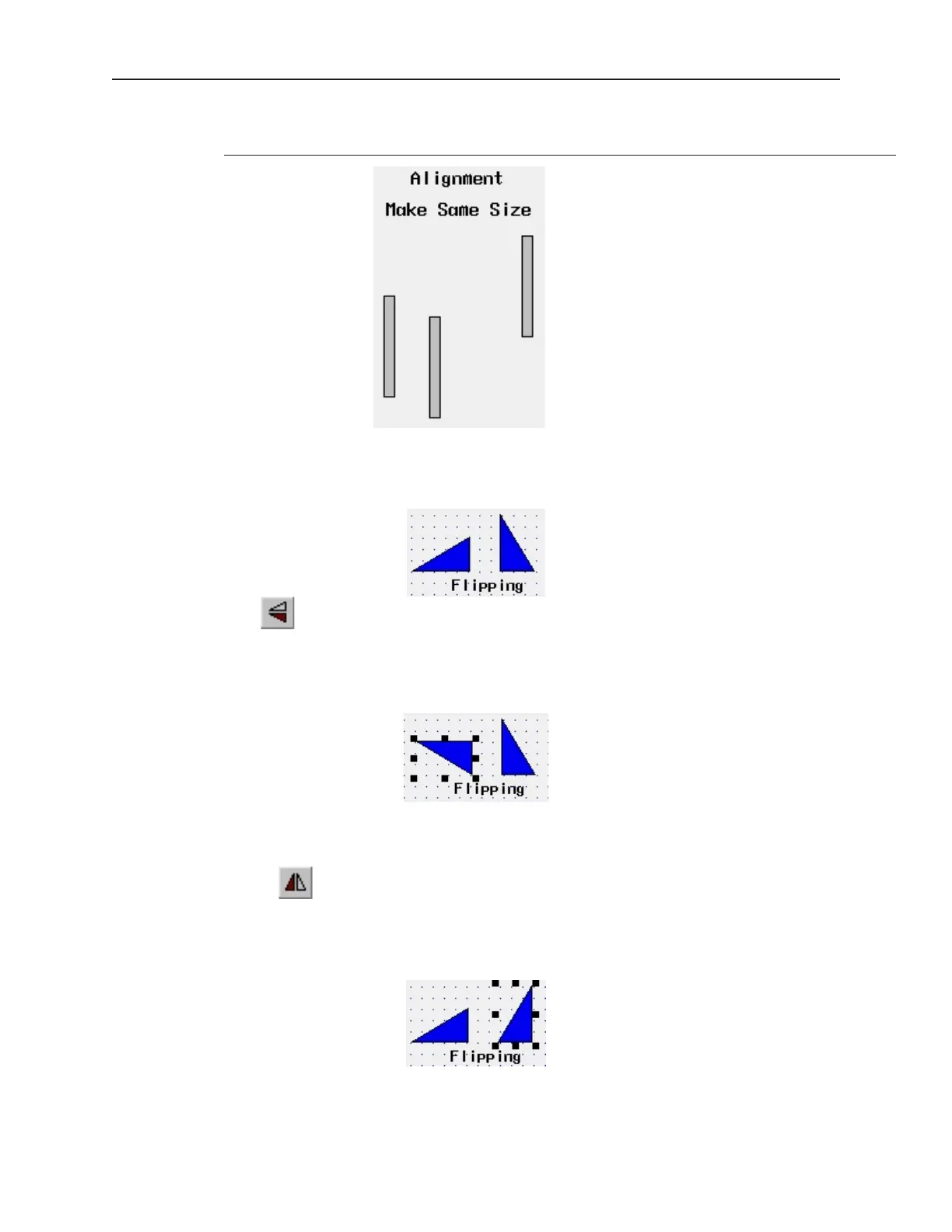
finally the right rectangle. See what happens when the make same size command is
applied to the center and right rectangles.
Flip ping Ob jects
These three commands allow you to quickly ‘flip’ or position an object in a new direction. To better illustrate, we
will again refer to Window_12 of the sample project.
4To flip vertically
1. Select the object you wish to flip vertically. For this example, select the left triangle object of
Window_12.
2. From the Edit menu, click Flip Vertical or click the appropriate icon from the Manager
toolbar.
3. From the Edit menu, click Undo to put the left triangle object back in its original position.
4To flip horizontally
1. Select the object you wish to flip horizontally. For this example, select the right triangle
object of Window_12.
2. From the Edit menu, click Flip Horizontal or click the appropriate icon from the Manager
toolbar.
3. From the Edit menu, click Undo to put the right triangle object back in its original position.
1010-1001a, Rev 02
Using EZware-500 57



 To Next Page