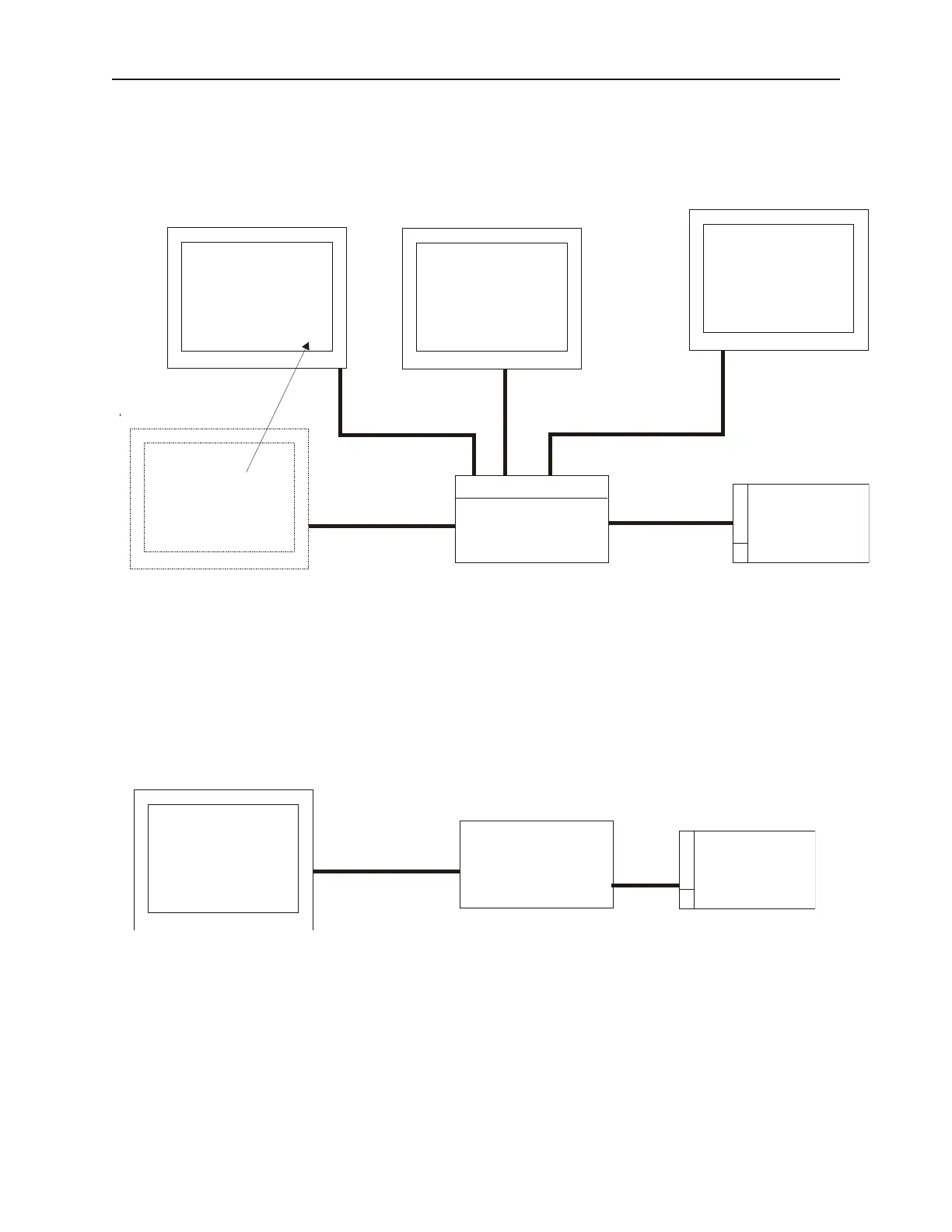
disconnected without interrupting the other), then they can be connected as individual master devices using an
Ethernet switch, as illustrated below:
This configuration can only support one PLC, and all master OITs must use the same protocol and the same server
address for the PLC. A master OIT will not be able to see local memory or status of any other master OIT. A slave
OIT can be connected to monitor/control a specific OIT master. A slave can control and view the internal memory
and status of a master OIT.
If a router is to be used for connecting to a different network, then enter the router IP address and configure the
router to address the PLC on its network. See the illustration below:
1010-1001a, Rev 02
Us ing EZware-500 73
OIT
(Master)
PLC
L:192.168.10.181
S:210.16.120.179
Sub:255.255.255.0
Router: 192.168.10.1
Router
210.16.120.179
192.168.10.1
Ethernet
OIT
(Master)
PLC
L:192.168.0.20
S:192.168.0.10
Sub:255.255.255.0
OIT
(Master)
L:192.168.0.30
S:192.168.0.10
Sub:255.255.255.0
OIT
(Slave)
OIT
(Master)
Ethernet Switch
L:192.168.0.40
S:192.168.0.10
Sub:255.255.255.0
L:192.168.0.150
S:192.168.0.20
Sub:255.255.255.0
Standard
Ethernet
Cabling
192.168.0.10



 To Next Page