Soft ware Con fig u ra tion
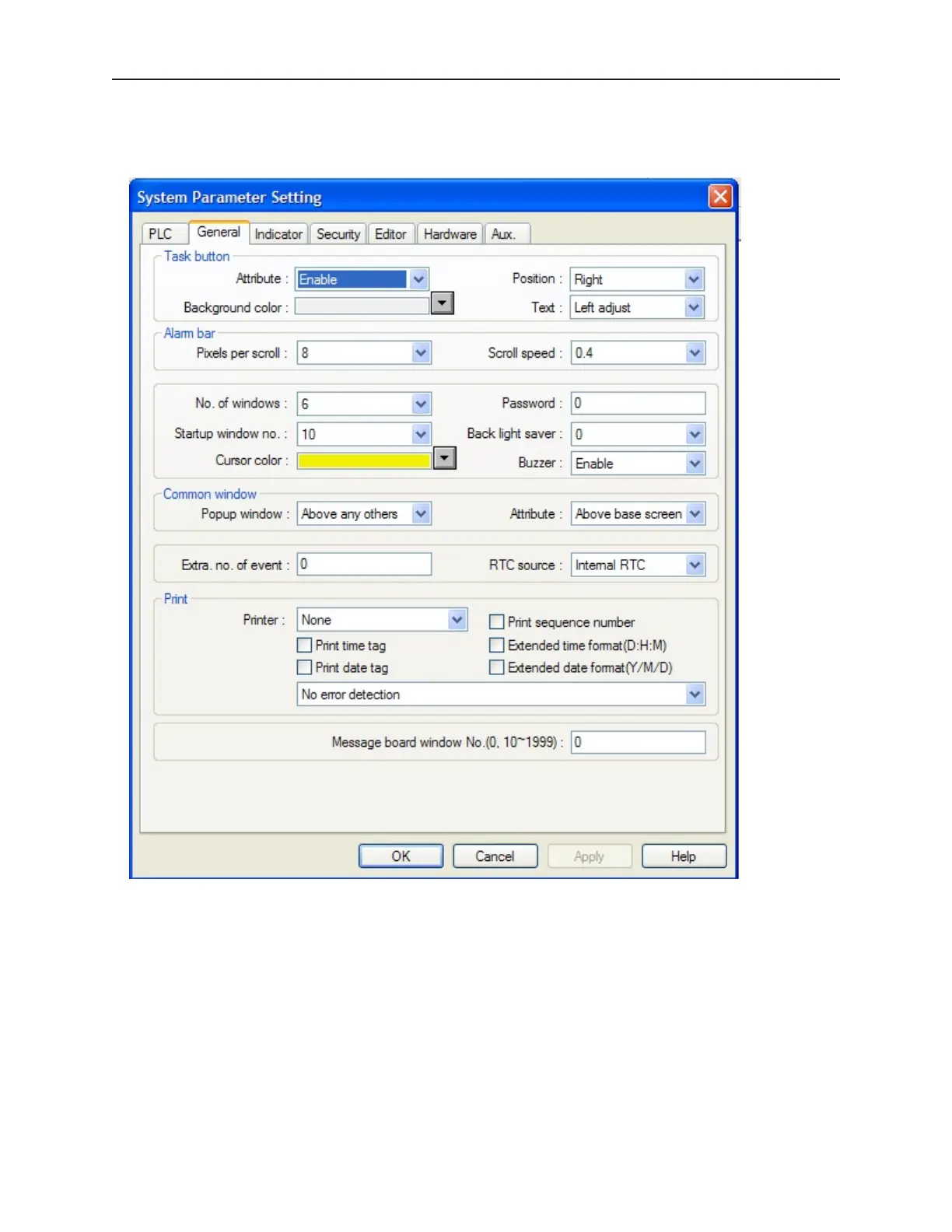
In the Edit-System Parameters -{PLC} tab, configure as follows:
You must configure the OIT that connects to the PLC as the master. All other OITs should be configured as slave
OITs, unless an Ethernet switch is used, in which case the OITs may all be masters with separate local IP addresses,
and all have the same Server (PLC) address.
4To configure Master OITs to talk with a PLC over the Ethernet port:
1. Click on Edit-System Parameters and select the {PLC} tab.
2. Select PLC Type as Modbus RTU TCP/IP.
3. Select PLC I/F port as Ethernet.
4. For the multiple OIT box, select Disable if there are no slave OITs. Select Master if any OIT
is to be a slave unit, and, if so, select Ethernet for Connect I/F.
5. Select a unique IP Address in the Local IP Address: boxes.
1010-1001a, Rev 02
74 Sil ver Se ries In stal la tion & Op er a tion Man ual



 To Next Page