41
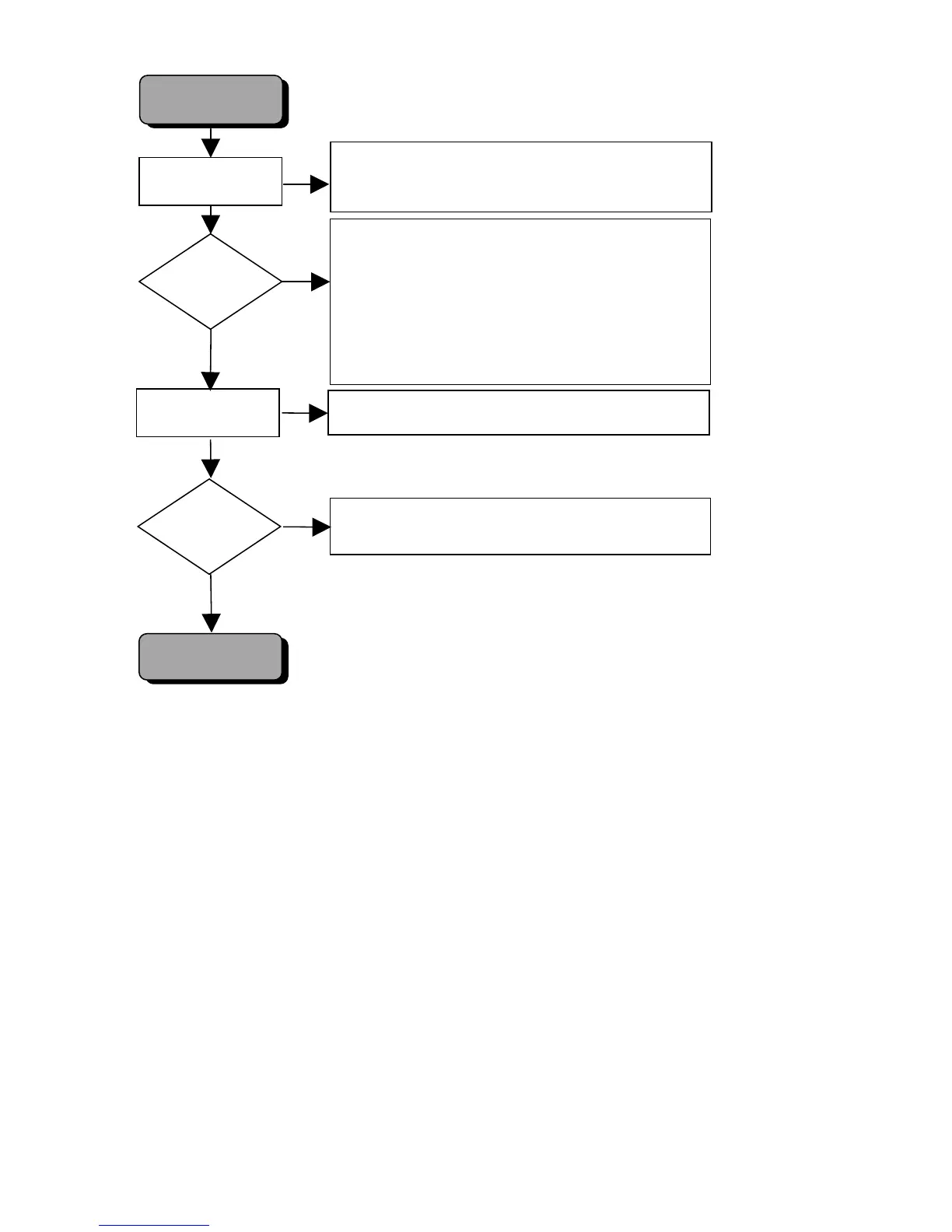
SCART SWITCHING
OK
Diagnostic Software
NO PICTURE SCART
SCART SWITCHING
PICTURE TV?
Check RGB at testpoints 1-3
Check HSYNC at pin 14 of IC 7316 (testpoint 24).
Check RGB at output of RGB video processor 7316
testpoints 25. 26. 27.
Check SCART SWITCH IC 7305
Check “SLB_TV: 10V, “FBOUT_TV: 5V, BC_TV: 1,2V
Check video buffer transistors 7306, 7307, 7308, 7309 for
TV scart and 7325 for AUX scart.
NO
YES
NO
YES
PICTURE
AUX/VCR IN
ON TV?
Diagnostic Software
Proceed until display shows: " SCART-S PASS ".
Check “SLB_TV = 0V, “FBOUT_TV = 0V, BC_TV: -0.3V.
Check video buffers.
To put set in “Player script”, press keys
STOP+OPEN/CLOSE simultaneously and switch mains on.
Proceed until display shows “
COLOUR-B ON
".
Press PLAY to execute.



 To Next Page