96
Chapter 6, Setting Up Realtime Effects with Adobe Premiere
Creating a custom advanced DVE
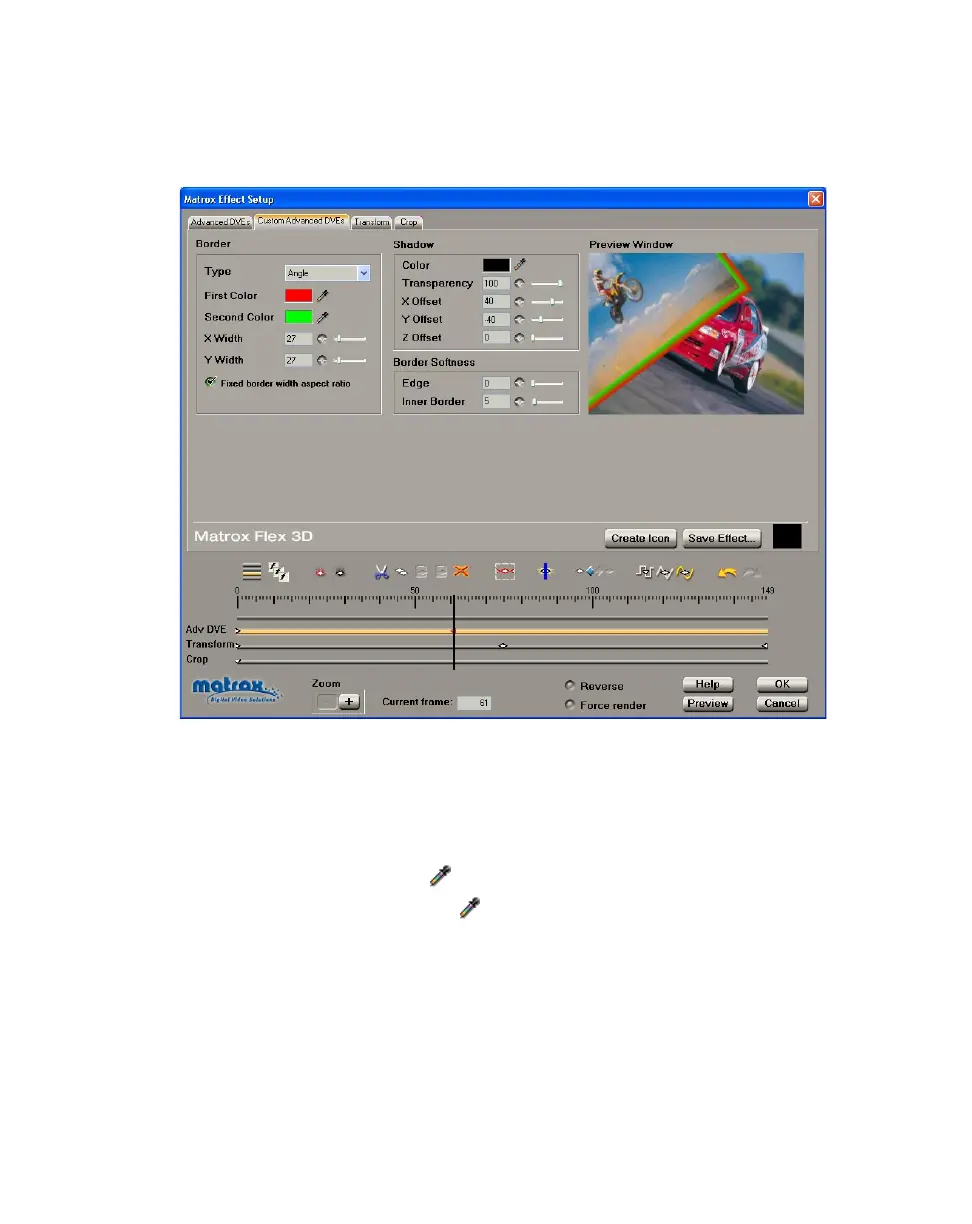
To customize the settings for your advanced DVE, click the Custom Advanced
DVEs
tab or the Adv DVE track:
Any settings that you applied under
Allow changes on the Advanced DVEs
page are carried over to the
Custom page. You can further customize your effect
using the following:
•Border
$ Type Allows you to set your border as Flat, Bevel, Round, or Angle.
$ First Color Click the button to select the border color you want.
$ Second Color Click the button to select your second color, used to
create a border consisting of a gradient between two colors.
$ X Width Sets the width of the left and right edges of your border, in
pixels.
$ Y Width Set the width of the top and bottom edges of your border, in
pixels.
¥Tip Select Fixed border width aspect ratio if you want your X and Y
values to be the same.



 To Next Page