139
Creating a custom page curl
Creating a custom page curl
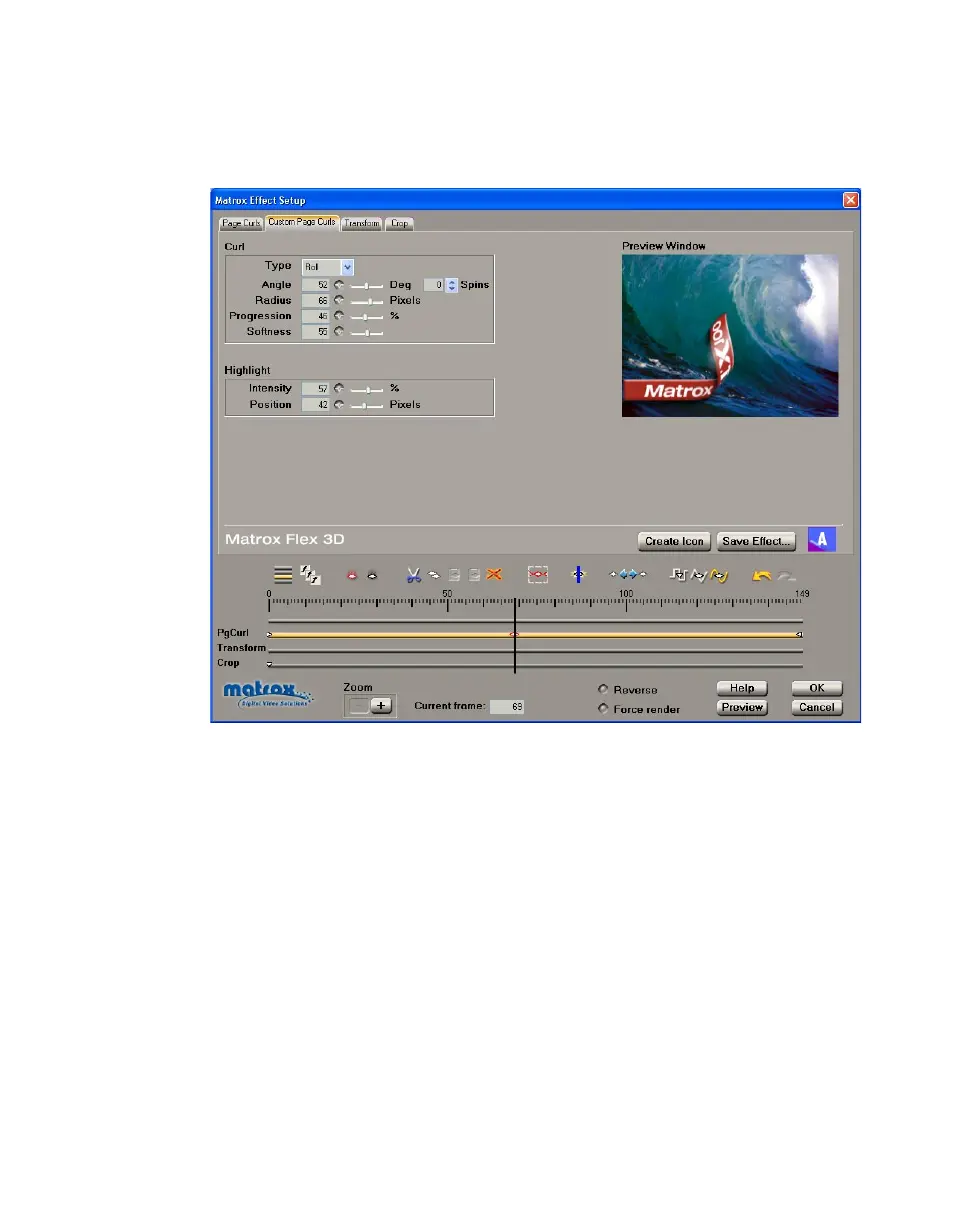
To customize the settings for your page curl, click the Custom Page Curls tab
or the
PgCurl track:
Any settings that you applied under
Allow changes on the Page Curls page are
carried over to the
Custom page. You can further customize your effect using the
following:
•
Curl
$ Type You can select Peel or Roll as your page curl type (this setting is
active for the duration of your effect).
$ Angle Sets the angle of your page curl, in degrees. Alternately, you can
set the number of
Spins for your page curl.
$ Radius Determines the tightness of your page curl. For example, a radius
of 0 produces the tightest page curl, and the higher the radius, the looser
the page curl.
$ Progression Sets the progression of your page curl pattern, at any frame.
For example, you could set the progression to 50% at the first frame to make
your page curl pattern start only at its mid-point.
$ Softness Creates a soft edge on your page curl.



 To Next Page