136
Chapter 6, Setting Up Realtime Effects with Adobe Premiere
Adding your own organic wipe patterns
You can create your own organic wipe patterns and add them to the Matrox
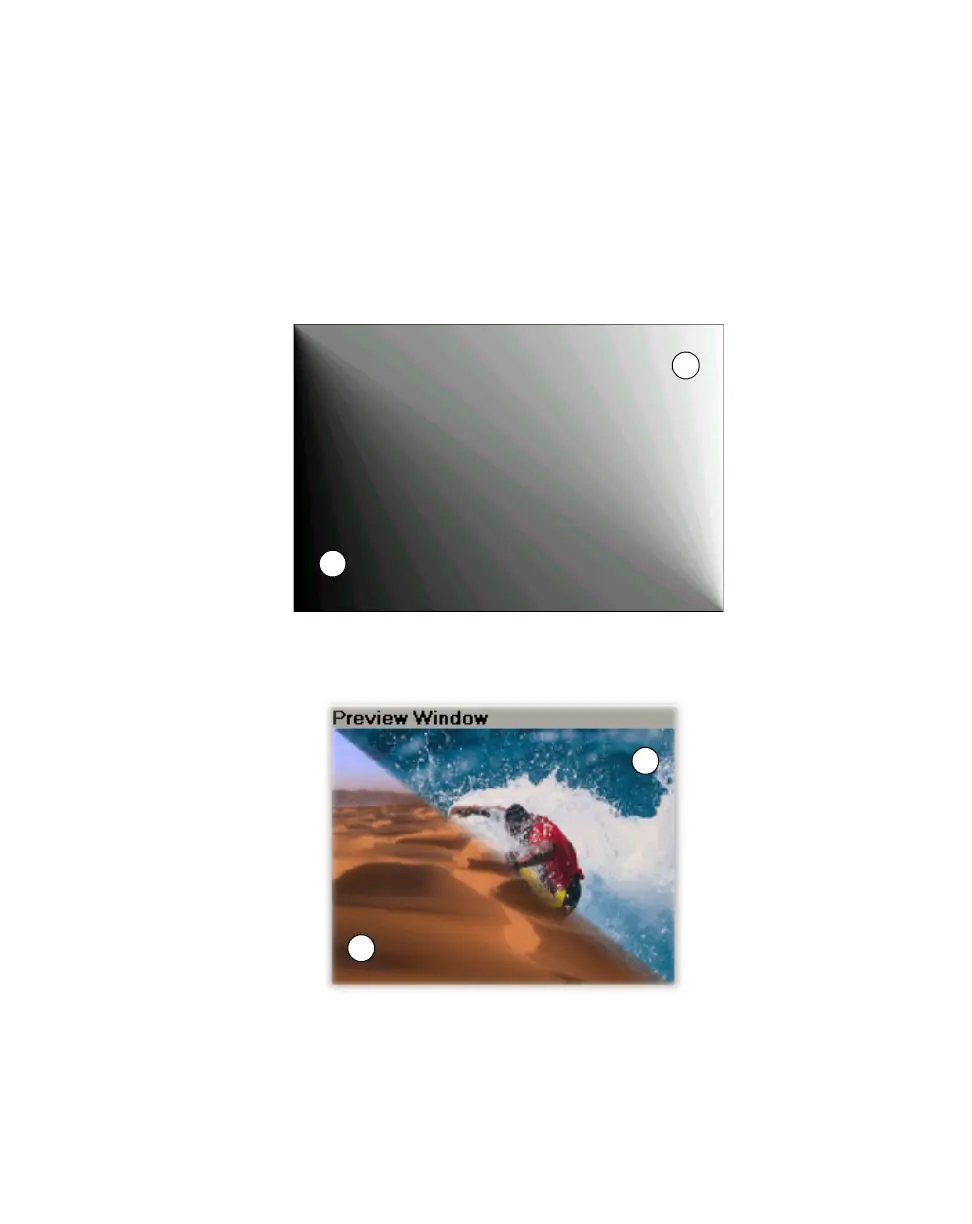
realtime plug-in for use in your projects. Organic wipes use grayscale gradient
patterns to switch from one image to another by gradually revealing the second
image in a certain pattern. A progressive transition occurs between your initial
image (Video 1A), represented by the white areas of your gradient pattern, and
your final image (Video 1B), represented by the black areas.
The following pattern is used for the
2-Corner Diag organic wipe in the Matrox
plug in:
When you apply this organic wipe, you’ll see it affect your clips halfway through
the transition like this:
✐Video 1A ✑Video 1B
✐
✑
✐
✑



 To Next Page