101
Creating a custom blur effect
Creating a custom blur effect
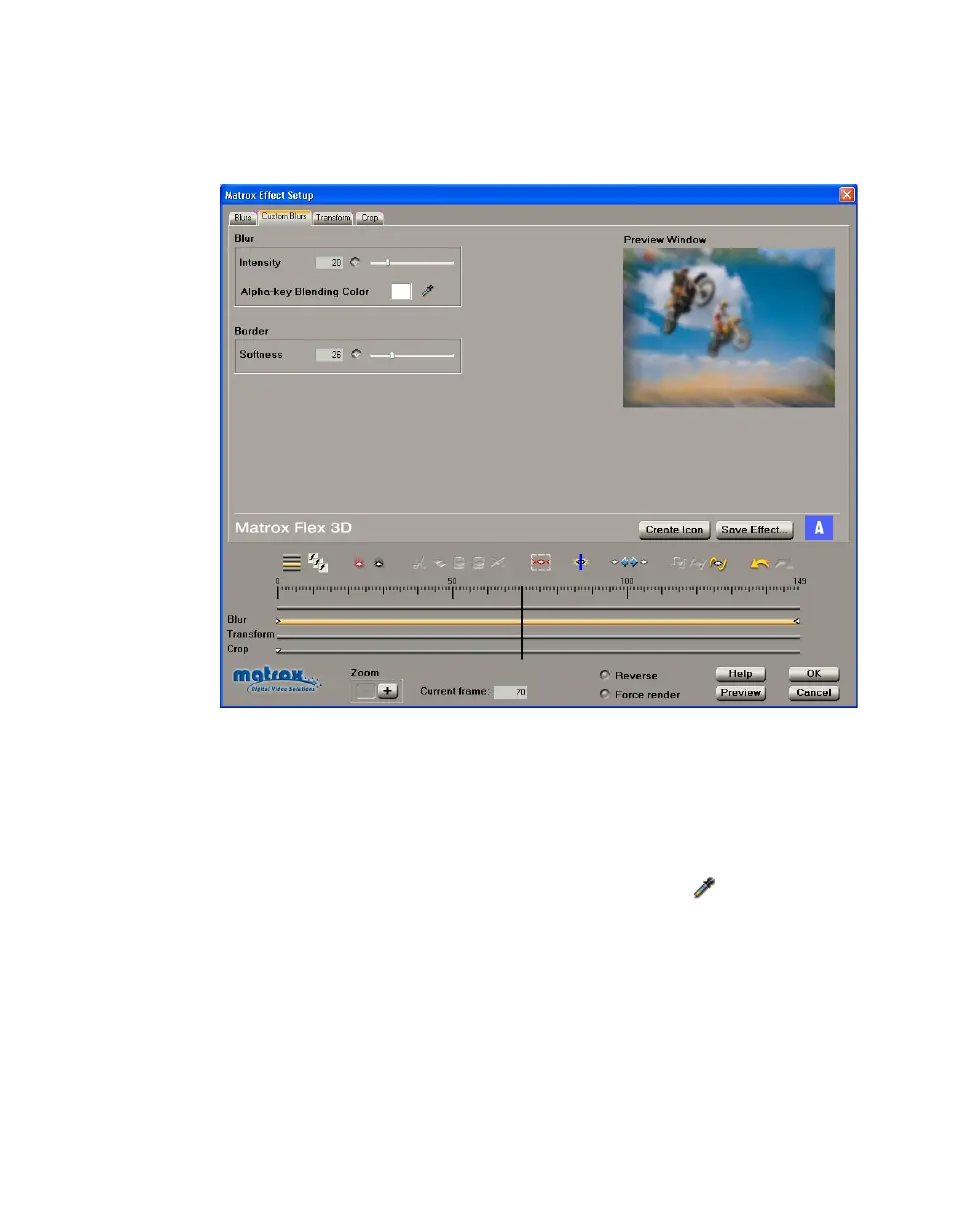
To customize the settings for your blur effect, click the Custom Blurs tab or the
Blur track:
Any settings that you applied under
Allow changes on the Blurs page are
carried over to the
Custom page. You can further customize your effect using the
following:
• Intensity Use this to change the amount of blurring in your clip.
• Alpha-key Blending Color If your clip contains an alpha channel, you
can change the alpha-key color that is used to blend your blurred clip with
the underlying (background) clip. To do this, click the button to select
the color you want.
•
Border Softness Use this to adjust the softness on the border of your clip.



 To Next Page